34
11.11. SoftwareUpdate(USB)
Press the s / w button to select Software Update (USB), plug your USB device in the USB slot, then press the
Enter/OK button to update the right software.
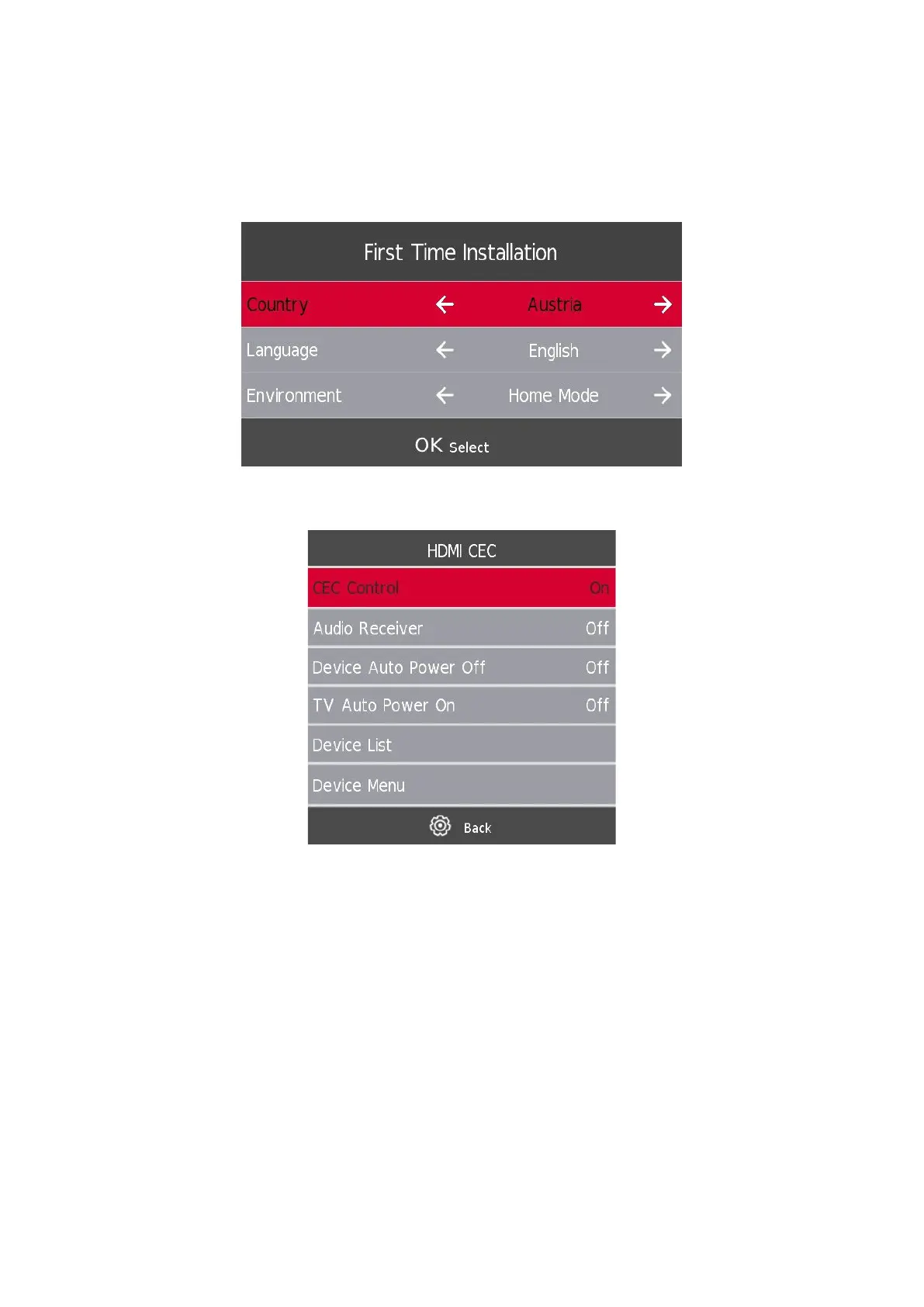
11.12. Environment - Home mode/Shop Mode
Press the s / w button to select the desired environment, e.g. Home Mode or Shop Mode.
11.13. HDMI CEC (Need to support the HDMI CEC/ARC function)
Press the s / w button to select HDMI CEC, then press the Enter/OK button to enter the sub-menu.
HDMI CEC Press the a / d button to turn the HDMI CEC on or o.
HDMI ARC Press the a / d button to turn the HDMI ARC on or o.
Auto Standby Press the a / d button to turn the Auto Standby on or o.
Device List Press the Enter button to open the main menu of device.





 To Next Page