26
9.2. Set Password
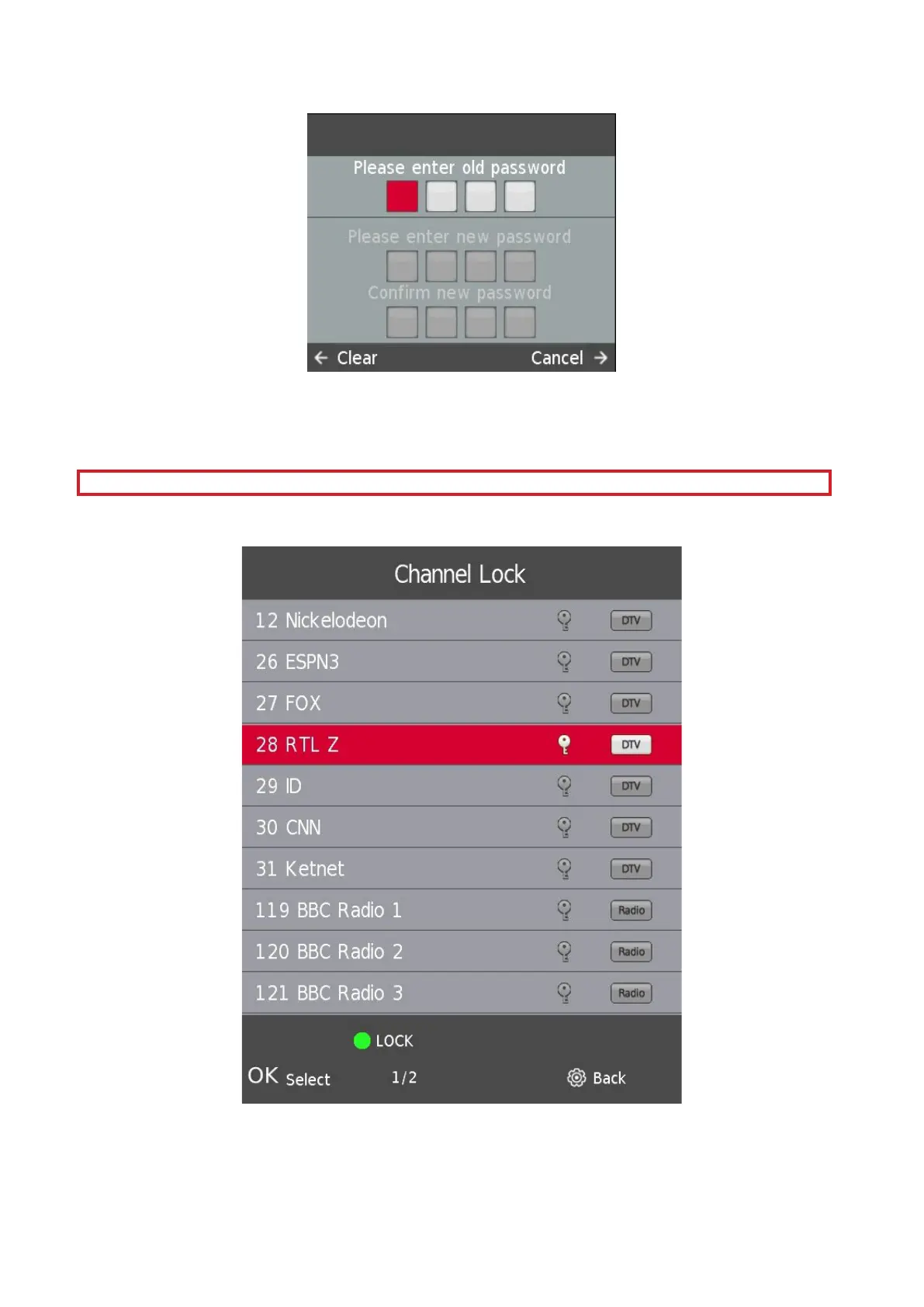
Press the s / w button to select Set Password, then press the Enter/OK button to enter sub-menu to set new
password.
In order to set a new password, please enter the TV's Default password 1111.
Please continue with a set-up of your new password.
Please use Master pin 9876 to restore the settings of the TV and when you forgot your own password
9.3. Channel Lock
Press the s / w button to select Channel Lock then press the Enter/OK button to enter sub-menu to select.
Press the Green button to lock or unlock the channel.





 To Next Page