38
Press the a / d button to select the drive disk you want to watch, then press the Enter/OK button to proceed.
Press the Enter/OK button to play the selected movie.
Press the Enter/OK button to select the video le, then press the Enter/OK button to operate.
Press the BACK button to go back to the previous menu and Enter/OK button to quit the entire menu.
12.4. Text Menu
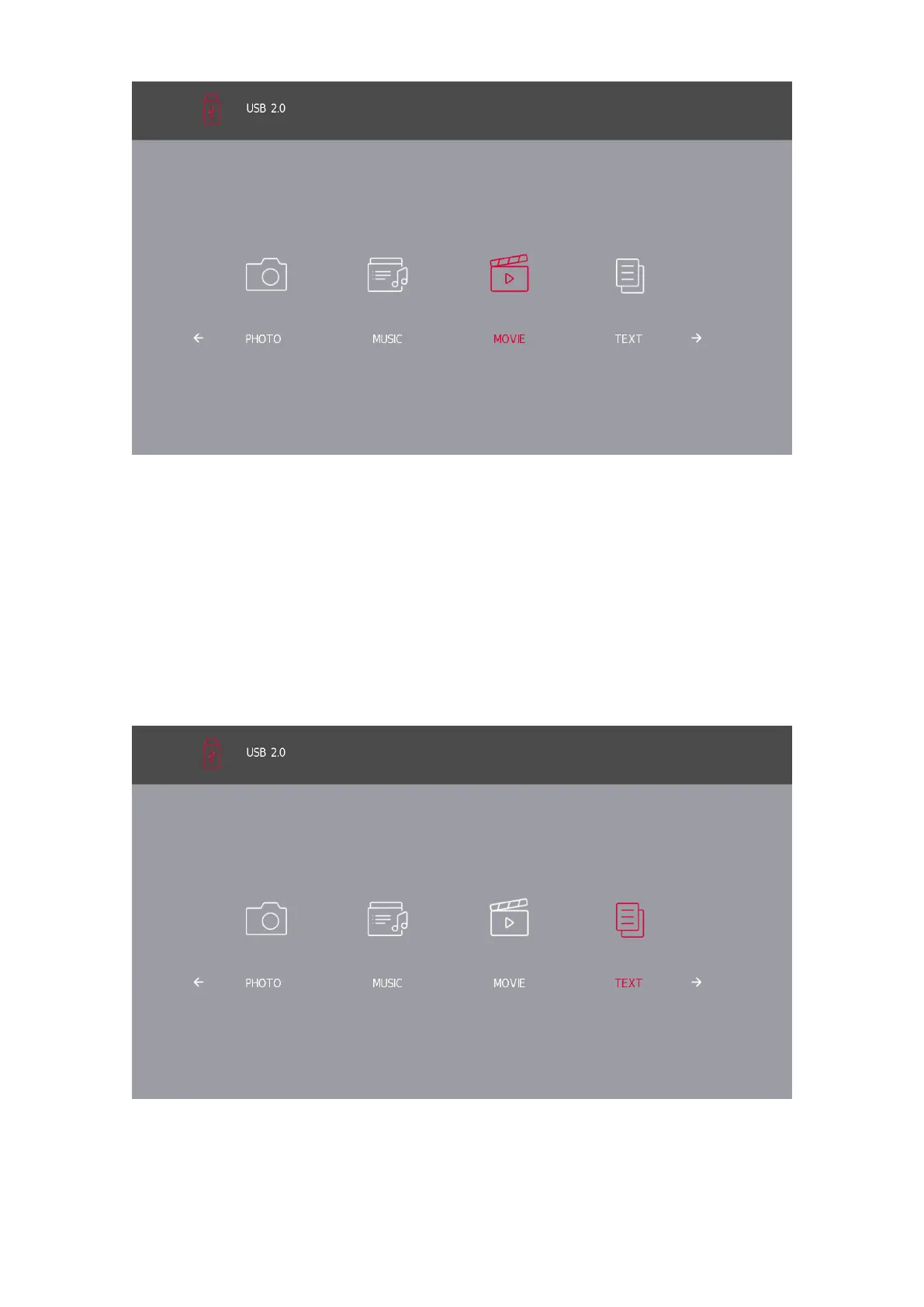
Press the a / d button to select the TEXT in the main menu, then press the Enter/OK button to enter.
Press the BACK button to return to the previous menu.
Press the a / d button to select the drive disk you want to watch, then press the Enter/OK button to enter.
Press the a / d button to select the return option to go back to the previous menu.
*Supported text formats: .txt les.





 To Next Page