22
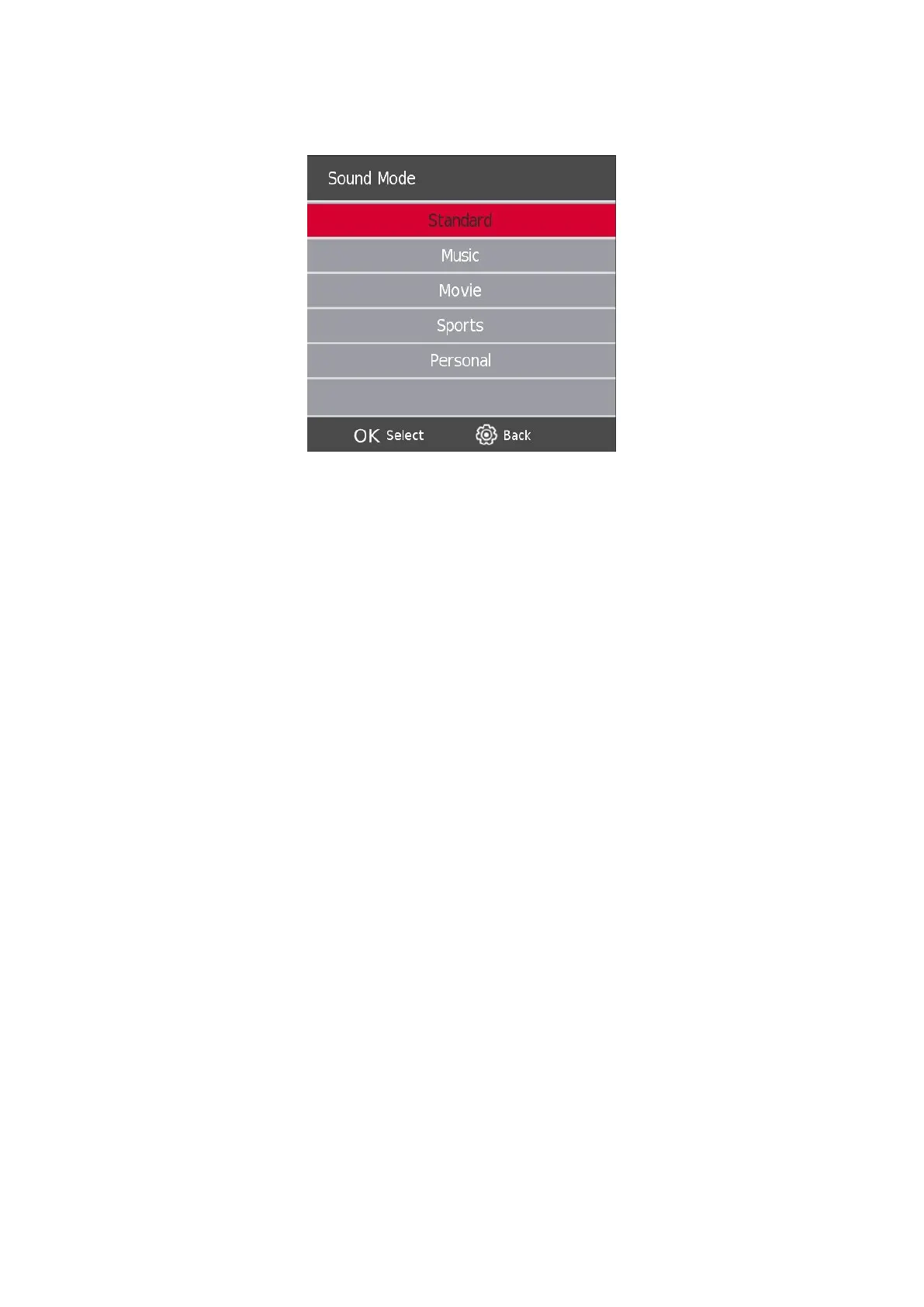
7.1. Sound Mode
Press the s / w button to select Sound Mode, then press the Enter button to enter sub-menu. Press the s/w
button to select.
You can change the value of Treble and Bass when the sound is in Personal mode.
Standard Produces a balanced sound in all environments.
Music Preserves the original sound. Suitable for musical programs.
Movie Enhances treble and bass for a rich sound experience.
Sports Enhances vocals for sports.
Personal Select to customize picture settings.
NOTE:
The treble and bass are only available in personal mode, you can adjust them as you like.
Balance
Press the s / w button to select the option, Press the a / d button to adjust.
Auto Volume level
Press thes / w button to select Auto Volume level, then press the a / d button to select On or O.
SPDIF Mode
Press the s / w button to select SPDIF Mode, then press the a / d button to select O / PCM / Auto.
AD Switch
Press the s / w button to select AD Switch, then press the a / d button to select On or O.
NOTE:
Balance: This function can adjust the speaker’s output.
Auto Volume: This function is used for reducing the dierence between channel and program’s volume
automatically.





 To Next Page