17
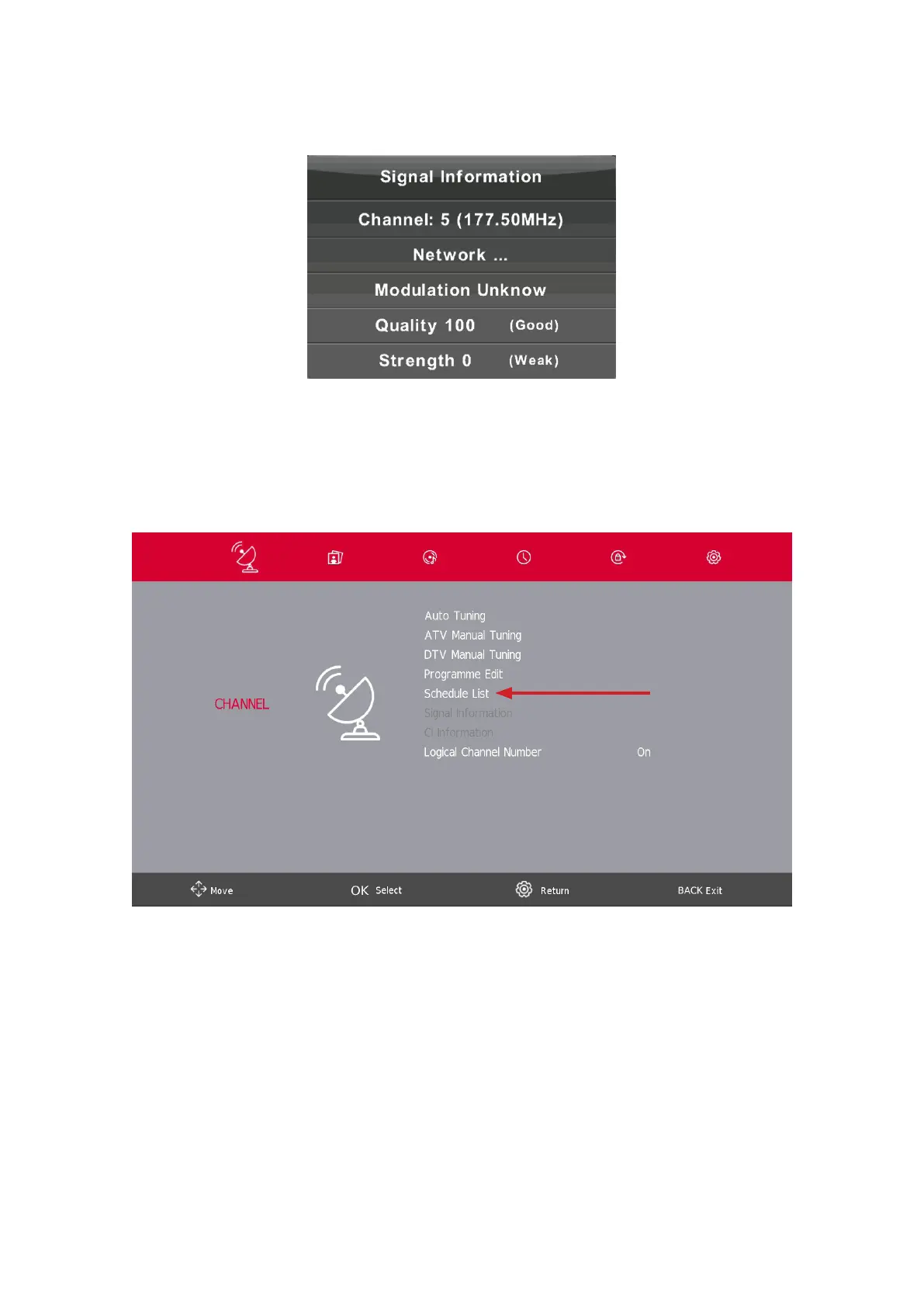
5.6. Signal Information
Press the s / w button to select Signal Information, press the Enter button to see the detail information about
the signal. Only available when there is signal in DTV.
CI Information (If CI function is supported)
Press the s/ wbutton to select CI Information, then press the Enter button to display details if you have inserted
the CI card.
The CHANNEL List in Satellite Source. (If DVB-S2 function is supported)
Schedule list is selectable with PVR software installed





 To Next Page