Receiver Descrambler - User Manual (release 7.3.1)
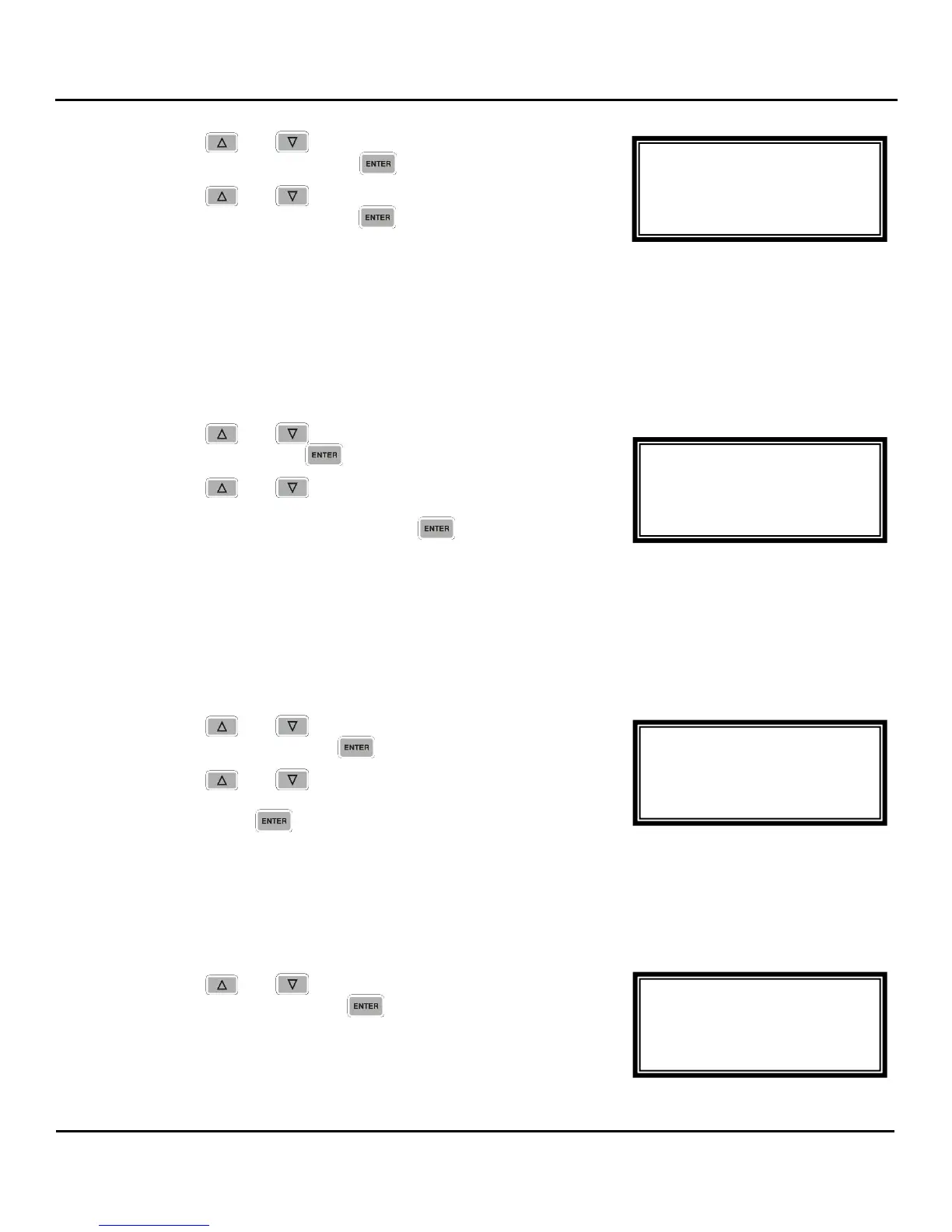
1. Use the and buttons to move the cursor to
“SwtchOver:” then press the button.
2. Use the and buttons to select “TrigTsErr” or
“TrigDecErr”, then press the button to save the
selection.
Note: Using “TrigDecErr” sets “Pri Rest” to “Never” and does not is to be changed.
Setting when to Restore to the Primary
Note: This is not changeable when using “TrigDecErr” (“Pri Rest” is set to “Never” is this case).
1. Use the and buttons to move the cursor to “Pri
Rest:” then press the button.
2. Use the and buttons to select “Never”,
“WhnPriRet” (When the Primary Returns), or “OnBkpFail”
(On Backup Failure), then press the button to save
the selection.
Setting the Switchover Timeout
The Switchover Timeout is the delay between the detection of the failure and the switch to either the
backup or back to the primary (controlled by the Restore to Primary setting) receive group.
1. Use the and buttons to move the cursor to
“Timeout:” then press the button.
2. Use the and buttons to select the time in
seconds (from 0 to 10 seconds in 0.5 second intervals),
then press the button to save the selection.
Receive 1
This section allows the user to setup the receive function of the first receive group.
1. Use the and buttons to move the cursor to
“Receive 1” then press the button.
MPEG/IP 1-4
Timeout:0.5s
►Receive 1
Receive 2
MPEG/IP 1-4
SwtchOver:TrigTsErr
Pri Rest:Never
►Timeout:0.5s
MPEG/IP 1-4
SwtchOver:TrigTsErr
►Pri Rest:Never
Timeout:0.5s
MPEG/IP 1-4
Active Group:1
Pri Group:1
►SwtchOver:TrigTsErr



 To Next Page