Receiver Descrambler - User Manual (release 7.3.1)
Group Selection Settings
This section allows the user to specify which Receive Group is active (Receive 1 or Receive 2), if one of the
receive groups acts as a backup for the other receive group (setting the “Active Group:” to “Auto”) and then
setting the backup options.
The backup options assign a primary receive group, what is used to trigger the switchover to the backup
receive group, when the Primary should be restored and the timeout before switching to the Backup or
restoring to the Primary.
The unit is usually configured to have either the MPEG/IP backup enabled or the Input Option backup
enabled, not both.
Selecting the Active Receive Group
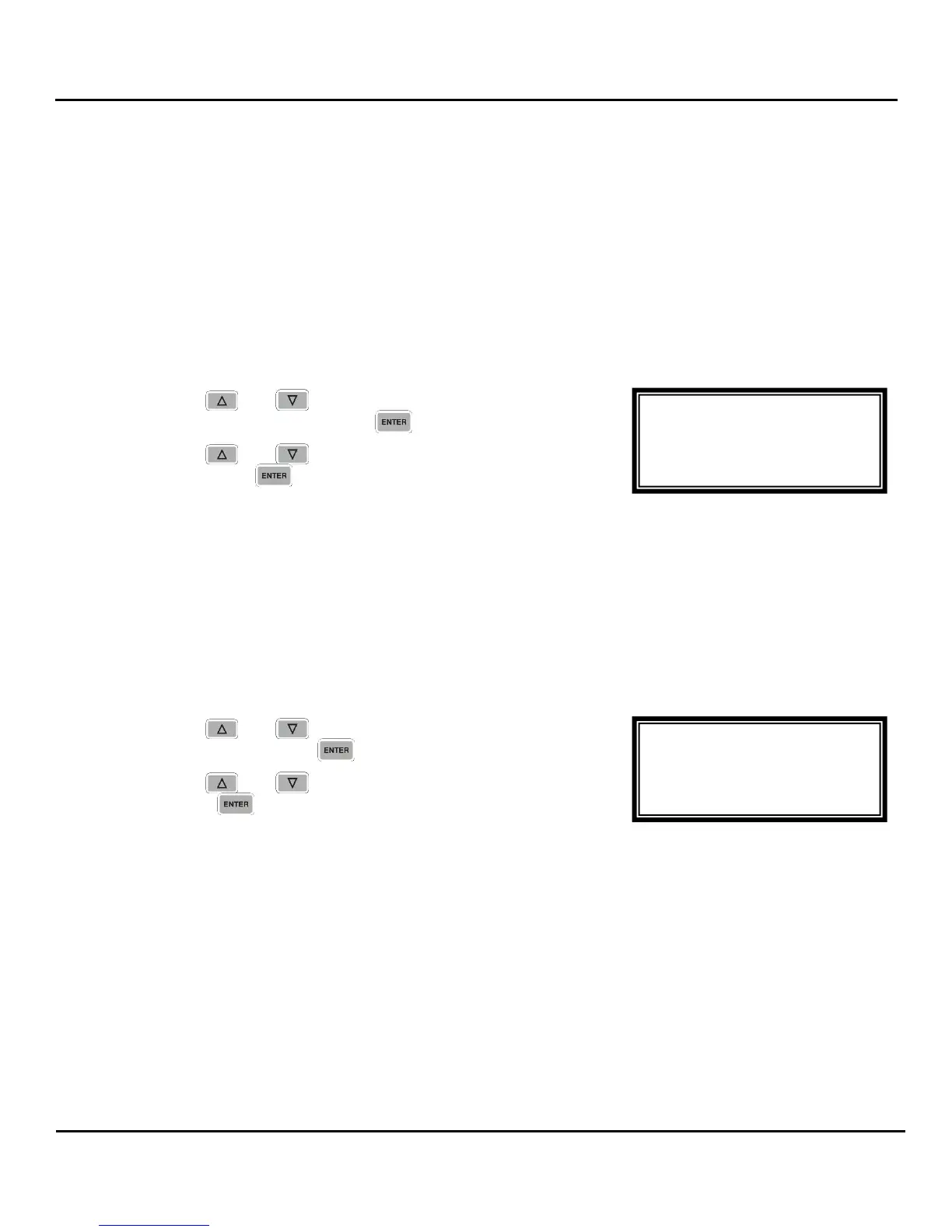
1. Use the and buttons to move the cursor to
“Active Group:” then press the button.
2. Use the and buttons to select “1”, “2” or “Auto”,
then press the button to save the selection.
Note: Using “Auto” will enable the backup functionality.
Note: When the backup functionality is being used, the user can choose which Receive Group is being
used as follows: setting the “Pri Group:” to the desired group or by setting the “Active Group:” to the
desired group, and then activating the backup functionality again by setting the “Active Group:” to
“Auto”.
Setting the Primary Receive Group
Note: The Receive Group that is not selected as the Primary Receive Group will be the Backup
Receive Group.
1. Use the and buttons to move the cursor to “Pri
Group:” then press the button.
2. Use the and buttons to select “1” or “2”, then
press the button to save the selection.
Setting the Switchover Trigger
This sets the failure that is used to initiate a switchover to the backup. It is either a failure of the
Receive Group reception (“TrigTSErr”) that is detected by a lack of TS Presence in the Receive Group,
or when the video cannot be decoded (“TrigDecErr”).
When “TrigDecErr” is used, the “Pri Rest” (Primary Restore) will be set to “Never” and the “Pri Rest:”
option is not presented. This is done because the Primary restore uses the TS Presence (“TrigTSErr”)
to detect when the primary is present, and unstable operation could take place if the switchover triggers
are not consistent.
MPEG/IP 1-4
Active Group:Auto
►Pri Group:1
SwtchOver:TrigTsErr
MPEG/IP 1-4
►Active Group:Auto
Pri Group:1
SwtchOver:TrigTsErr



 To Next Page