1 SpeedTouch™ Installation
E-SIT-CTC-20030306-0003 v3.0
16
1.2.3 SpeedTouch™ USB Connection Setup for Mac
Operating Systems
Supporting Operating
Systems
Installing and using the SpeedTouch™ USB connection is supported for the following
Mac Operating Systems:
• Mac OS 8.6/9.x
• Mac OS X 10.1/10.2 (or later)
Minimal system
requirements
For Mac OS 8.6/9.x:
• 640 kilobytes (KB) of free disk space.
For Mac OS X 10.1/10.2:
• 118 megabytes (MB) of free disk space (during installation).
Prerequisites Make sure to remove any previous SpeedTouch™USB or SpeedTouch™330 installation
that may reside on your computer before you install the USB drivers from the Speed-
Touch™Setup CD-ROM.
Make sure not to plug in the SpeedTouch™ USB interface to your computer as long as
installation of the USB drivers is not completed and your computer restarted.
Installing the
SpeedTouch™ USB
connection on a
Mac OS 8.6/9.x
platform
Make sure both your computer and SpeedTouch™ are turned on and operational.
Proceed as follows:
1 Insert the SpeedTouch™ Setup CD-ROM.
2 Open to the OS9 folder on your CD-ROM drive and double-click Installer to
start the installation procedure.
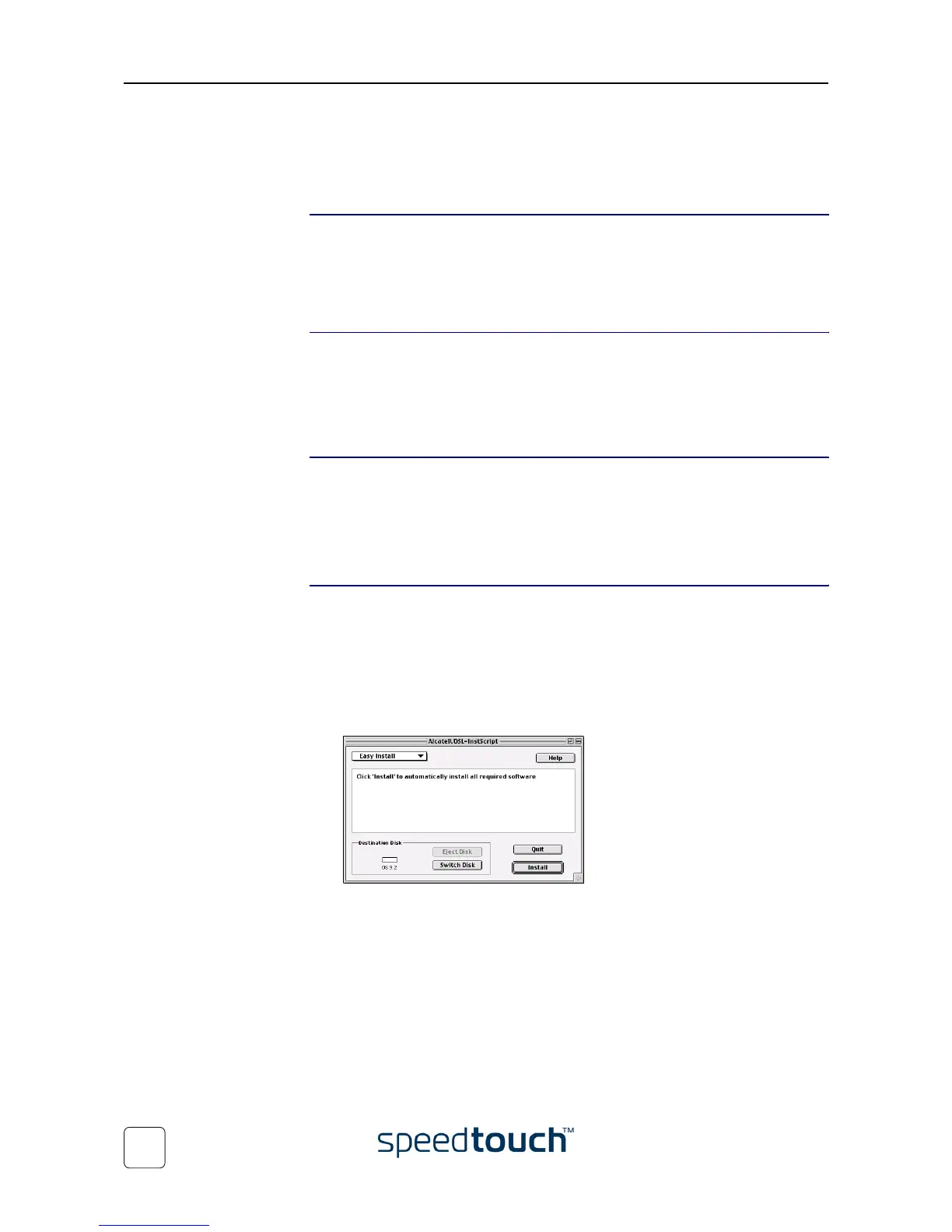
3 The installation window appears:
Make sure that Easy Install is selected in the drop-down list box and click Switch
Disk to select your computer’s OS8.6/9.x partition.
Click Install to continue.
4 The installer installs the necessary files to your computer.















 To Next Page