1 SpeedTouch™ Installation
E-SIT-CTC-20030306-0003 v3.0
6
1.1 Getting Acquainted with the SpeedTouch™
Introducing the
SpeedTouch™
Prior to proceeding, please make sure to read first the SpeedTouch™Quick Installation
Guide. It provides important package content and safety information.
Check whether all items are present in your package.
In the event of damaged or missing items, please contact your local product dealer for
further information.
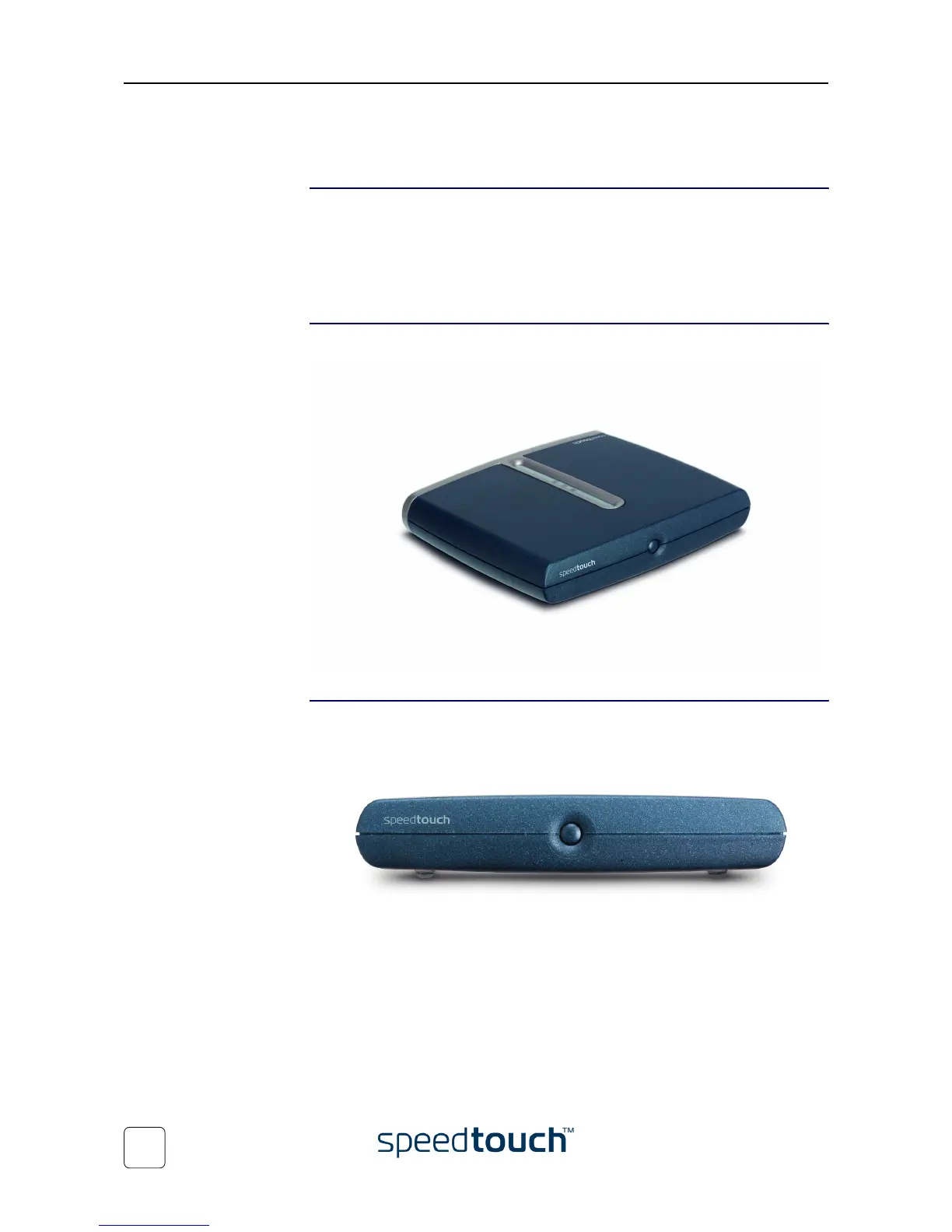
The SpeedTouch™ Your SpeedTouch™is presented in a slim line box:
Power on, power off The power on/off button is located on the SpeedTouch™ front panel:
To turn on the SpeedTouch™: press the button once shortly.
To turn off the SpeedTouch™: press the button until all LEDs turn off.
Note As soon as the SpeedTouch™ is powered via its power inlet, the device
starts up. If not press the front panel power button once shortly.















 To Next Page