2 SpeedTouch™ Internet Connectivity
E-SIT-CTC-20030306-0003 v3.0
39
2.3.1 Using the Windows XP Dial-in Client
Configuring a dial-in
connection on a
Windows XP platform
To create a new dial-in connection proceed as follows:
1 On the Start menu, click Control Panel.
2 The Control Panel window appears. Double-click Network Connections.
3 The Network Connections window appears. Click Create a new connection in
the Network Tasks menu.
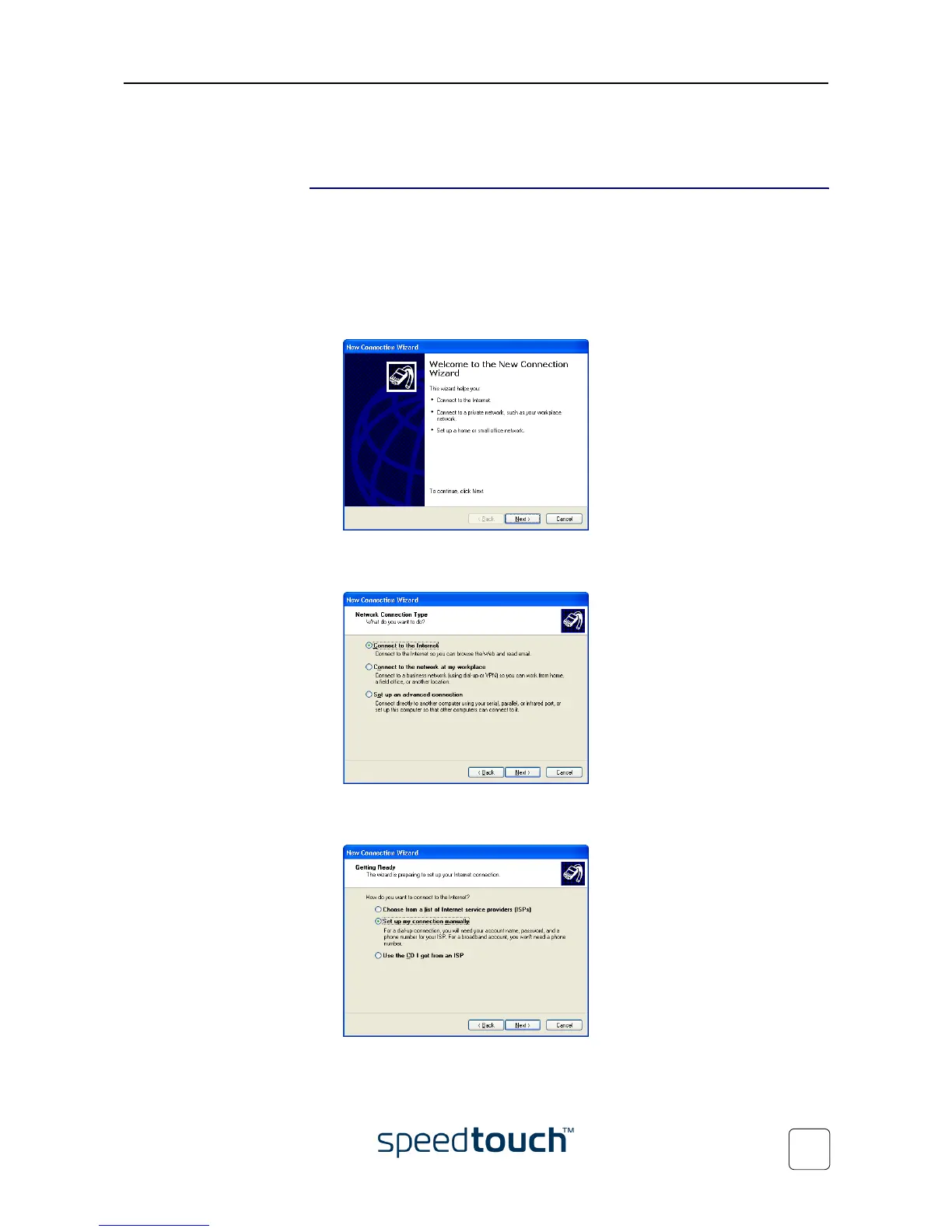
4 The New Connection wizard appears:
Click Next to continue.
5 The following window appears:
Select the Connect to the Internet option and click Next to continue.
6 The New Connection wizard asks you how you connect to the internet:
Select Set up my connection manually and click Next to continue.















 To Next Page