2 SpeedTouch™ Internet Connectivity
E-SIT-CTC-20030306-0003 v3.0
40
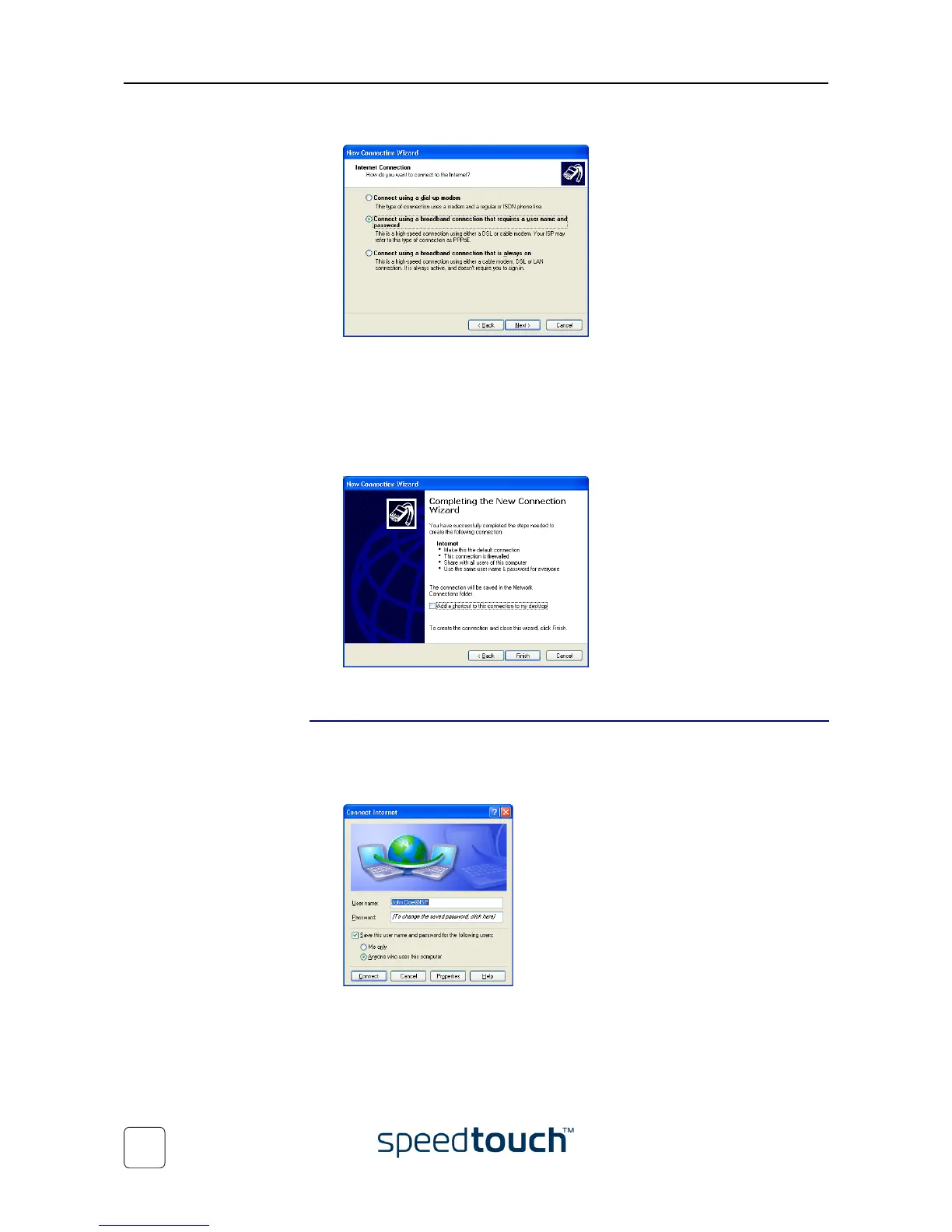
7 The New Connection wizard asks you how you connect to the internet:
Select Connect using a broadband connection that requires a user name and
password. Click Next to continue.
8 Subsequent screens will guide you through the wizard. Follow the instructions and
enter the required information where needed. This information should be pro-
vided by your Service Provider.
9 At the end of the configuration the following window appears:
Click Finish to complete the configuration.
Starting a dial-in
Internet session from
Windows XP
To connect to the internet proceed as follows:
1 On the Start menu, point Connect To and click Internet.
2 The Connect Internet window appears:
Enter User name and password if needed and click Connect.
3 Your computer connects to the internet.















 To Next Page