1 SpeedTouch™ Installation
E-SIT-CTC-20030306-0003 v3.0
27
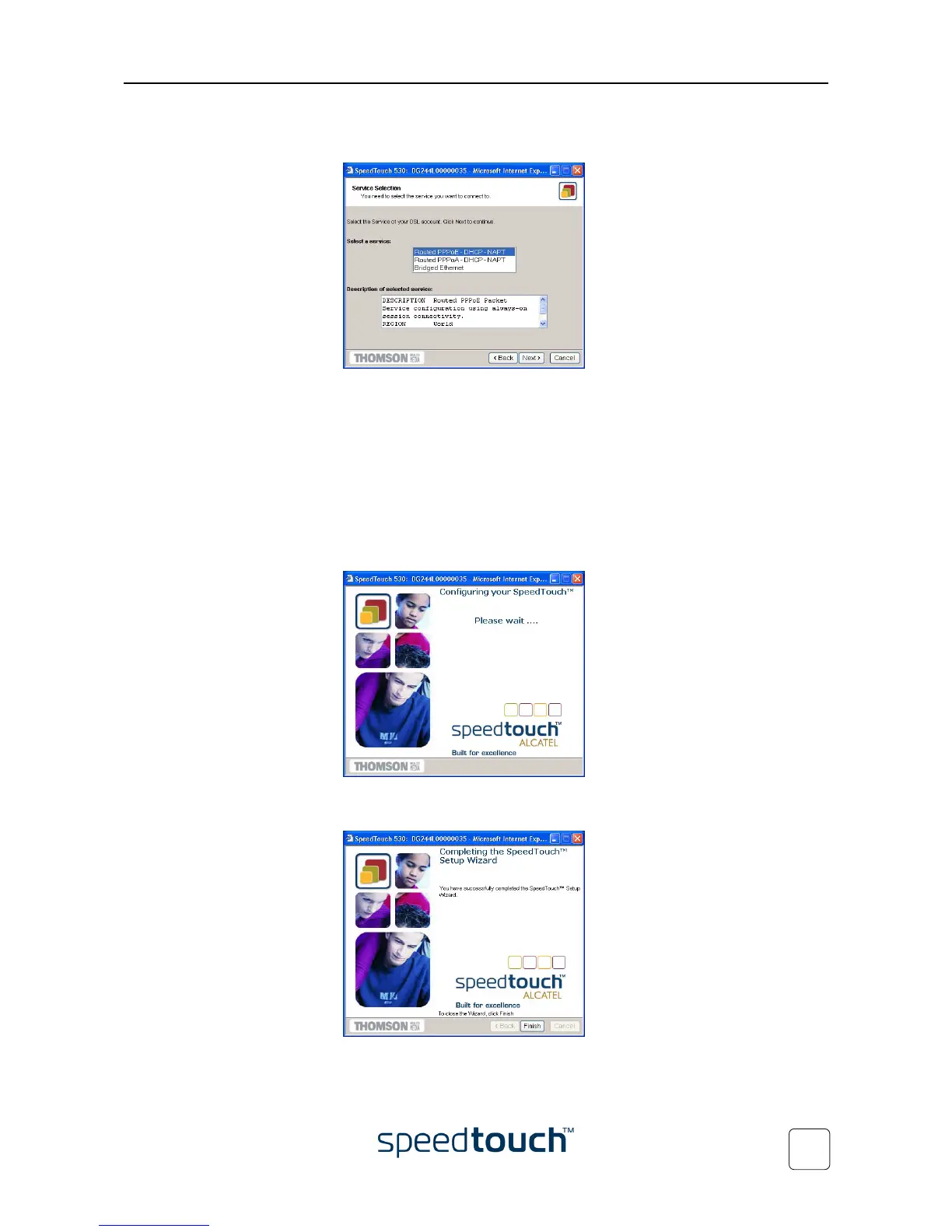
5 The following window invites you to select the appropriate connection profile for
your internet connectivity:
In the Service list, click the connection profile of your choice.
Note You can add services to the Services list by uploading templates.
See “ Templates” on page 58 for more information on uploading
templates.
6 Subsequent screens guide you through the configuration setup of both your
SpeedTouch™ and/or your PC. Follow the instructions and enter the required
information where needed. This information should be provided by your Service
Provider.
7 In a final step all configurations are applied to the SpeedTouch™:
8 The SpeedTouch™ Setup Wizard appears again to announce that the configura-
tion has been successful:
Click Finish to close the wizard.















 To Next Page