3 SpeedTouch™ Web Interface
E-SIT-CTC-20030306-0003 v3.0
61
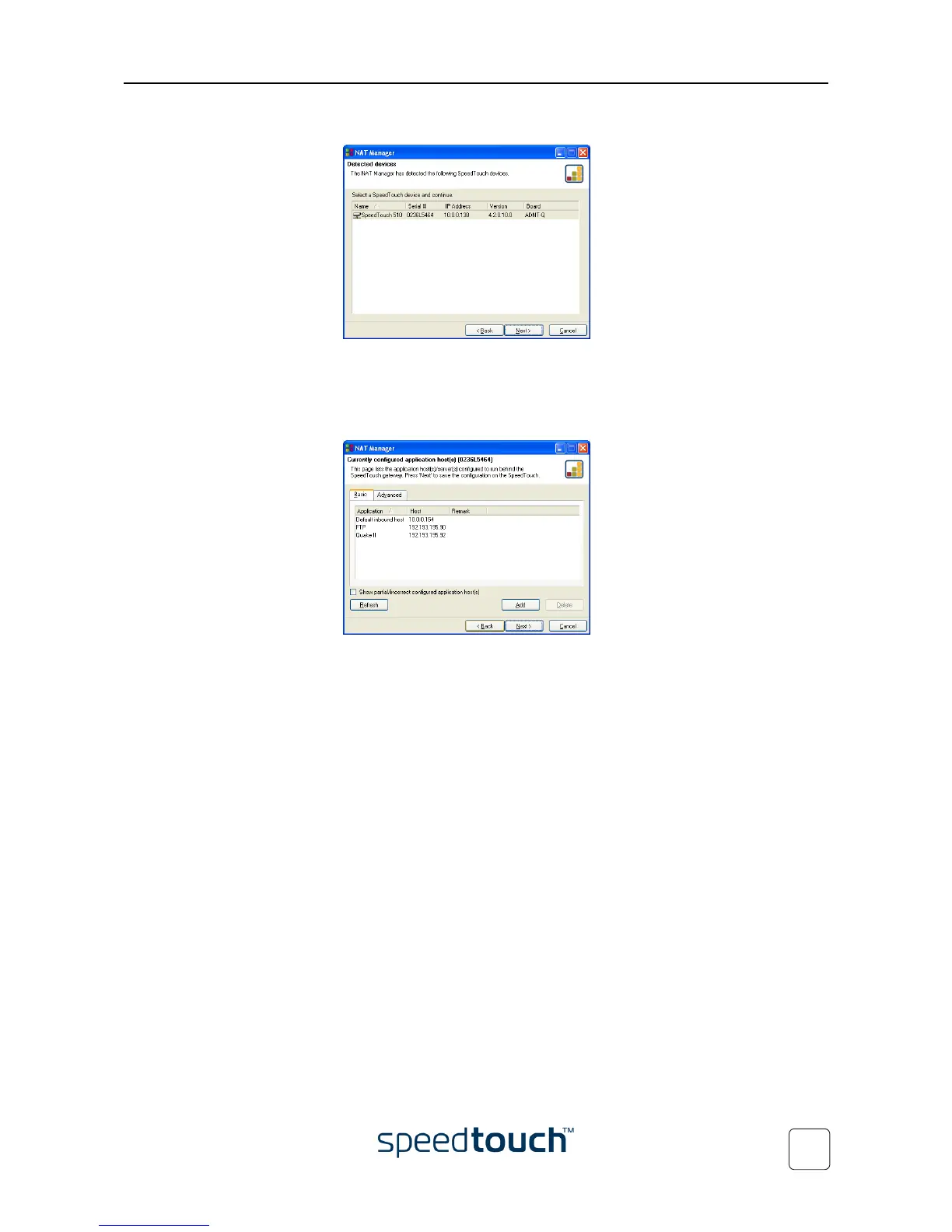
7 NAPT manager lists the SpeedTouch™ devices found on the network:
Select the SpeedTouch™ of your choice and click Next.
Note If your SpeedTouch™ is protected by a system password, the NAPT
manager will prompt you to enter your user name and password.
8 The following page lists the current application hosts:
Click Add to enter a new application host.
9 The Add Port Mapping window appears.
If you want to:
• Enter a port mapping for a specific application, click the Basic tab. Select an
application in the Application list and enter a host IP address.
• Manually add a static NAPT entries, click the Advanced tab. Select a
protocol in the Protocol list and enter Port and Host IP address in the
appropriate fields.
• Specify a default server IP address, click the Default inbound host tab. Enter
the new IP address in the Host IP address field.
Click Set to add your entry to the list.















 To Next Page