Chapter 3
Internet Connectivity Dial-In Clients
E-DOC-CTC-20050429-0103 v1.0
41
Starting a broadband
Internet session
Proceed as follows:
1 On the Start menu, point Connect To and click the name of the connection
you’ve created, for example YourISP.
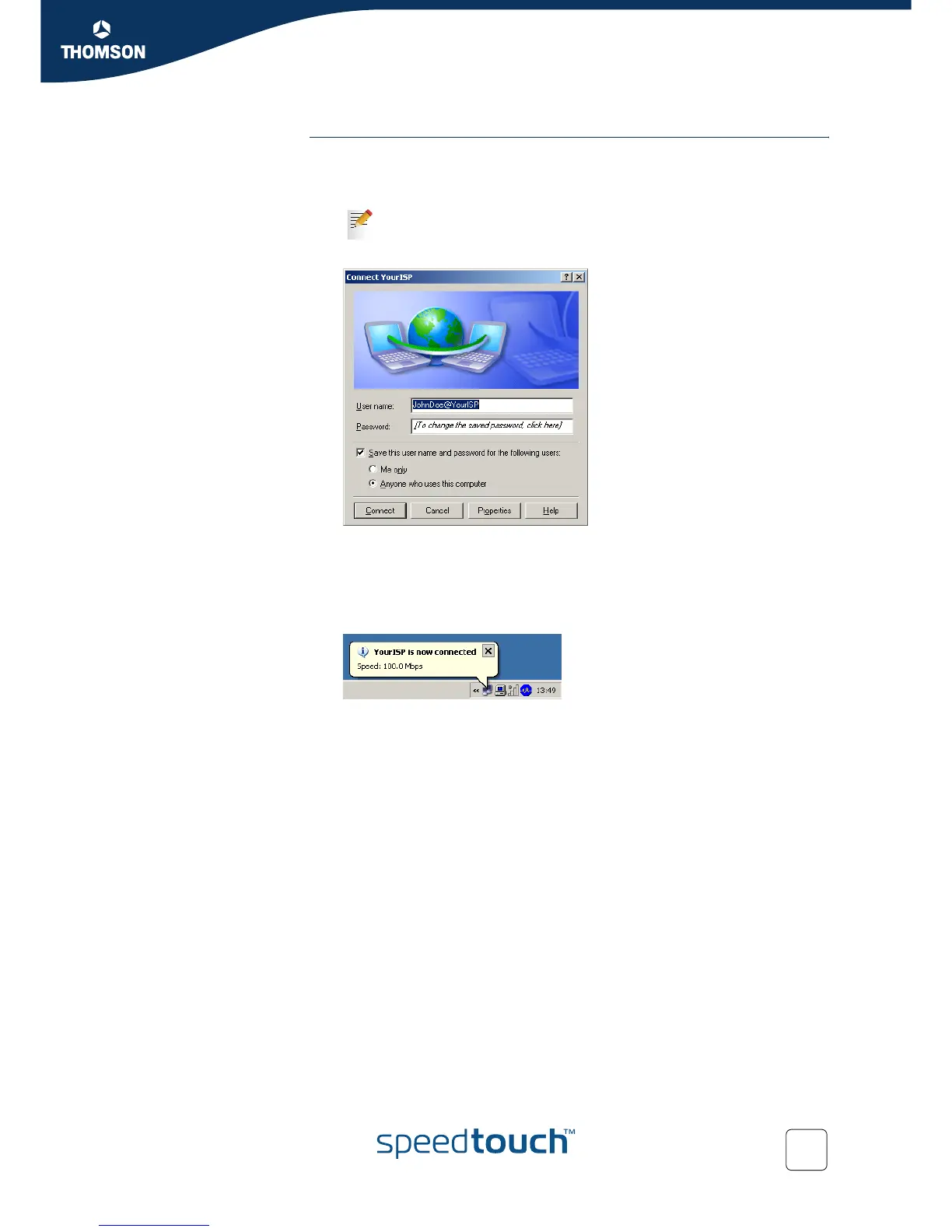
2 The Connect YourISP window appears:
3 If requested, enter user name and password for your user account at the
Service Provider.
4 Click Connect.
5 As soon as the connection is established, the Connection message box and
Dialup window are minimised into an icon in the notification area:
6 You can open your web browser and surf the Internet.
If you are using the Classic Start menu click Start > Settings >
Network (and Dial-up) connections > YourISP.















 To Next Page