Robotics RB5 Development Kit Hardware User Manual
Copyright© 2020 Thundercomm Technology Co., Ltd. All rights reserved.
5
2 Start the board
2.1 Required equipment
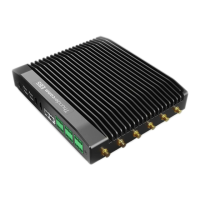
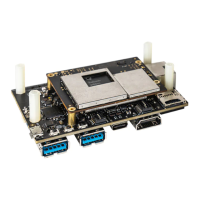
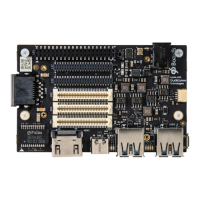
Qualcomm® Robotics
RB5 Development Kit
SOM based on the Qualcomm® QRB5165 processor
IO based on 96board requirement
12 V with 2500 mA required per 96Boards specification
For serial console interface and ADB, Fastboot commands
For connecting the USB3.0 Type C port and flashing images
For connecting the board and installing Fastboot
2.2 Ubuntu Embedded OS startup process
Display is not supported in the LE OS.
1. Open the serial console tool on host PC (for example: minicom).
2. Turn on SW2 on the Dip Switch#1 (see section 1.2.2, #16) to enable the USB2.0 debug
port (see Section 1.2.2, #21).
3. Turn on SW3 on the Dip Switch#1 (see section 1.2.2, #16) to enable the auto power up
on (along with power connector).


 To Next Page