1
21
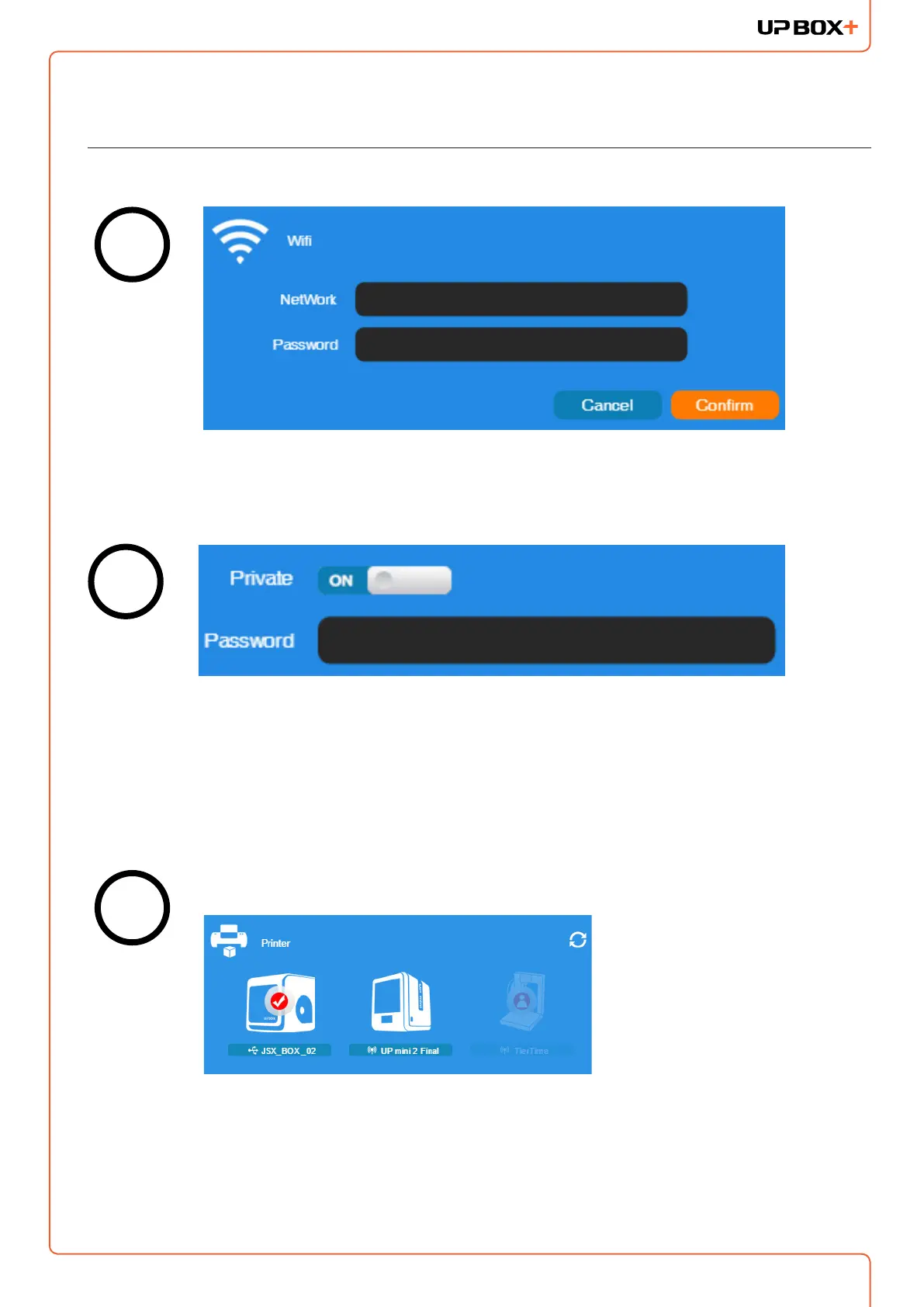
Disconnect USB and by clicking an icon, choose an available printer on the
network to operate through Wi-Fi.
Printer Tab
If “Private” is set to ON, a private password can be optionally added to limit
the printer access via Wi-Fi to trusted users. Please note that the password
for private access is a weak protection that anyone who can connect the
printer through USB connection can disable or change the password
without any limitation.
Input the password for the Wi-Fi network.
4
5
6
tier



 To Next Page