1
30
Merging and Saving Models
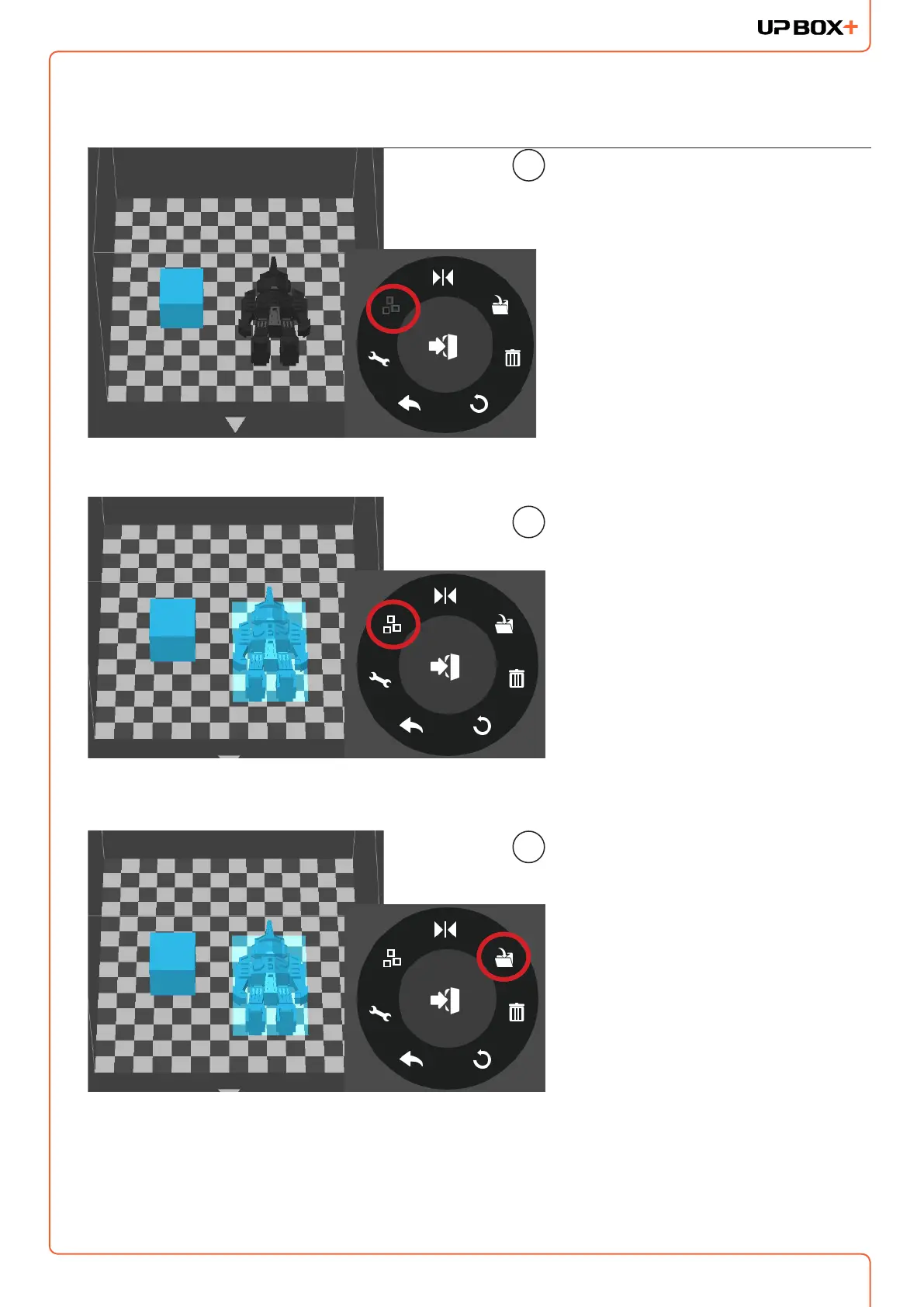
Ctrl/CMD-click all the models on the
build plate.
The Merge button on the second
level of the adjustment wheel will
become available. Click the "Merge"
button to merge the models.
1
2
Click the "Save" button to save the
merged models to the comptuer.
3
If models place too closed together, their raft could overlap whcih could hinder extrusion.
Merging convert all selected models into one single model, thus it raft would be calculated
as a single models without overlapping. Merging could be a convenient option if user want to
preserve the relative postions of a set of models.



 To Next Page