1
8
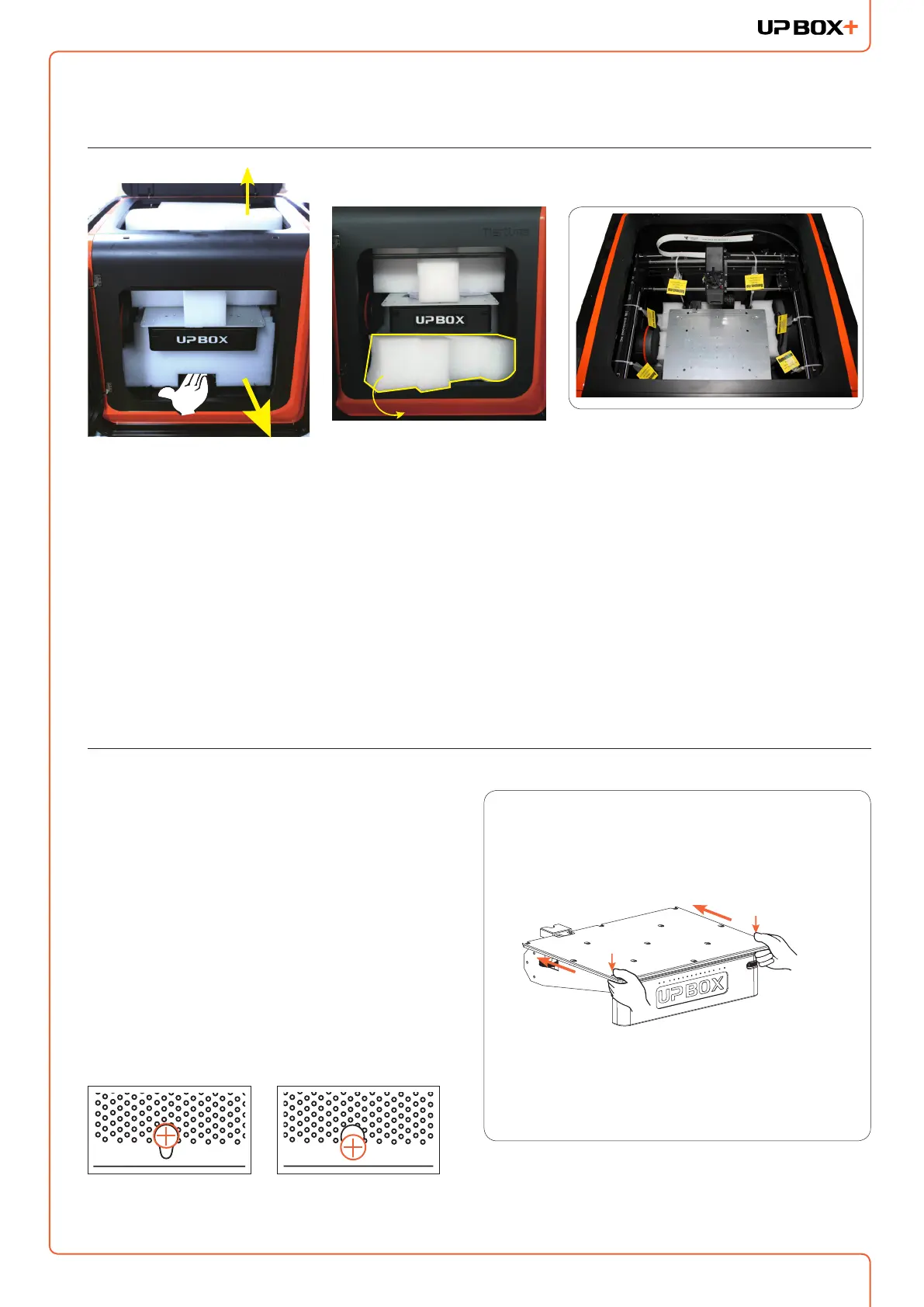
Unpacking: Remove Foams and Nylon Ties
Lay down the foam at the bottom, turn it 90 degrees to
remove, and no need to lift the platform.
Remove the nylon ties (labelled with "Remove me") from the
smooth rods.
Keep the packaging material handy. You may need it when
shipping the product in the future.
Installing Print Board
1. Position the print board on the build platform so
that all the at head screws on the heating plate
are inside the holes on the print board.
2. Press the print board and the heating plate
together at the lower left and lower right corners.
Then slide the print board forward to lock it onto
the heating plate.
3. Make sure all holes are locked properly so that
the print board is at.
4. Install or remove the print board when the
platform and print board are cool.
Unlocked Locked
Install Print Board
90°



 To Next Page