1
40
Fine Manual Calibration
Initialize the printer
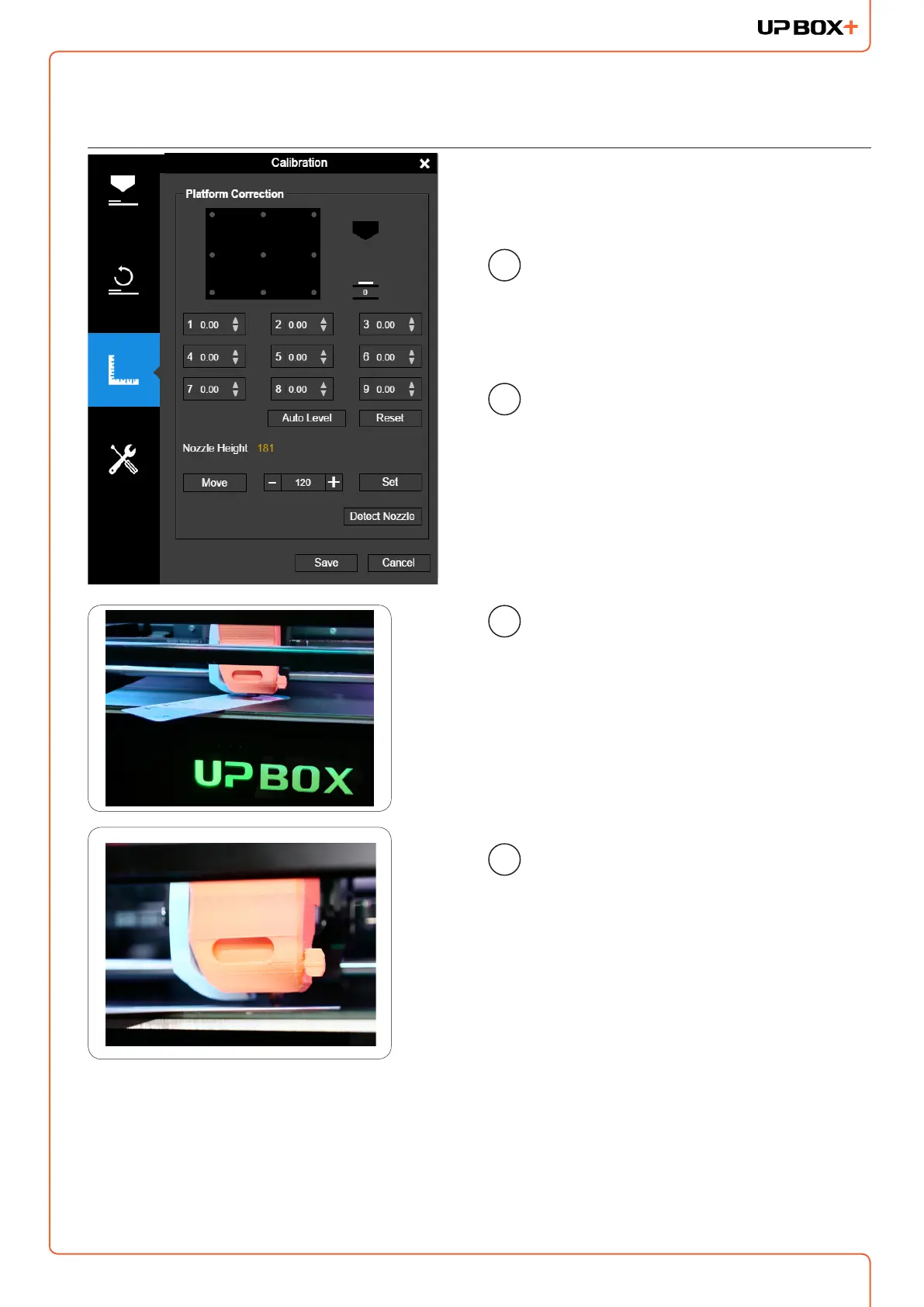
Press button 5 to move the
print head to corresponding
position. Then press the "+"
button to raise the platform.
Open the calibration interface.
Press the "Reset“ button to set
all the compensation values to
zero.
1
2
3
4
Raise the platform until it is
just touching the nozzle. Put
Calibration Card between the
nozzle and the platform, move
the Calibration Card to see if
there is any resistance.
To learn more about how to use calibration card please go to our website (up3d.com) to
get the latest software and user manual.



 To Next Page