5--13
38
OPERATING B UT-
TONS ACTIVE DUR-
ING THE AUTOMATIC
CYCLE
F9 = MAIN MENU: press this button to return to the working mode selection menu.
F8 = BLADE THICKNESS: this option gives access to programming of the BLADE
THICKNESS. This parameter i s very important because the bar infeed system oper-
ates in zero setting mode, therefore the value of the scrap produced by the disk must
be added to the size of the piece to be processed. Adding and subsequent divisio n by
the number of runs necessary to obt ain the required measurement, will be carried out
independe ntly on the control console.
F7 = SING/CONT CYCLE: this operation i s more easily understood if the SINGLE
CYCLE is called the CHANGE TOTE---BOX cycle. In practice, when a number of
measurements and pieces are programmed for the same bar, this option allows them
to be kept separate, stopping the machine at the end of each programme.
Inserting and locking the workpiece
Initially the machine could be configured in any way, therefore the first series of
operations to be carried out is to set the machine for the material to be cut.
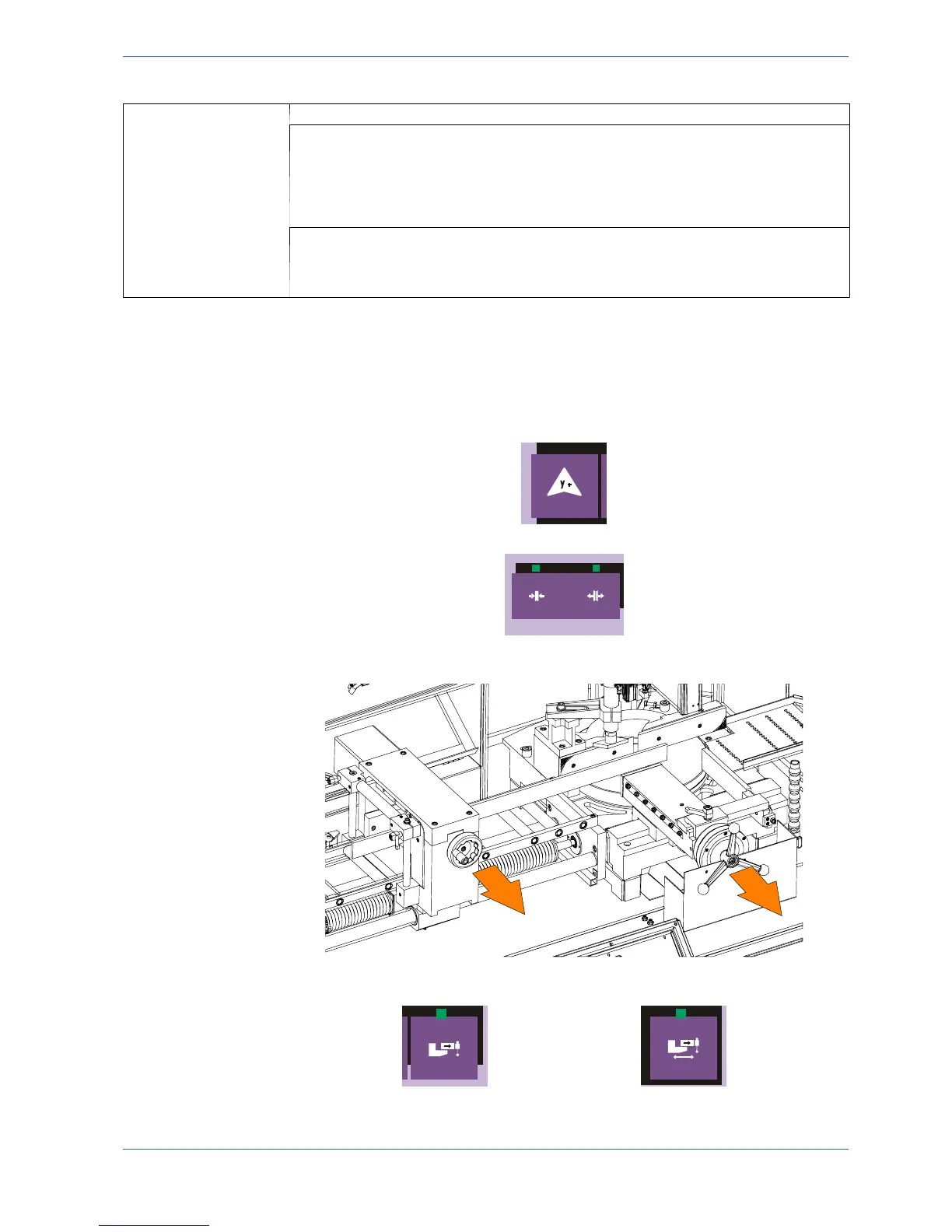
" Bring the cutting head to the upstroke limit, using the manual head lift but-
ton;
" Release the protection by pressing the relevant key;
" open the cutting vice and the infeed vice by rotating the relative handwheels;
then adjust the position of the anti---chip vice indicated by the arrow.
" After this second operation, check that the pneumatic piston is in open posi-
tion. To do this, use the supply vice and cutting vice opening buttons.
It is advisable to use the buttons a number of times, to be totally familiar with
operation.


 To Next Page