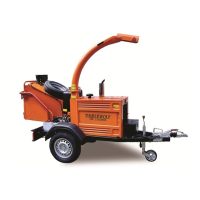
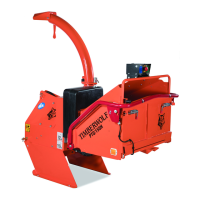
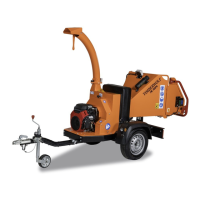
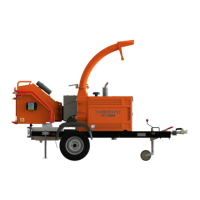
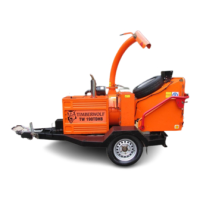
All Timberwolf TW 150VTR machines have a full pre - delivery inspection before leaving the factory and
are ready to use. Read and understand this instruction manual before attempting to operate the
chipper. In particular, read pages 5-7 which contain important health and safety information and advice.
CHAINSAW safety helmet fitted with visor
and recommended ear defenders to an
appropriate specification.
HEAVY-DUTY gloves with elasticated wrist area.
CLOSE - FITTING heavy-duty non-snag clothing.
SAFETY footwear.
FACE MASK (if appropriate).
See page 5 for more detailed information.
DELIVERY
OPERATOR’S PERSONAL PROTECTIVE EQUIPMENT REQUIRED
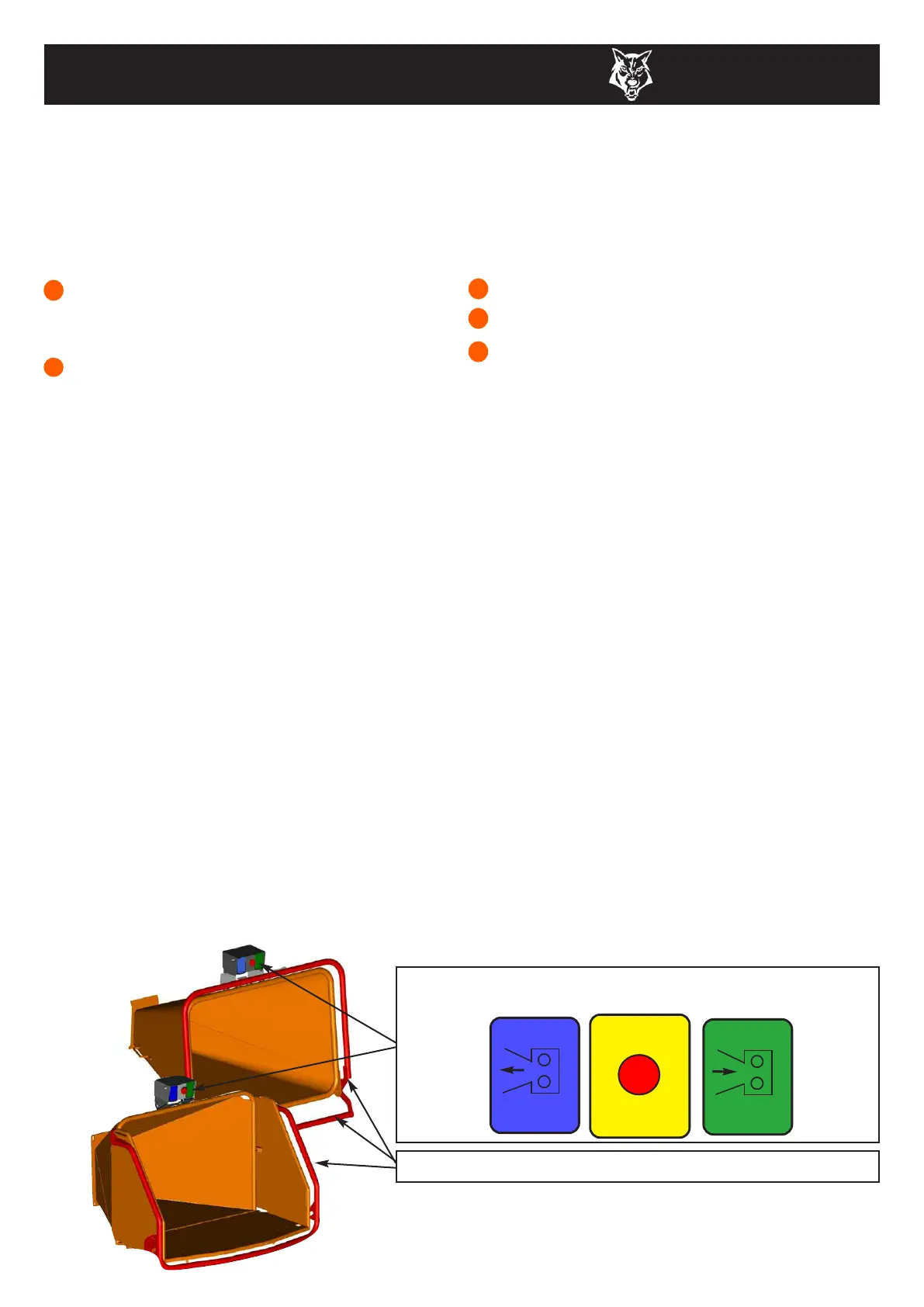
MANUAL CONTROLS
OPERATING INSTRUCTIONS
8
TIMBERWOLF
TW 150VTR
GREEN
FORWARD
FEED
PANEL
BLUE
REVERSE
FEED
PANEL
RED STOP FEED -
EMERGENCY STOP BUTTON
RED SAFETY BAR
P
U
S
H
T
O
S
T
O
P
P
U
L
L
T
O
R
E
S
E
T
Roller control box - is the control box above the feed opening of the chipper funnel. Its function is to control
the feed rollers. The feed rollers draw material into the machine. It does not control the main rotor.
RED SAFETY BAR = This is the large red bar that surrounds the sides and top of the feed funnel (sides
and bottom on high funnel). The bar is spring loaded and connected to a switch that will interrupt the
power to the rollers. The switch is designed so that it only activates if the bar is pushed (pushed or
pulled...low funnel only) to the limit of its travel. The rollers stop instantly, but can be made to turn again
by pressing either the
GREEN FEED or BLUE REVERSE control buttons.
LOW SAFETY BAR = An additional safety bar is located along the bottom of the low funnel. This is
linked directly to the main bar, and will stop the rollers if pushed only. Pulling this bar will only move it
into its ‘stowed’ (up) position.
GREEN BUTTON = Forward feed - Push the button once - this activates the rollers and will allow you
to start chipping (if the rotor speed is high enough).
RED BUTTON = Emergency stop - This button stops the rollers from feeding. It overrides all other
buttons or bars and will not allow the other buttons to function until it has been reset. Pull the button out to
reset, the forward and reverse buttons will now function.
BLUE BUTTON = Reverse feed - allows you to back material out of the rollers. The rollers will only turn
in reverse as long as you keep pressing the button. You do not have to press the STOP button before
pressing the
GREEN FEED button to recommence feeding. NOTE: This reverse function will work
even if the safety bar is pushed or pulled.
Do not rely on the red bar to keep the rollers stationary if it is
necessary to clear or touch the rollers. Always switch off the
machine and remove ignition key before approaching the rollers.
Control Panel Diagram



 To Next Page