L Browser/DTMF/DND/ Menu/MSG/Status/Book/Fwd/PickUp/Group pickUp/Intercom/
Speed Dial
To configure a DSS key via phone user interface:
PATH: Press Menu-->Features-->Programmable keys-->DSS keys;
3.24.Hoteling
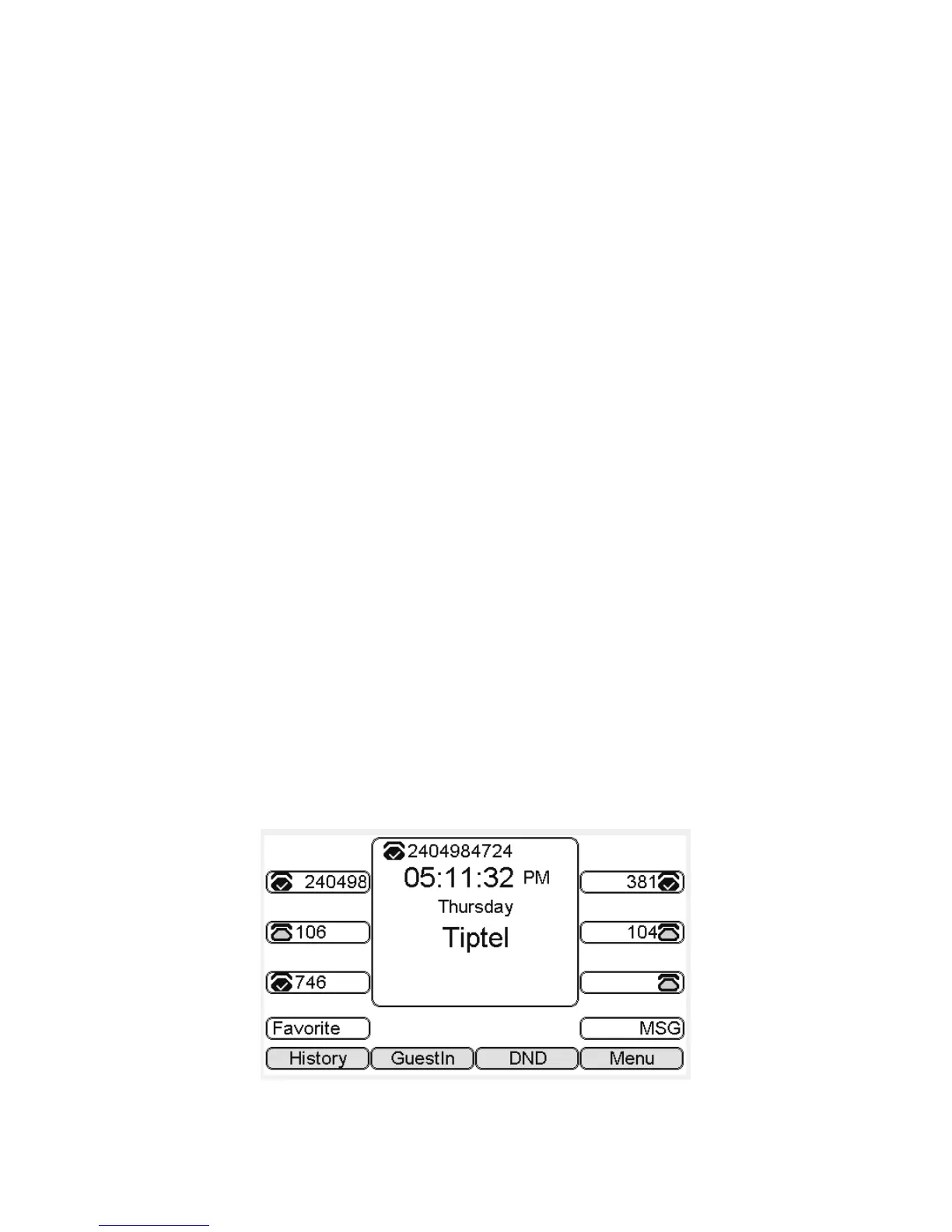
Hoteling function enables the customer to login the own sip account on the Host ip phone,
after login to the phone, the customer can use his own guest account on the host ip phone.
Note: Hoteling is supported by Broadsoft platform, Please consult your administrator further information.
Application:
1、Remote Work
1.1. User goes to the branch office, his own extension number is 4723 in head office;
1.2. User uses the remote work function, find a idle host ip phone;
1.3. User can login the extension number 4723 on this host ip phone, to call in and out
using his own extension number.
2、Work on different time division
2.1. Users A and B work on different time division at a same table with a same host ip
phone, their extension numbers are 4722 and 4723.
2.2、A logins the extension number 4722 in the morning,logout after leave.
2.3、B logins the extension number 4723 in the evening, using the number 4723 to call in
and out, logout after leave.
The host ip phone number is 2404984724



 To Next Page