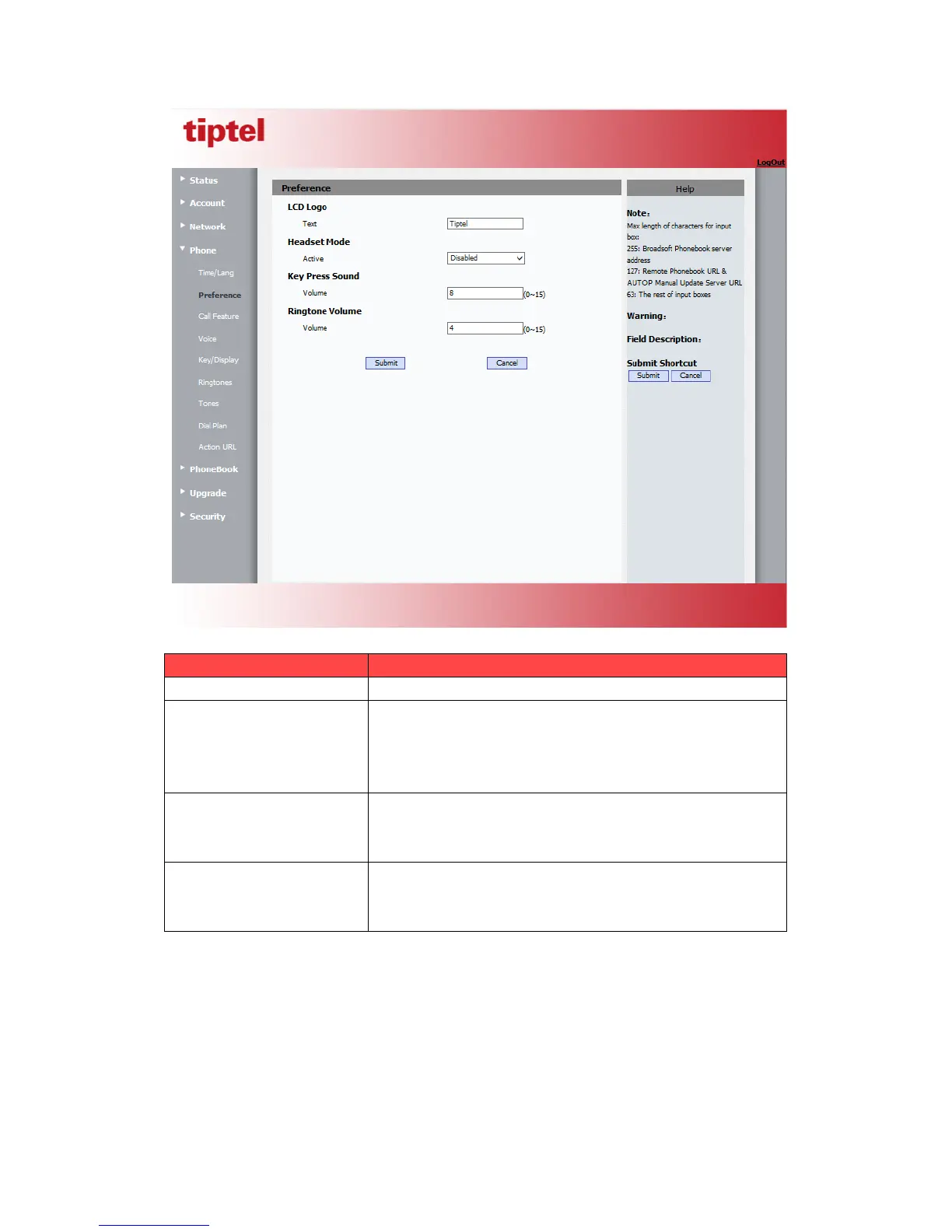
The logo displays on the phone LCD.
To enable or disable Headset Mode.
Active: If enabled, the default audio track will be headset
mode, if audio track is changed during a call, it will be
back to headset mode after you hangup the call.
To configure the sound volume for key press.
Volume: The valid volume range is from 0~15,by default
it’s 8.
To configure the sound volume for ringtone.
Volume: The valid volume range is from 0~15,by default
it’s 8.
5.8.Phone->Call Feature
Path: Web UI->Phone->Call Feature



 To Next Page