To display call history records.
Available call history types are All calls, Dialed calls, Received
calls, Missed calls, Forwarded calls.
HangUp: To click to hangup ongoing call on the IP phone.
Note
: For “HangUp” feature, you need to have the remote
ol privilege to control IP phone via Web UI. Please refer
to section “Remote Control” in the Web UI->Phone->Call
Feature page.
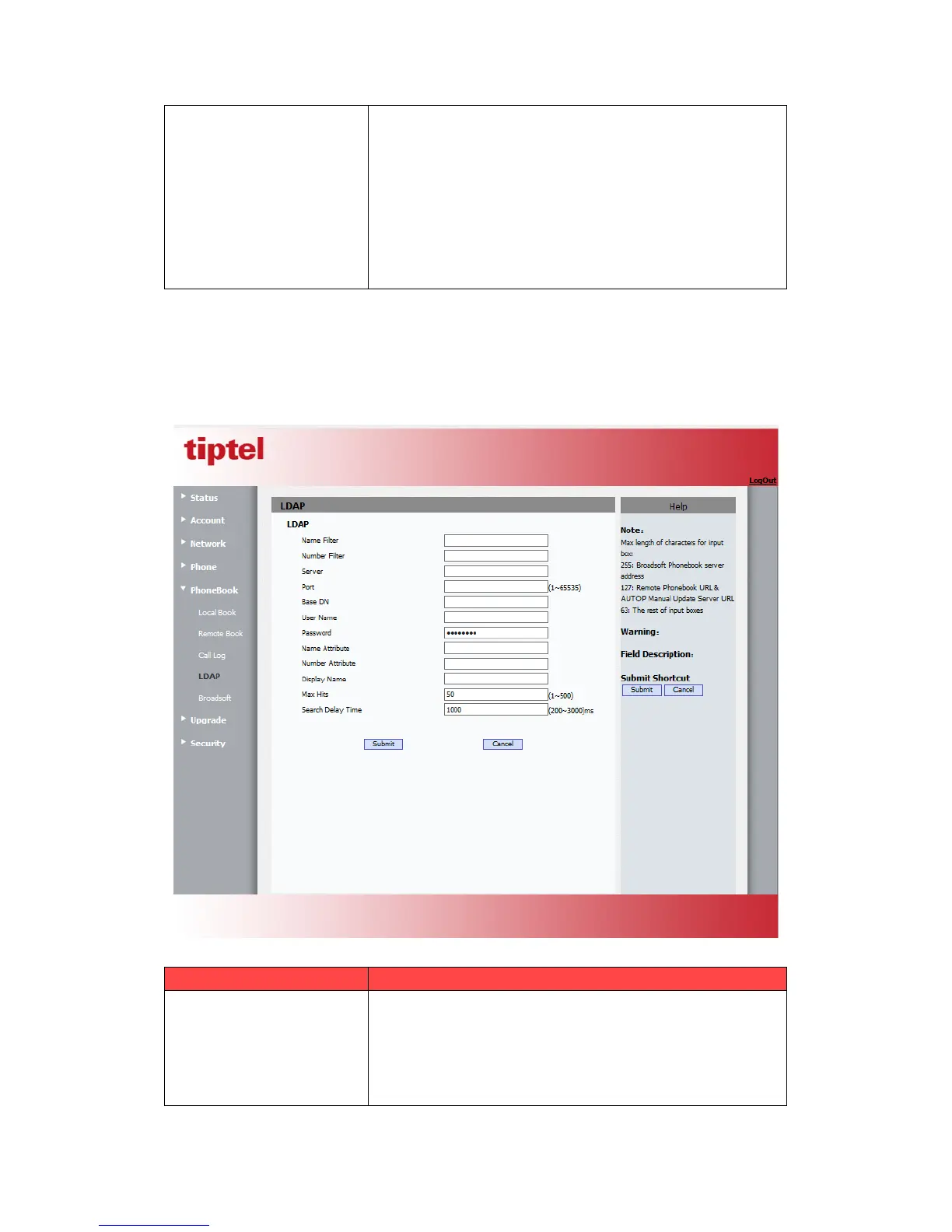
5.19.Phone Book->LDAP
Path: Web UI->PhoneBook->LDAP
To display and configure LDAP phonebook settings.
Name Filter: The settings used to tell LDAP server what
name attributes to search.
Number Filter: The settings used to tell LDAP server
what number attributes to search.



 To Next Page