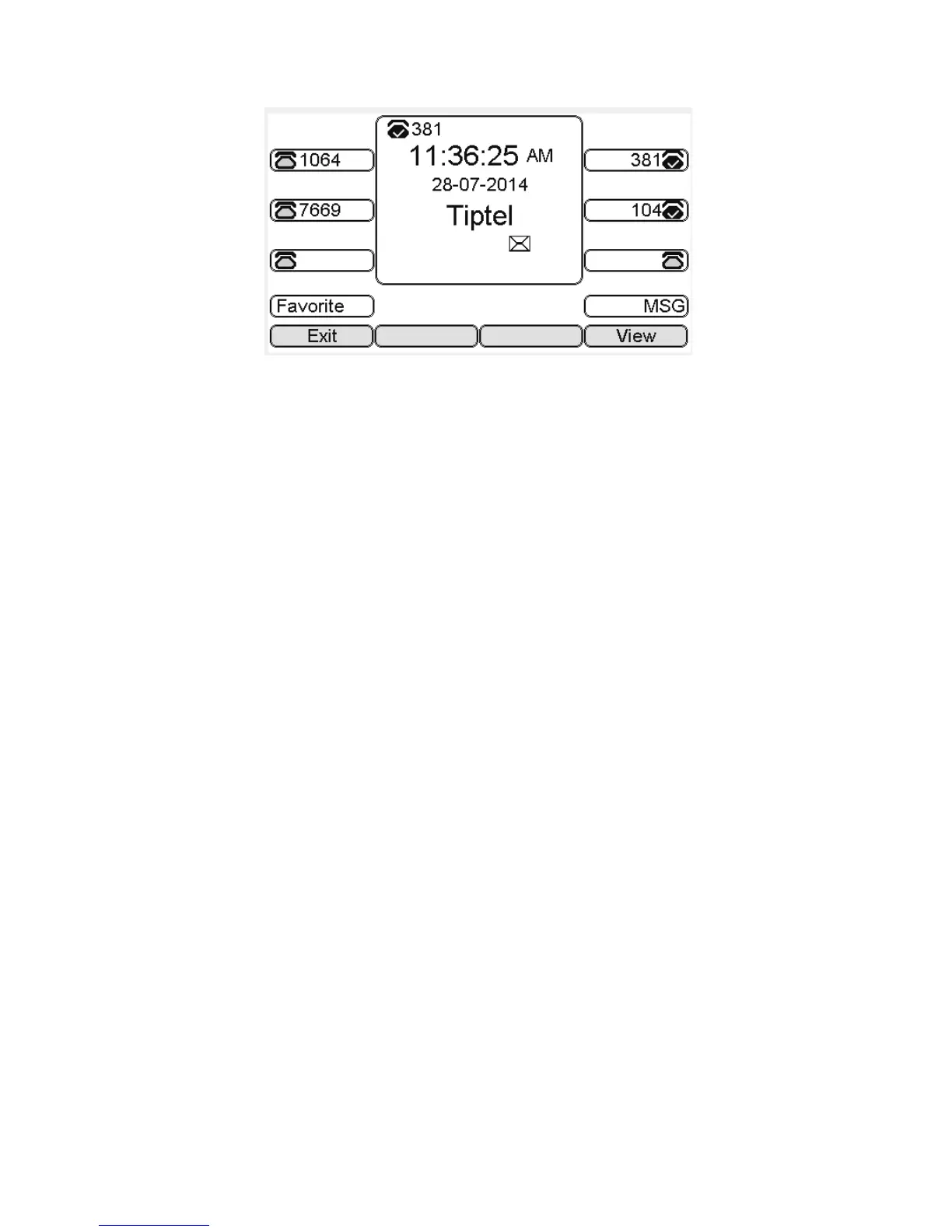
Note: Not all servers support message feature.
Read Text Message
1. Access Menu->Message->Text Message-> In box
2. press the OK key on the phone keyboard or the Enter soft key to enter the Text Message
interface, Press the OK key on the phone keyboard or the Enter soft key to enter the in-box
interface.
3. Select the message you will read and Press the OK key on the phone keyboard or the Enter
soft key to read.
Send Text Message
1. In the Idle, press the Menu soft key
2. In the mail menu interface, press the Down key on the phone keyboard to select Message,
press the OK key on the phone keyboard or the Enter soft key to enter Message interface.:
3. In the Text Message interface, select “New Message”; Press the OK key on the phone
keyboard or the Enter soft key to enter new message and edit it, press the “abc” soft key to
switch the input methods:
4. Press the OK key on the phone keyboard or the Send soft key to send message;
5. Press the Left or Right key on the phone keyboard or the Switch soft key to switch to the
relevant addresser.:
6. Input the number of addresser:



 To Next Page