Note: Not all servers support voice message.
Voice Message
You can leave a message when the user who you call is busy or unavailable. Leave a message
according to the voice prompt of server, and then hang up after leaving the message.
Set Visit account number of voice message via phone interface .
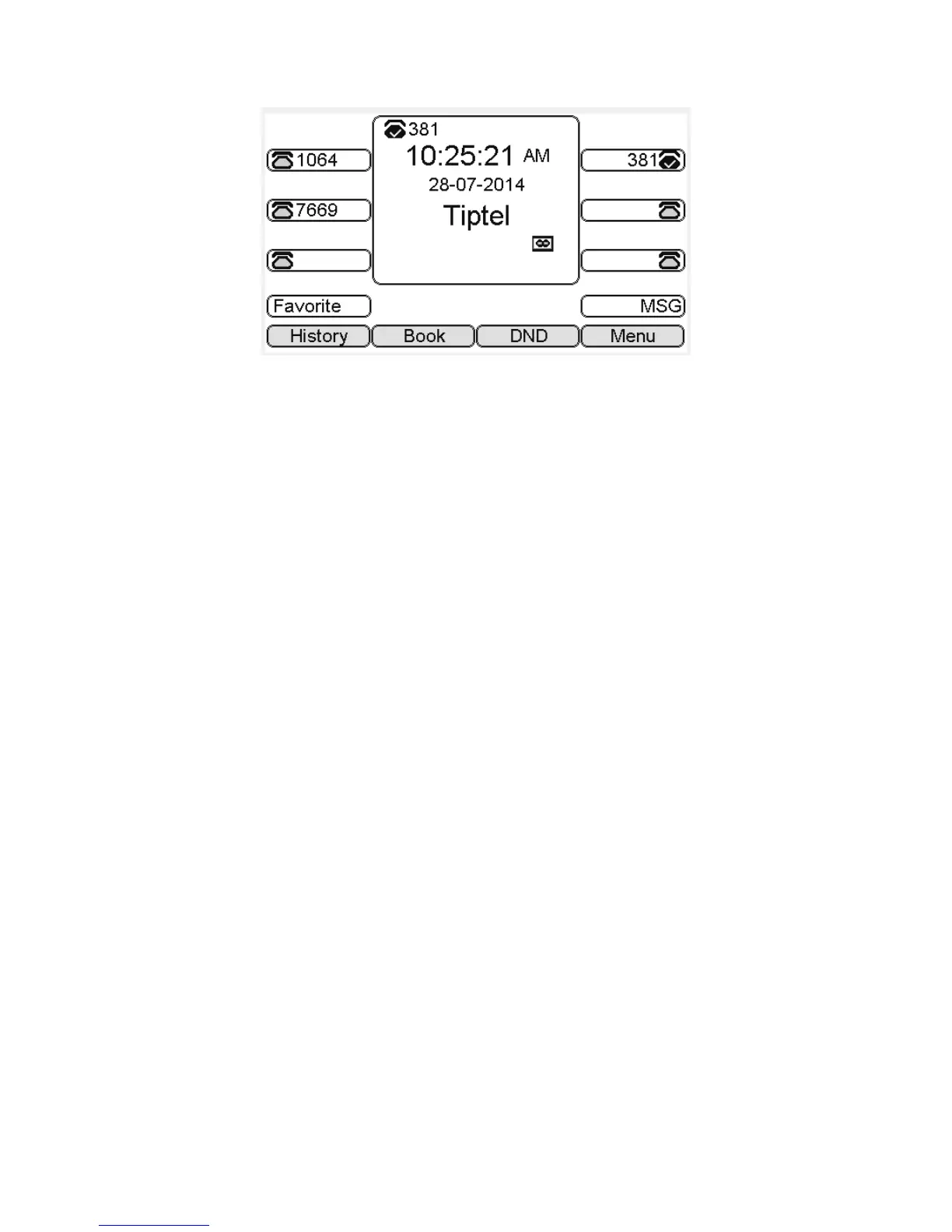
1. In the Idle, press the Menu soft key:
2. In the Idle, Press the Down key on the phone keyboard to select message, press the OK key
on the phone keyboard or the Enter soft key to enter the Message interface.
3. In the Message interface, Press the Down key on the phone keyboard to select the voice
message, Press the OK key on the phone keyboard or the Enter soft key to enter the Voice
Message interface.
4. Select the Voice Message Setting:
5. Press the OK key on the phone keyboard or the Enter soft key to set account 1, input voice
message visit account number( For example: *97), press 123 soft key to switch the input
methods :
6. Press the Down key on the phone keyboard to set account 2, input the Visit account
number of voice message( For example: *99), press 123 soft key to switch the input
methods:
7. Press the Down key on the phone keyboard to set account 3, input voice message visit
account number( For example: *100), press 123 soft key to switch the input methods



 To Next Page