Sections Description
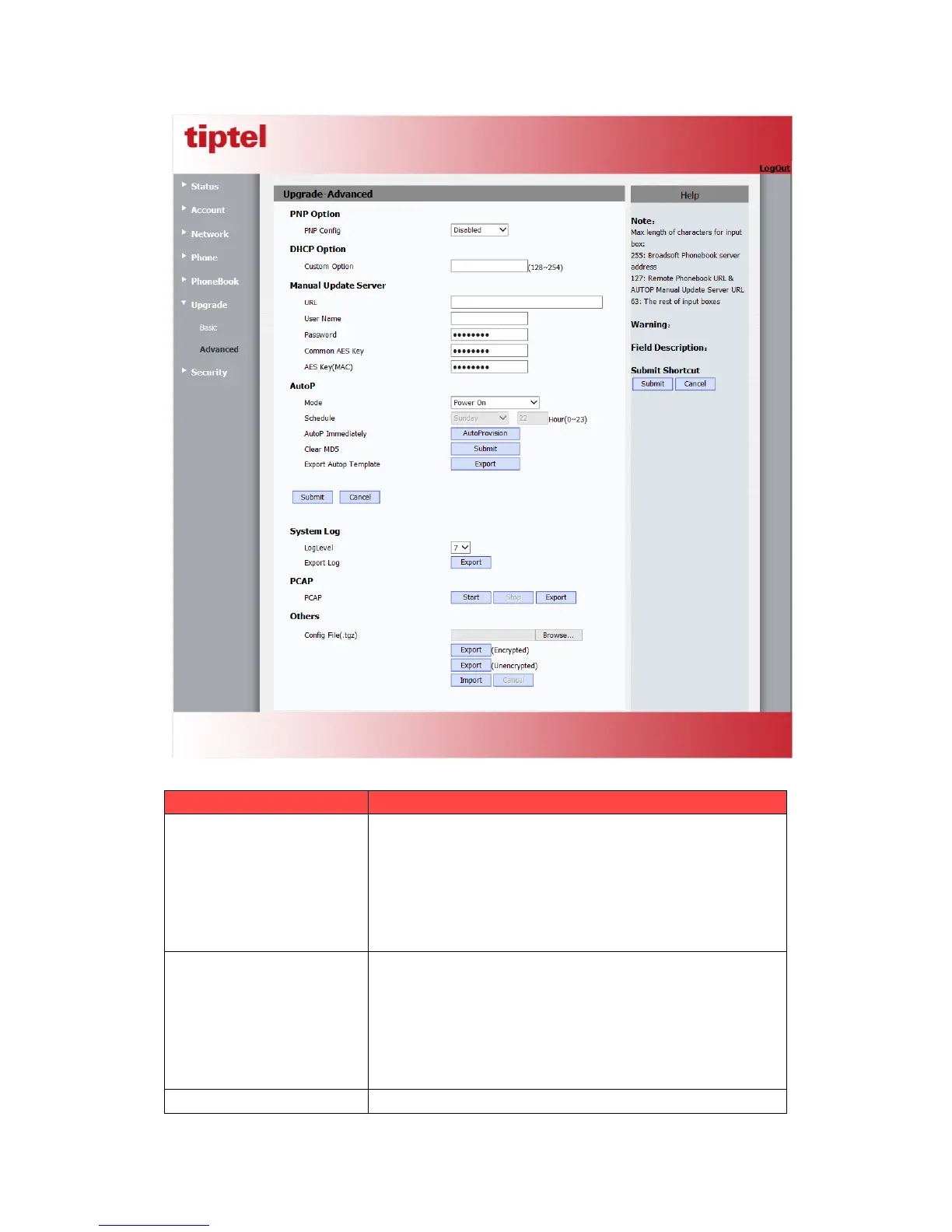
PNP Option
To display and configure PNP setting for Auto Provisioning.
PNP: Plug and Play, once PNP is enabled, the phone will
send SIP subscription message to PNP server
automatically to get Auto Provisioning server’s address.
By default, this SIP message is sent to multicast address
224.0.1.75(PNP server address by standard).
To display and configure custom DHCP option.
DHCP option: If configured, IP Phone will use designated
DHCP option to get Auto Provisioning server’s addres s
via DHCP.
This setting require DHCP server to support corresponding
option.
To display and configure manual update server’s settings.



 To Next Page