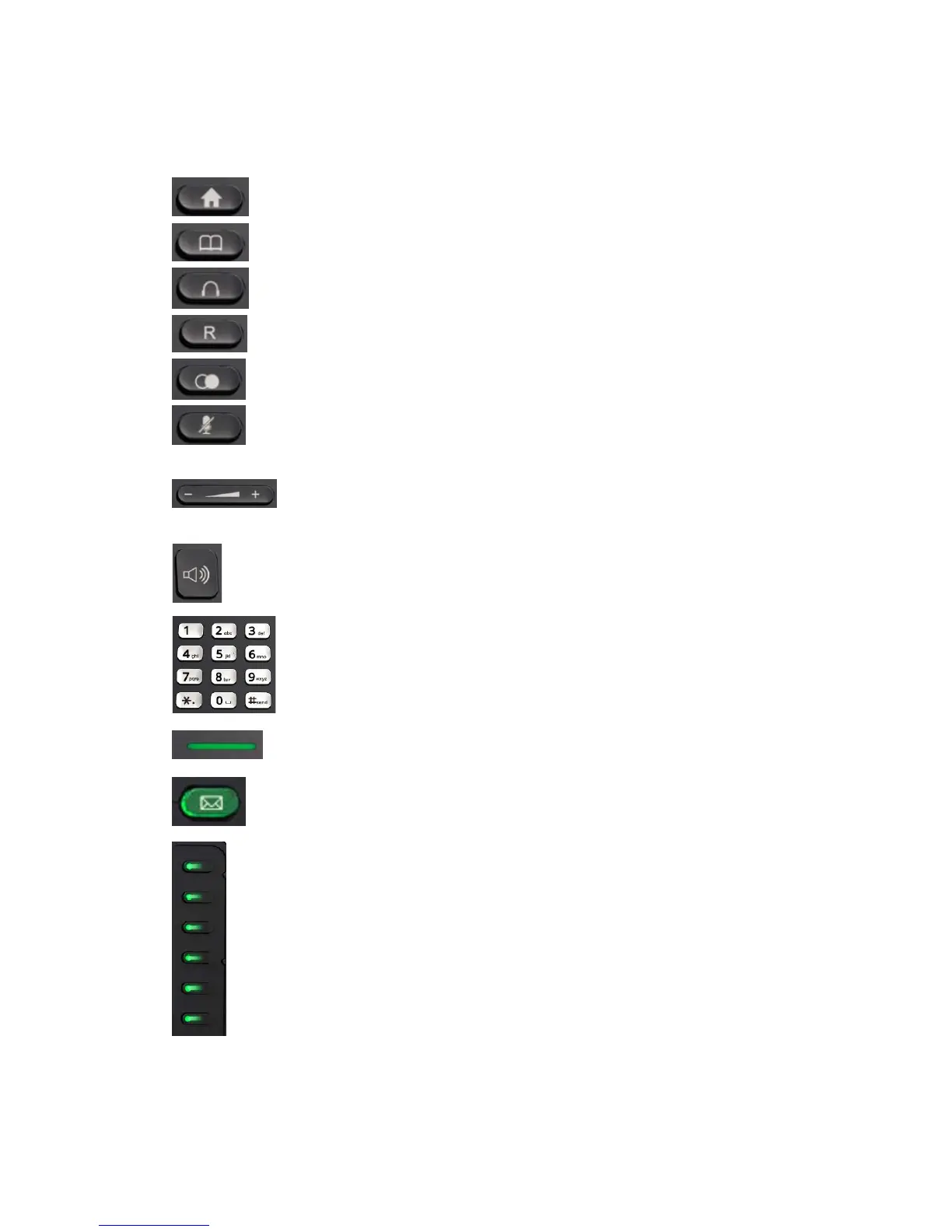
Menu/MSG/Status/Book/Fwd/PickUp/Group
PickUp/Intercom/Speed Dial/and so on.
View Local Phone Book/Blacklist/Remote Phone Book
Use the headset to call out or call in
Forward the call to the third part
View the Missed Calls, Incoming Calls and Dialed Calls.
Press this key in calling mode and you can hear the other
side, but the other side cannot hear you.
Turn down or turn up the volume by pressing the “-“ key
or the “+” key.
Make the phone into hands-free mode.
Inputting the phone number or DTMF.
Blinking light indicates there is an incoming call.
Key combination includes functions such as
History/Favorites/Redial/Account/ACD/BLF/BLFList/C
allReturn/HotDesking/Record/XML
Browser/DTMF/DND/
Menu/MSG/Status/Book/Fwd/PickUp/Group
PickUp/Intercom/Speed Dial/and so on.



 To Next Page