TR7 GNSS System User Manual
25
www.titanposition.com
2.4 Static mode
2.4.1 Static settings
TR7 receivers can be used for static survey; There are three ways to set up the device to work in the static mode:
- OLED – Static settings – to set up static mode.
- TSI software – Static collection – to set up static or temporary static mode.
- WEB interface – Work Mode – to set up static or temporary static mode.
After doing the settings, the OLED will display the static data collection interface, and the static measurement
data will be saved in the host’s memory card; Users can download static data les to their computers as needed,
then the data will be processed using static post-processing software.
2.4.2 Static mode steps
1.Erect the instrument on the measuring point, the tripod needs to be strictly centering and leveling;
2.Measure the height of the receiver three times, ensuring that the dierence of each measurement is less than
3mm. The nal height of the receiver should be the average height. The height of the instrument is measured
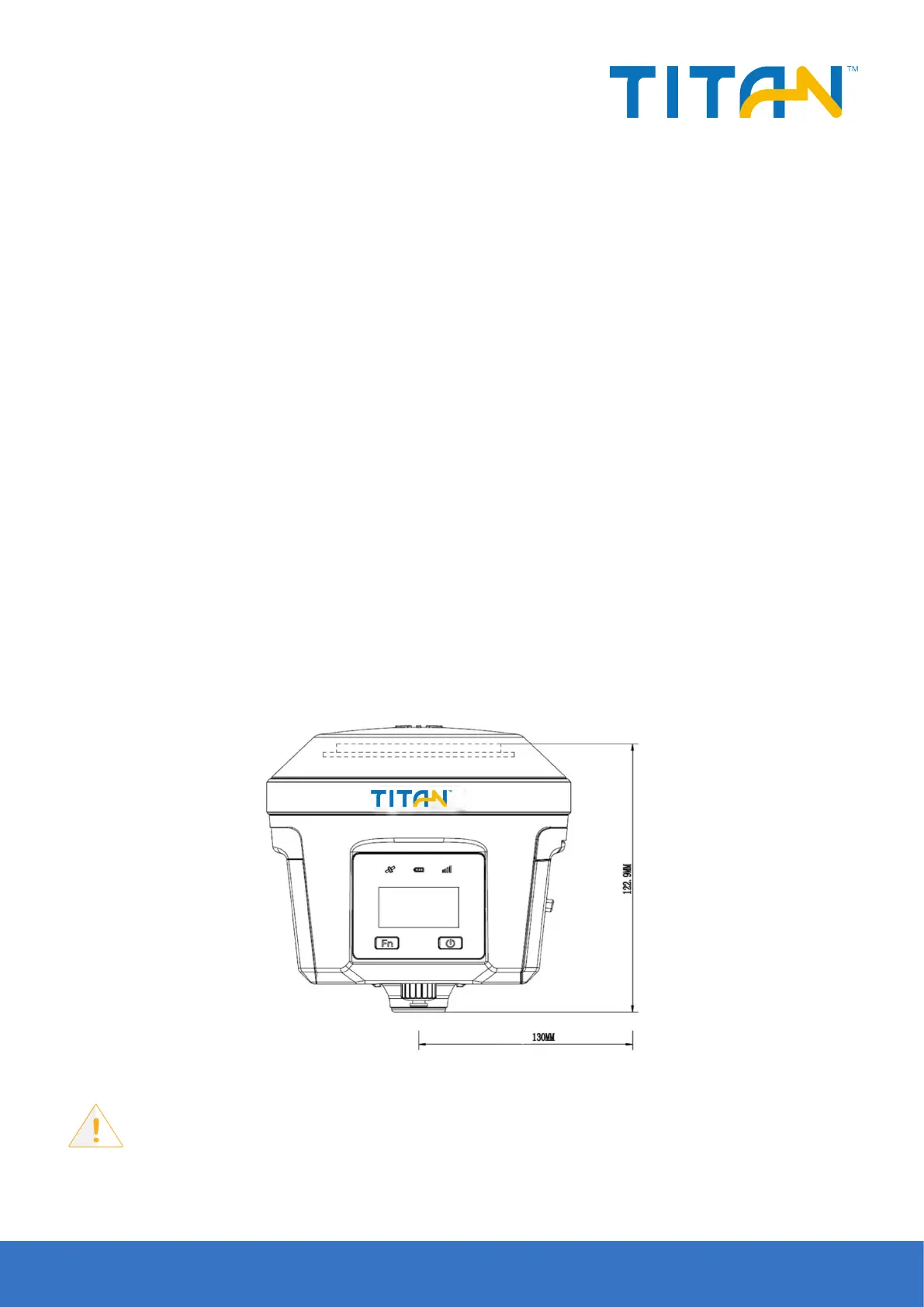
from the center of the measuring point, to the top of the benchmark of the instrument. The radius of the TR7
receiver benchmark is 0.130m, and the phase center is 0.1211m high;
3.Record the point name, S/N, receiver height and beginning time;
4.Press the power button to power on and set up the static mode;
5.Turn o the receiver after static data is collected and record the turn o time;
6.Download and post-process the static data;
Figure 2-30 Dimensions
Notice:
Don’t move the tribrach or change the collecting settings while the receiver is collecting
data.


 To Next Page