TR7 GNSS System User Manual
28
www.titanposition.com
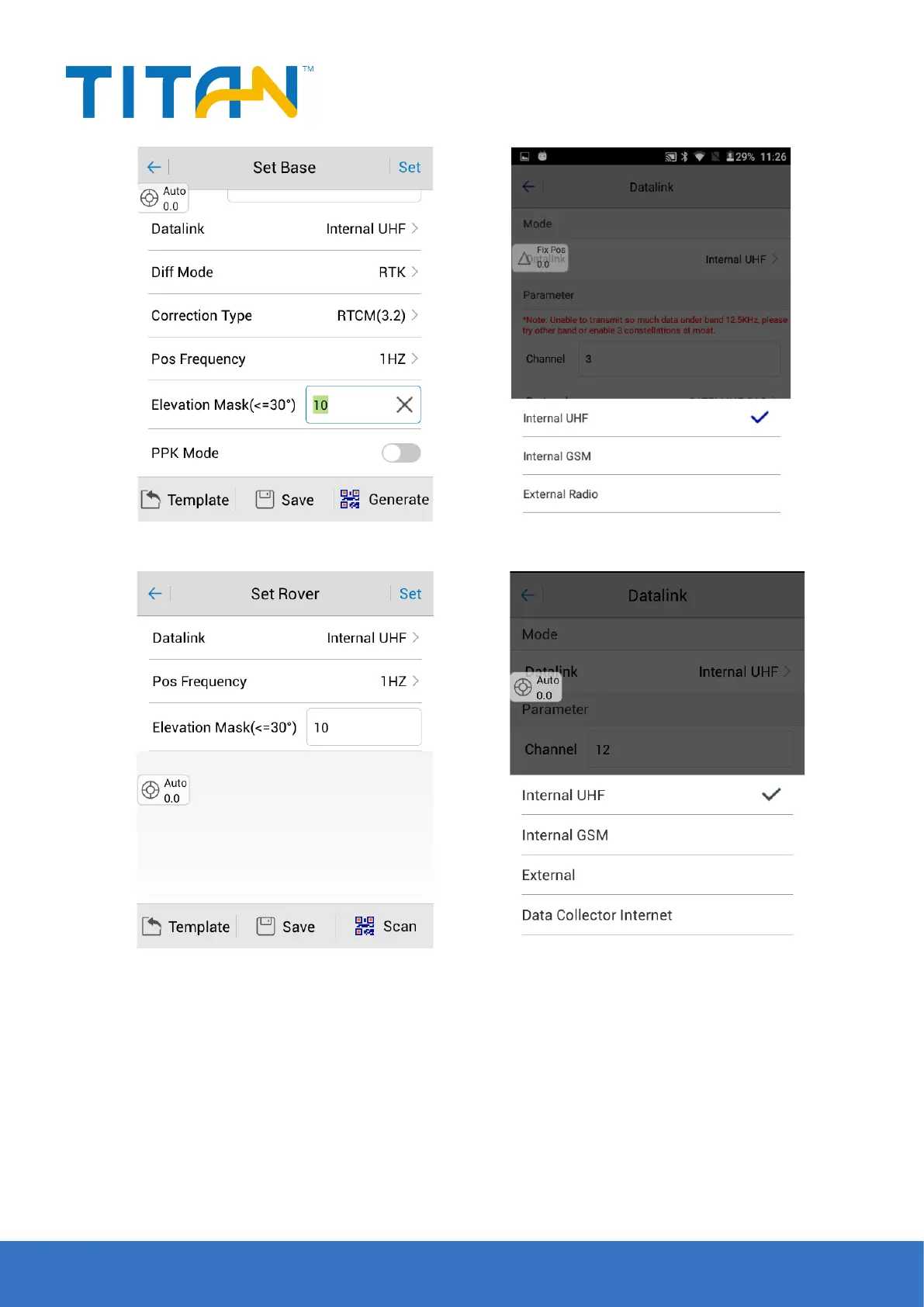
Figure 2-39
Figure 2-41 Figure 2-42
Figure 2-40
2.6 Firmware upgrade
You can upgrade TR7 rmware via USB cable, Web UI, OTG, or remote online, etc.
2.6.1 Upgrade by USB cable
Steps to upgrading the rmware by USB cable:
1. Turn on the receiver, connect the random receiver and computer with the cable attached. It will show the
update drive after clicking the computer.
2. Copy the rmware (download from our ocial website or get it from the technical team) to the update drive.
Disconnect the computer and receiver, and restart the receiver.


 To Next Page