2.3 TV Connections
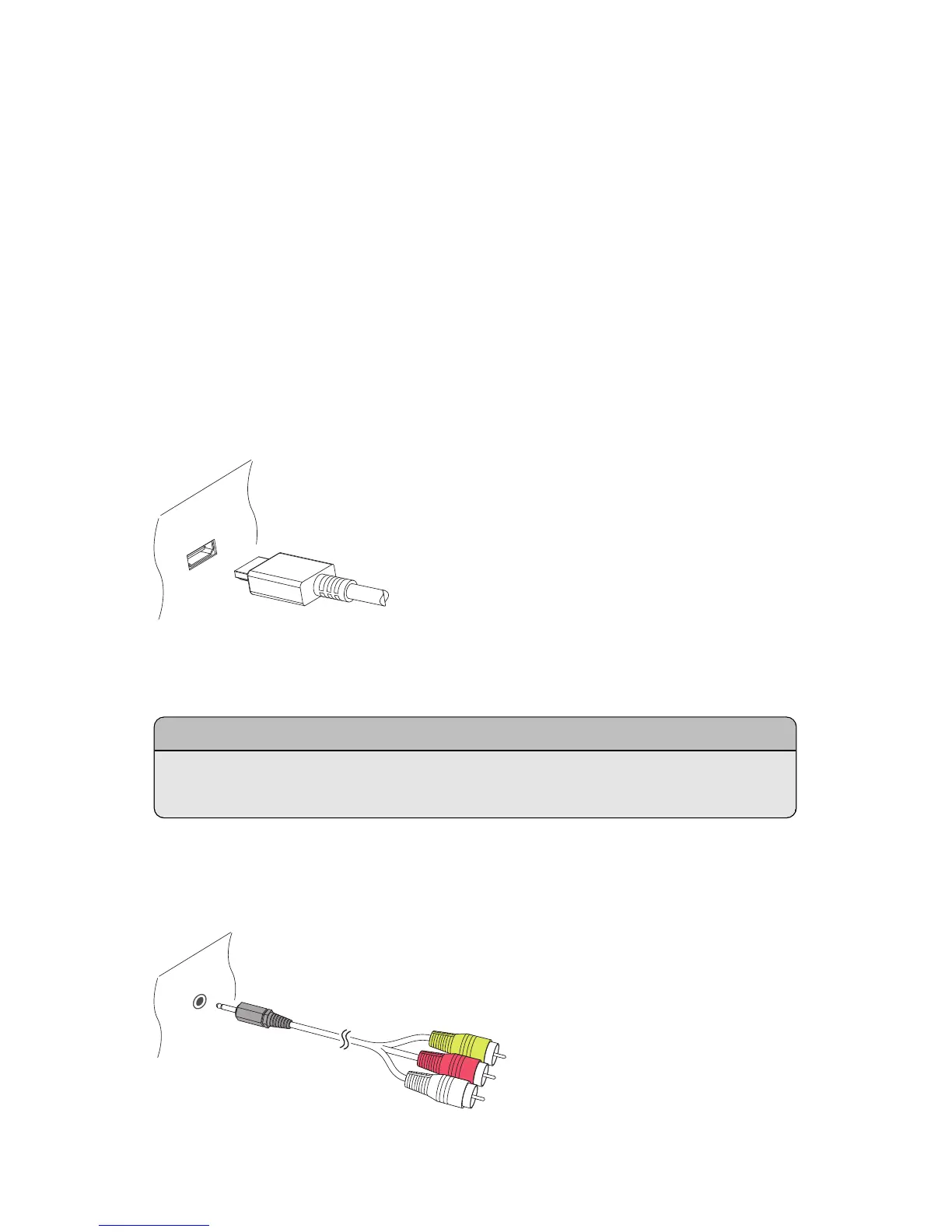
This digital TV receiver has two video connectors for use by a TV.
• HDMI
• Composite video
Use the HDMI connector to connect the receiver to a TV for the best picture qual-
ity. If the TV has no available HDMI connector, use the composite video con-
nector.
HDMI connection
Connect the receiver’s HDMI output connectors to the TV’s HDMI input con-
nector using an HDMI cable.
Note
Some HDMI cables and TVs may not be compatible with the receiver due to
differing HDMI specifications.
Composite Video Connection
16 I



 To Next Page