Insert a jack-to-RCA cable’s jack into the A/V OUT socket on the receiver, then
insert the RCA plugs on the other end into the TV’s composite video and audio
input sockets. Make sure to match the connectors’ colours properly.
Note
Composite video connectors cannot carry HD video.
2.4 AV Receiver Connection
Use an AV receiver for better audio quality. Connect the receiver’s SPDIF con-
nector to the AV receiver’s digital audio input connector using an optical audio
cable.
2.5 Network Connection
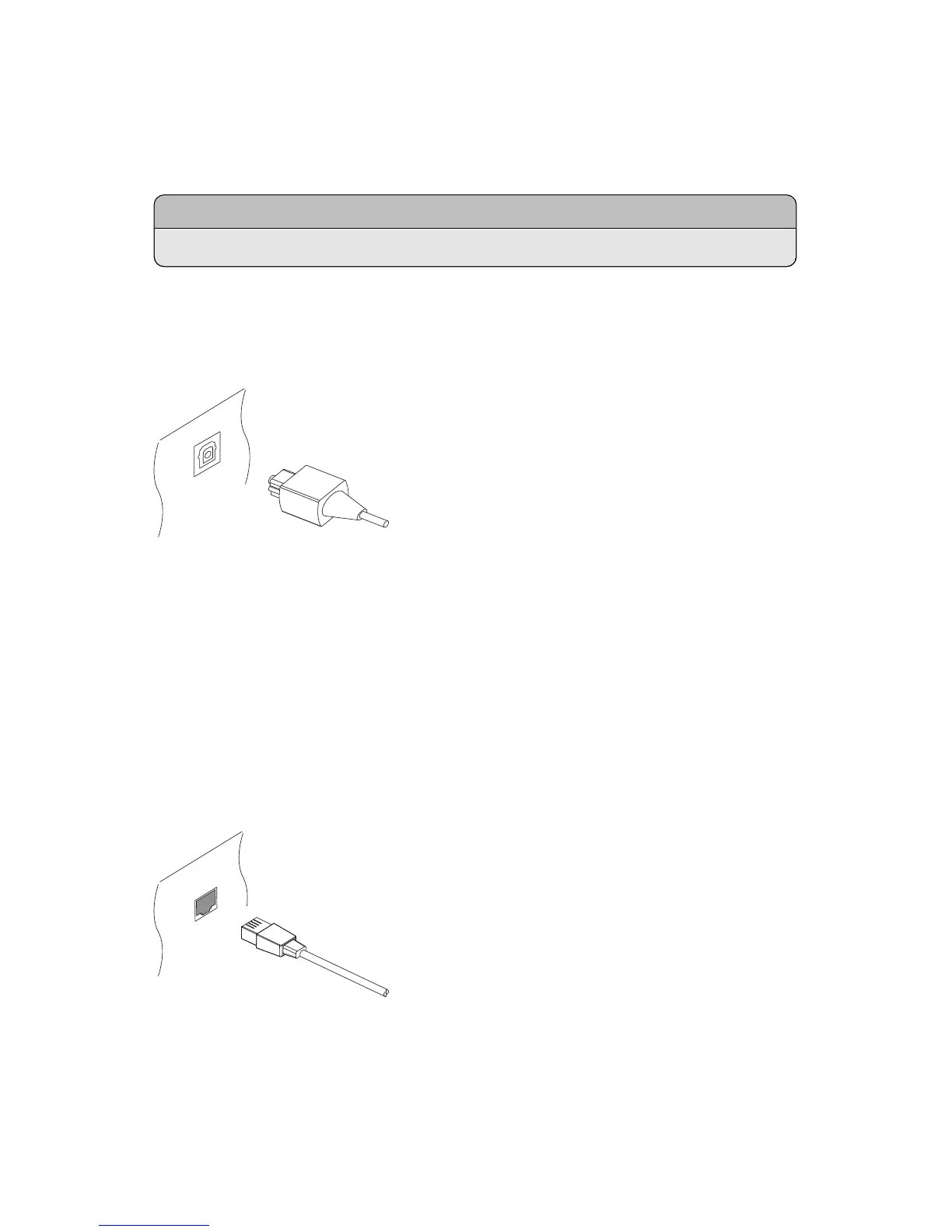
Connect the receiver to the wired or wireless network. If a network cable is avail-
able, connect the receiver’s LAN port to the router using a network cable.
If no network cable is available, use the Wi-Fi dongle for wireless network con-
nections. When the receiver is off, plug the Wi-Fi dongle into one of the USB
ports on the rear of the receiver.
I 17



 To Next Page