• Logical channel number: Some channels have their own channel numbers,
and others don’t. With this option enabled, the receiver uses the proper num-
bers. Channels that don’t have proper numbers are numbered from 1000.
With this option disabled, channels are numbered in the order in which they
are found.
• HD service grouping: With this option enabled, HD channels are grouped
at the top of the channel list.
4.2 TV Programme Guide
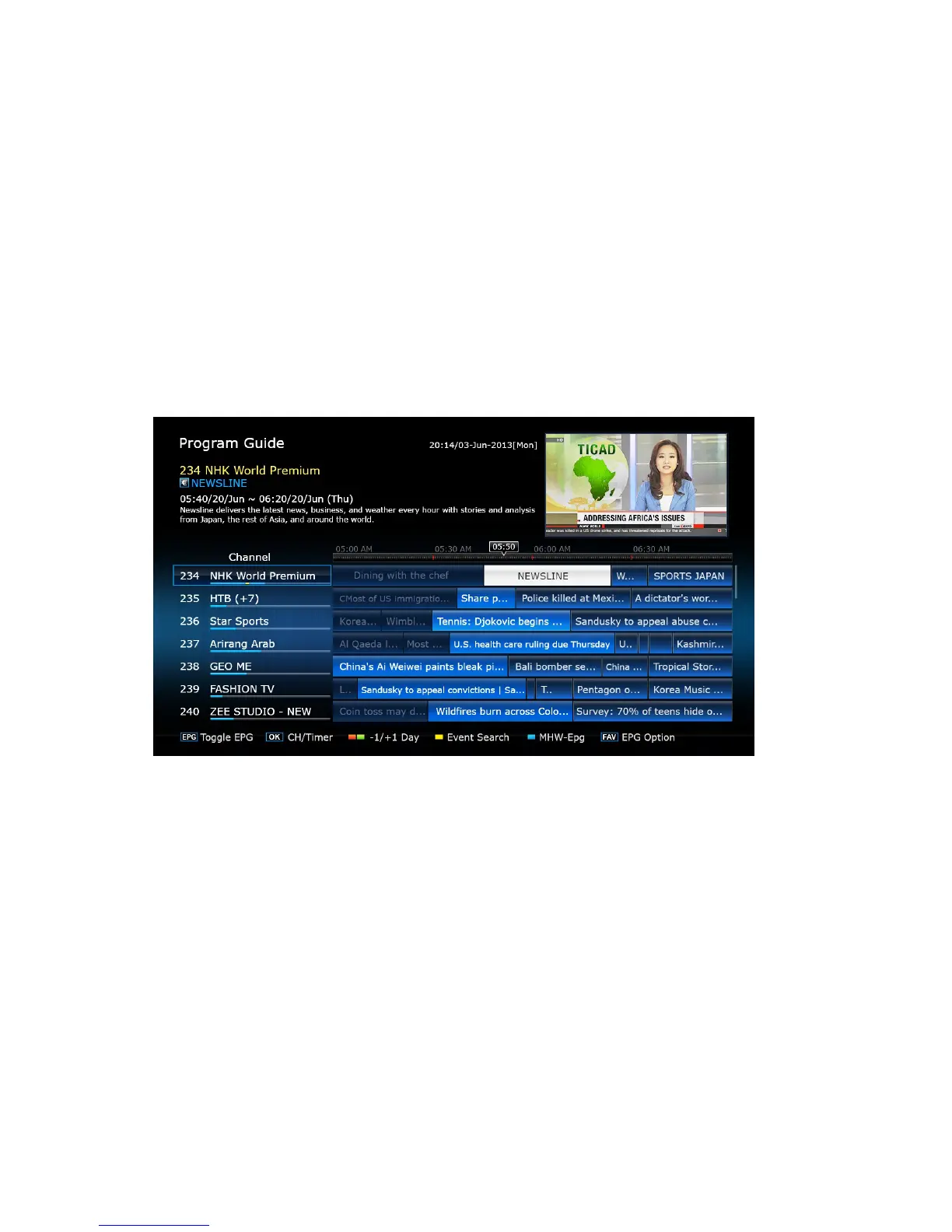
The TV programme guide (EPG) provides schedule information for current and
upcoming TV programmes. Before using the programme guide, make sure that
the clock is set correctly under Settings > Conguration > Time Setting.
Press the EPG button to open the programme guide. Use the navigation buttons
to browse the channel timeline.
Skip backward or forward by a day: Press the red button or the green button.
Change the timeline view: Pressing the EPG button alternates the timeline view
between channel-based view and time-based view.
Change the time unit: Press the FAV button and set EPG Time scale shorter or
longer.
W TV 29



 To Next Page