5 Recording TV
This digital TV receiver can record TV programmes onto a removable hard drive
or flash drive. However, flash drives are not recommended for recording.
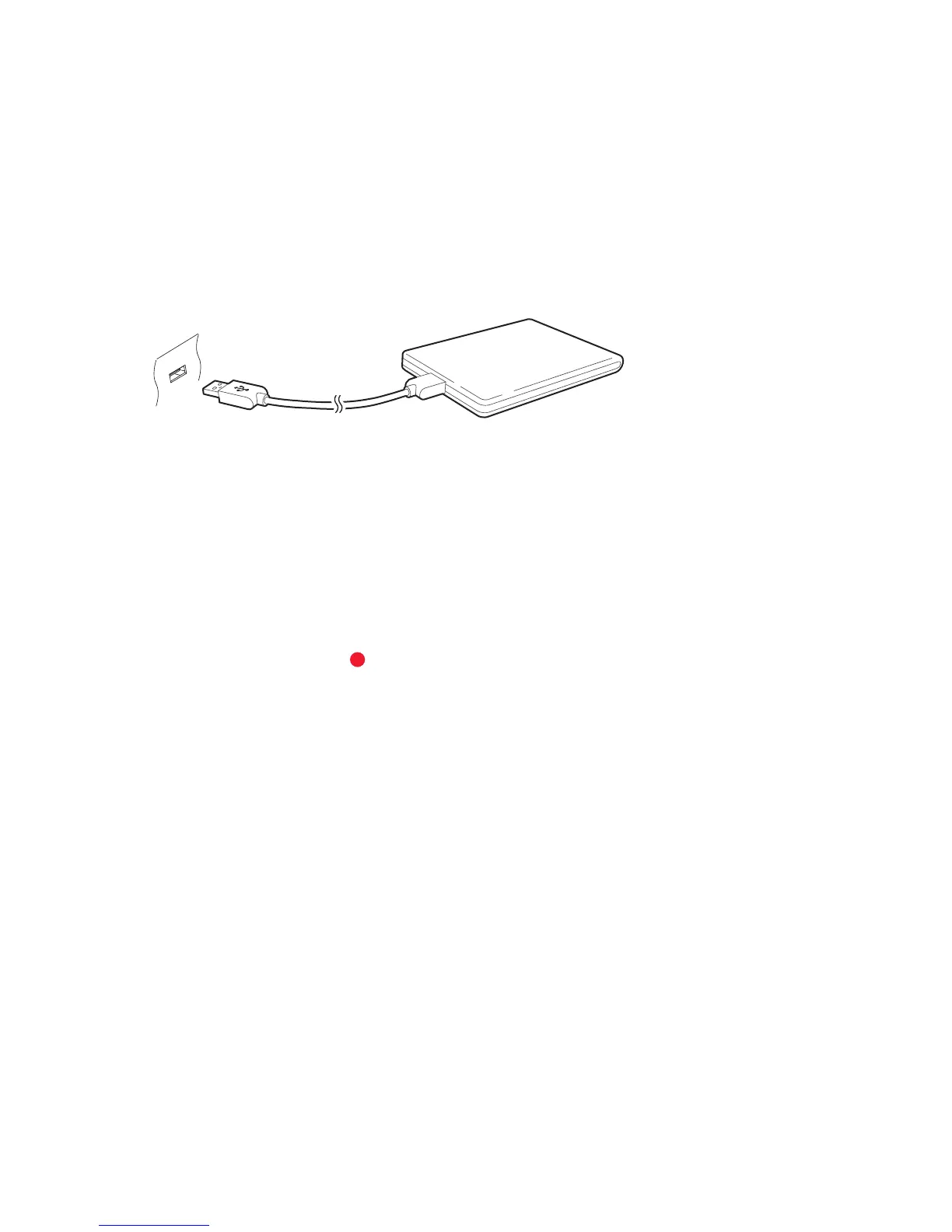
Connect a removable hard drive to one of the receiver’s USB ports. For details on
how to manage removable storage devices, see Managing Storage Devices on
page 40.
5.1 Recording TV Programmes
Press the record button to instantly begin recording the current programme.
Scheduling TV Recordings Using the Programme Guide
Use the programme guide to schedule TV recordings. Open the programme
guide, and press the OK button on a programme entry scheduled to air later.
Either choose Once Record to record the programme only once, or choose Series
Record to record its every episode.
At the scheduled time, the receiver turns on if it is off, and begins recording the
programme. Even if the receiver is set to turn off before the time that the record-
ing is supposed to finish, the receiver does not turn off until recording is done.
36



 To Next Page