6 Playing Media Files
This digital TV receiver can play not only TV recordings but also many kinds of
media files, including photos, music, and videos. Connect a removable hard
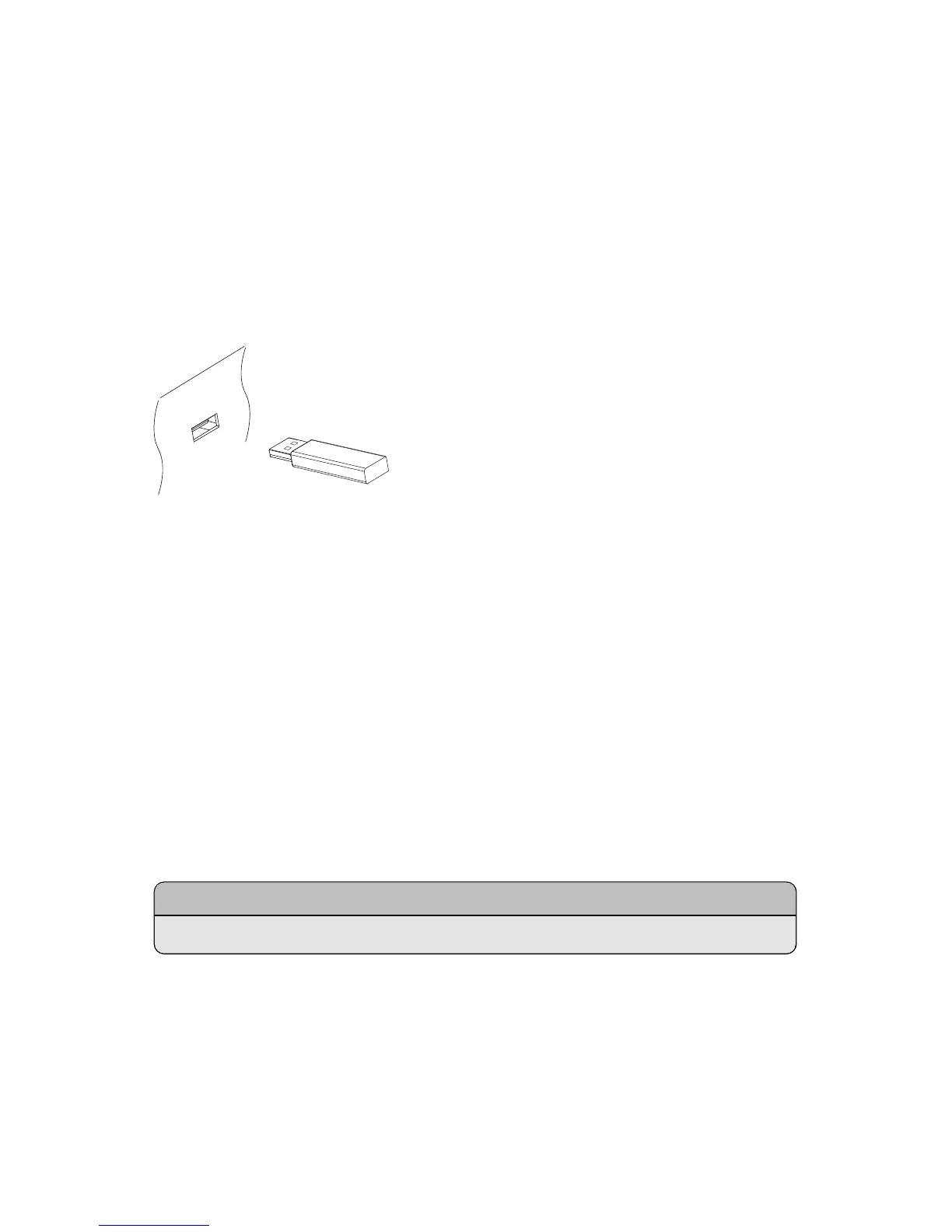
drive or flash drive to one of the receiver’s USB ports.
6.1 Managing Storage Devices
To manage removable storage devices connected to the receiver, open the apps
screen and select Storage.
View a storage device’s state: Choose Current Device and select a storage
device.
Format a storage device: Storage devices must be formatted in FAT32 or NTFS
for use with this receiver. Choose Current Device and select a storage device.
Choose Format, choose File System, and then choose a file system. Select
Format and then confirm to start formatting.
Note
Only a 32 gigabyte or smaller flash drive can be formatted in FAT32.
Test the speed of a storage device: Choose Current Device, select a storage
device, and then press the green button.
Open the le list of a storage device for playback: Choose Current Device, se-
lect a storage device, and then select Play List.
40



 To Next Page