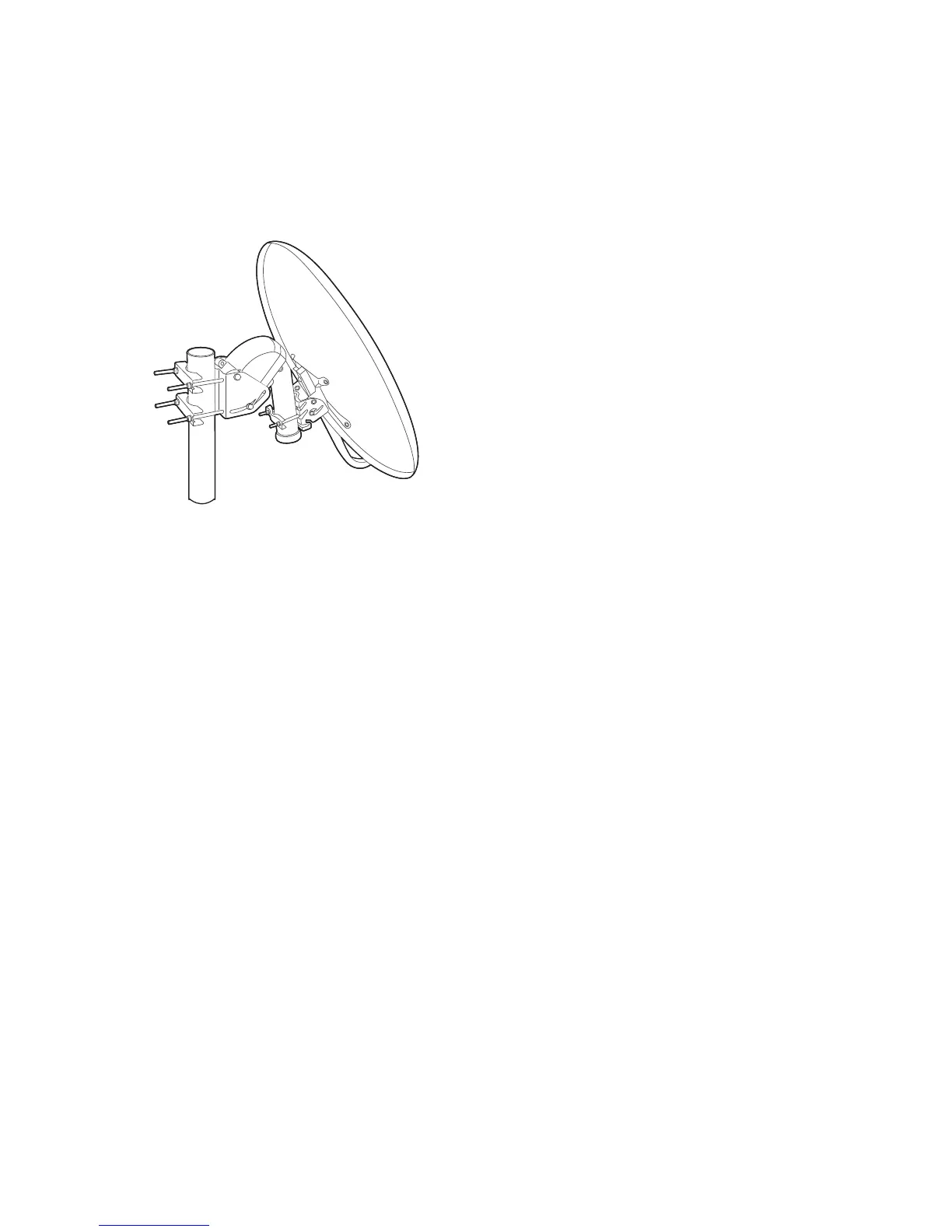
There are two control methods for motorized dishes: DiSEqC 1.2 and USALS. With
DiSEqC 1.2, the user must manually operate the dish to locate satellites one by
one. The digital TV receiver stores each satellite position for later use. With US-
ALS, the receiver can pinpoint all visible satellites through calculations using the
dish coordinates and the built-in database of satellite positions.
Using DiSEqC 1.2
Open the Settings > Installation > Positioner Setting menu. Set Positioner to
DiSEqC 1.2 and then repeat these steps for every desired satellite.
1. Choose Go to Reference from Positioner Command for the dish to return
to the reference point at the highest point in its arc. The dish’s movement
accuracy may decrease over long-term use. To correct movement errors,
choose (Re-) Calculate from Positioner Command.
2. Choose Satellite and choose a target satellite.
3. Choose Frequency and select any available transponder.
4. Choose Go to Stored Position from Positioner Command to rotate the dish,
so that it faces the target satellite.
5. Place the focus on Move and press the left or right navigation button to
finely drive the dish east or west for the best signal. The dish rotates con-
tinuously as long as either of these buttons is held down.
6. Choose Store Satellite Position from Positioner Command to save the dish’s
current position for the target satellite.
22 S C



 To Next Page