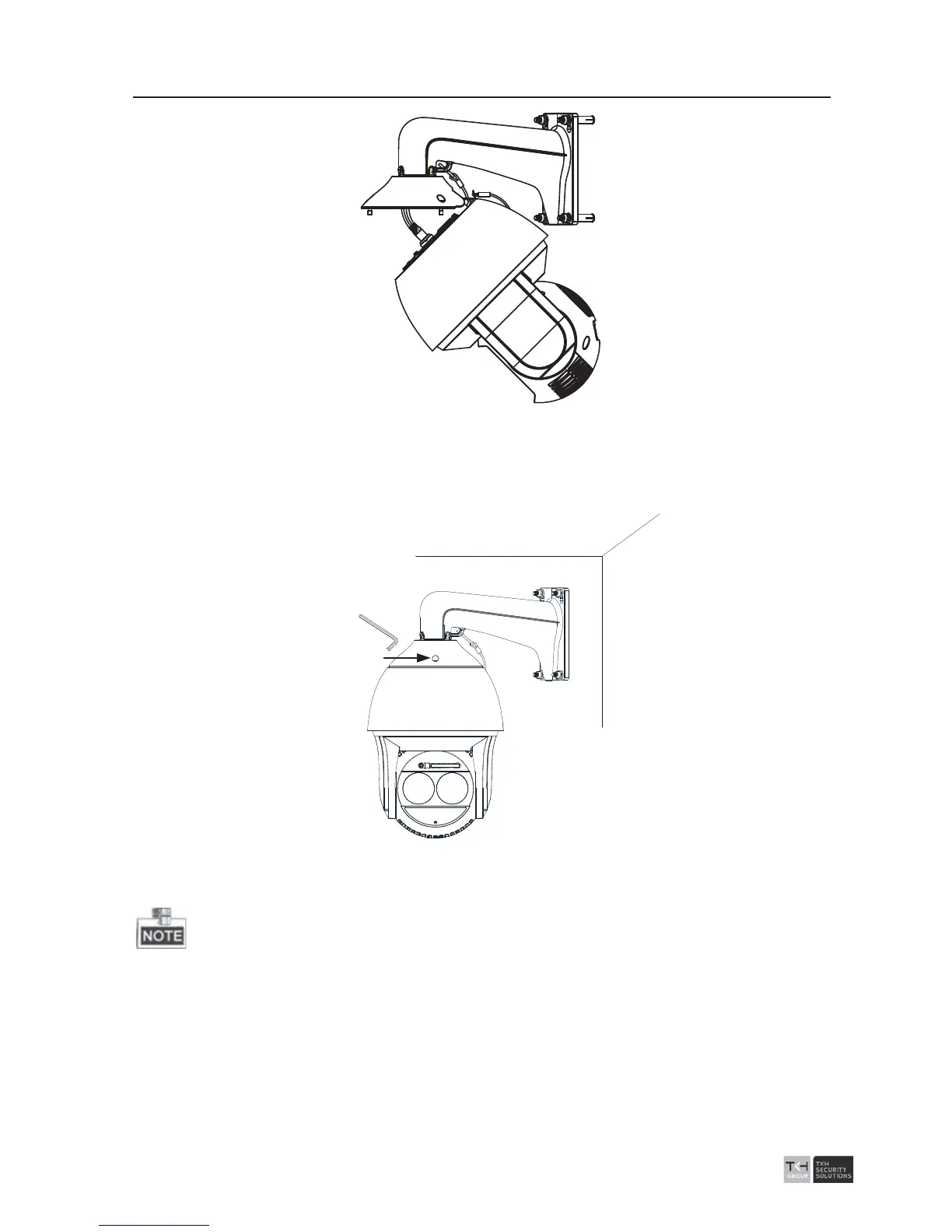
Figure 2-29 Route the Cables
9. Align the back box of the speed dome with the head cover. Use an Allen wrench to
tighten the lock screws to secure the speed dome and the bracket.
Lock Screw
Figure 2-30 Secure the Speed dome
10. Remove the protective film of the IR or laser light after you finish installing.
z The br
acket in Figure 2-25 is the recommended bracket for this series of speed
dome, and a pendent adapter is required if any other bracket is selected.



 To Next Page