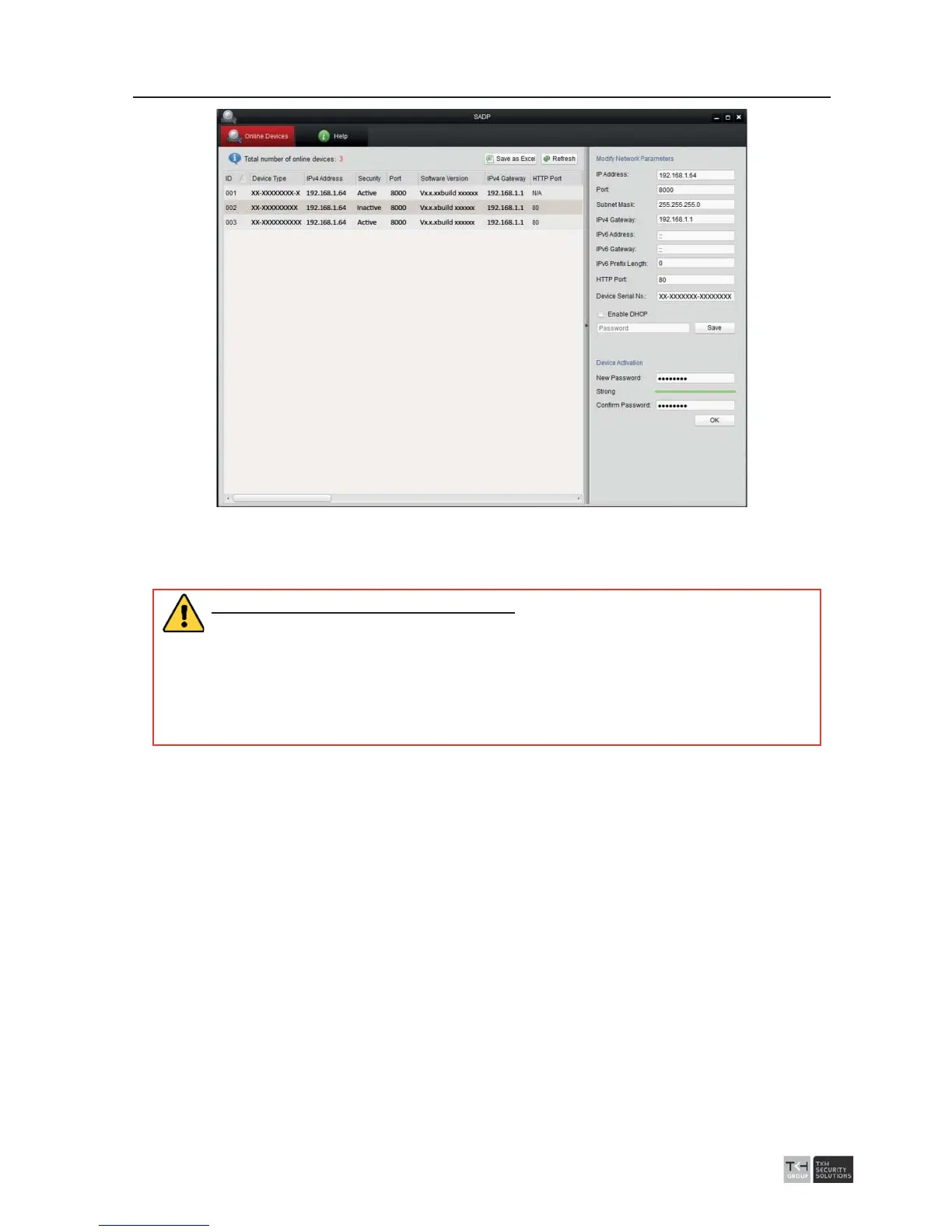
Figure
3-3 Interface
3. Create a password and input the password in the password field, and confirm the
password.
STRONG PASSWORD RECOMMENDED
– We highly recommend you create a
strong password of your own choosing (using a minimum of 8 characters,
including at least three of the following categories: upper case letters, lower
case letters, numbers, and special characters) in order to increase the security
of your product. And we recommend you reset your password regularly,
especially in the high security system, resetting the password monthly or
weekly can better protect your product.
4. Click OK to save the password.
You can check whether the activation is completed on the popup window. If activation
failed, please make sure that the password meets the requirement and then try again.
3.3 Modifying the IP Address
Purpose:
To view and configure the speed dome via LAN (Local Area Network), you need to
connect the network speed dome in the same subnet with your PC. Then, install the
software or client software to search and change the IP of network speed dome. We will
take modifying the IP Address via the software as an example to introduce the IP
address modification.
Steps:
1. Run the software.
2. Click to select an active device.



 To Next Page