z For c
ement wall, you need to use the expansion screw to fix the bracket. The
mounting hole of the expansion pipe on the wall should align with the mounting
hole on the bracket.
z For wooden wall, you can just use the self-tapping screw to fix the bracket.
z Please make sure that the wall is strong enough to withstand more than 8 times th
e
weight of the dome and the bracket.
z The bracket in Figure 2-7 is the recommended bracket for this series of speed
dome, and a pendent adapter is required if any other bracket is select
ed.
2.1.1 Type I Speed Dome
The long-arm bracket is taken as the example for following mounting steps.
Steps:
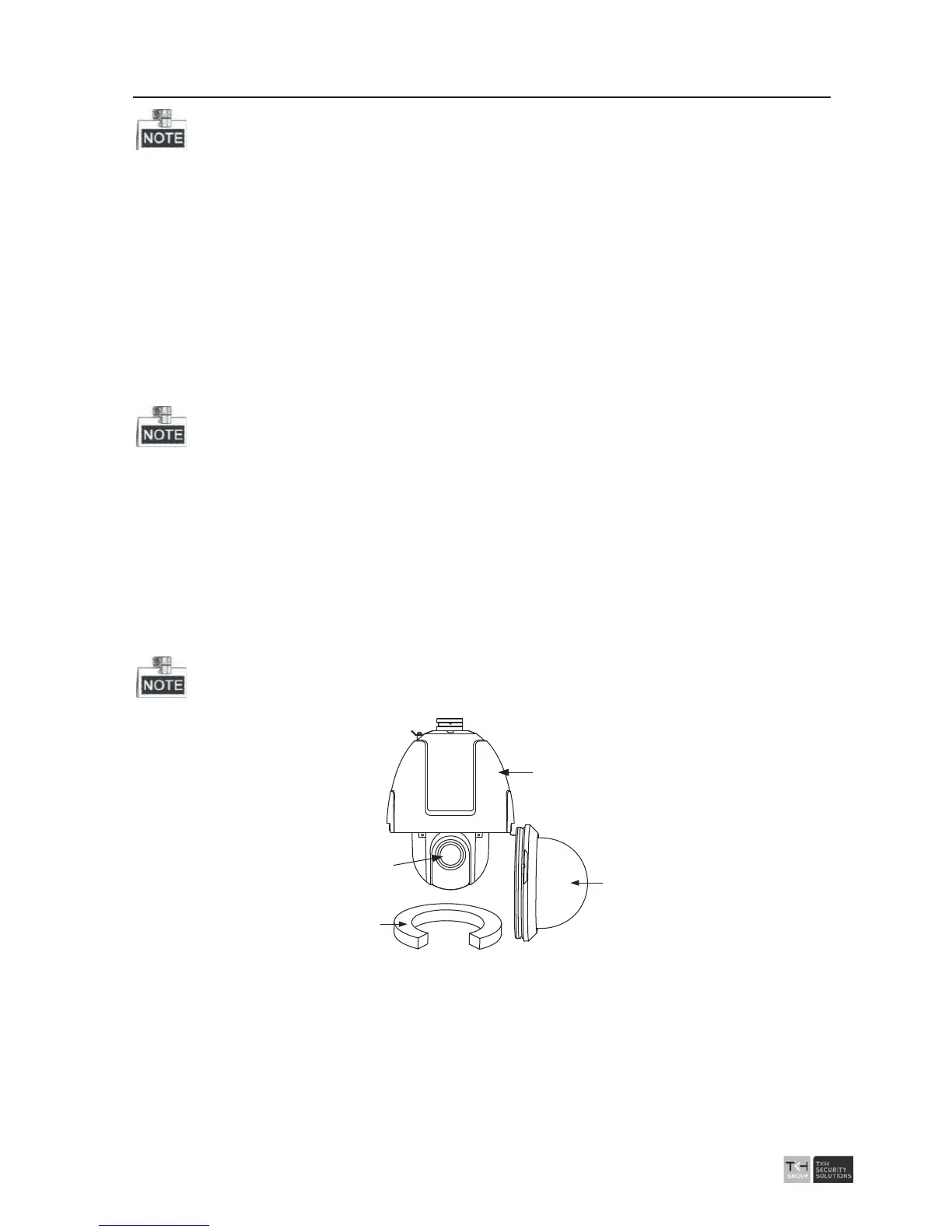
1. Loosen the two lock screws on the both side of the speed dome. Pull the lower do
me
to separate it from the back box as shown in Figure 2-2.
2. Remove Protective elements.
For Separate 5-inch speed dome: Pull the camera module to separate it from th
e
back box, as shown in Figure 2-3.
For Integrated 5-inch speed dome: Remove the protective foam, sticker and lens
cover from the dome drive. As shown in Figure 2-4.
Please do not remove the lock screws from the dome.
Back Box
Lower Dome
Protective Foam
Lens Cover
Figure 2-2 Remove the Lower Dome



 To Next Page