Figure
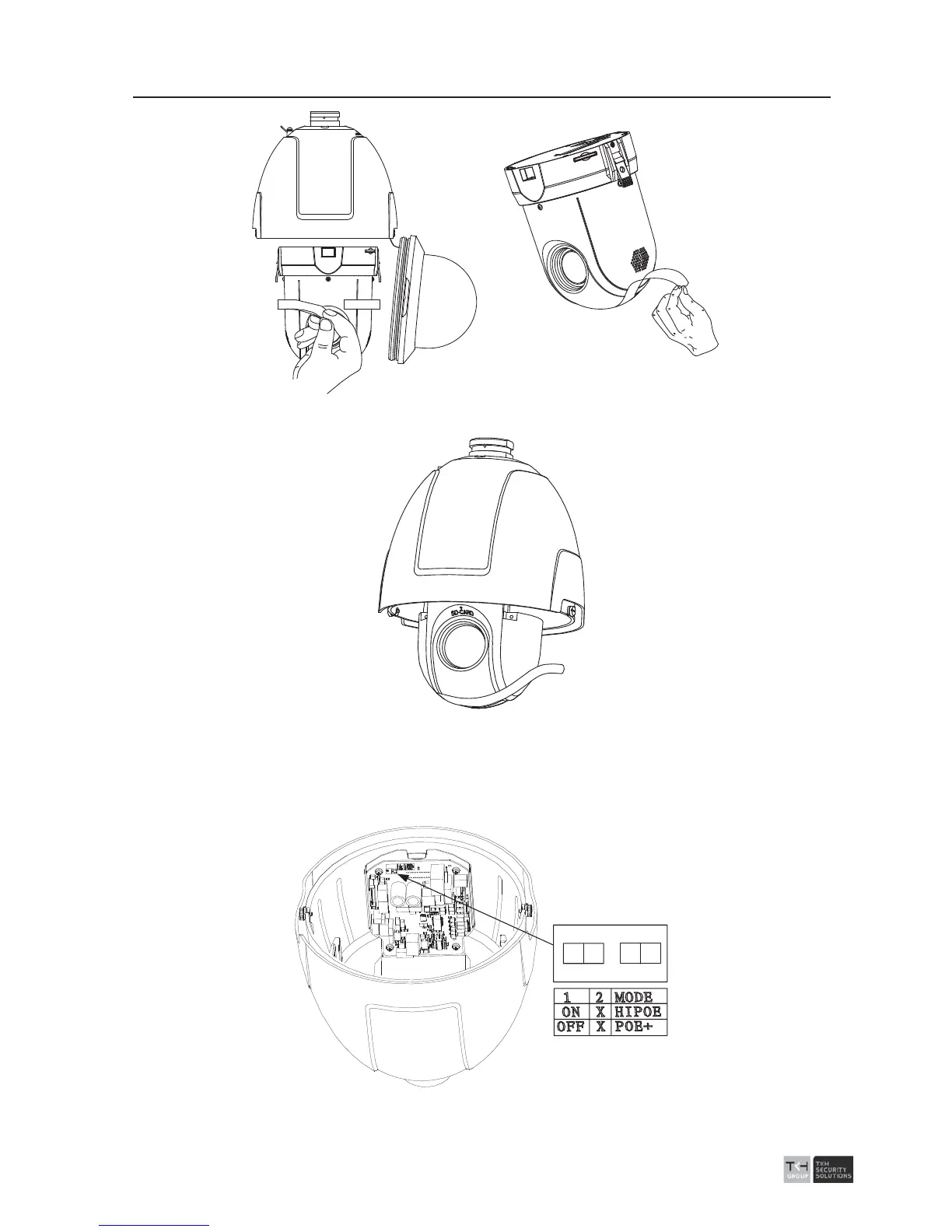
2-3 Remove the sticker for separated 5-inch speed dome
Figure
2-4 Remove the Sticker for Integrated 5-inch speed dome
3. If the speed dome supports the PoE (Power Over Ethernet) function, you can switch
the PoE+ and Hi-PoE function of the dome camera. If the speed dome only supports
the power cable, you can skip this step.
1
2
ON
Figure 2-5 PoE+ and Hi-PoE Switch



 To Next Page