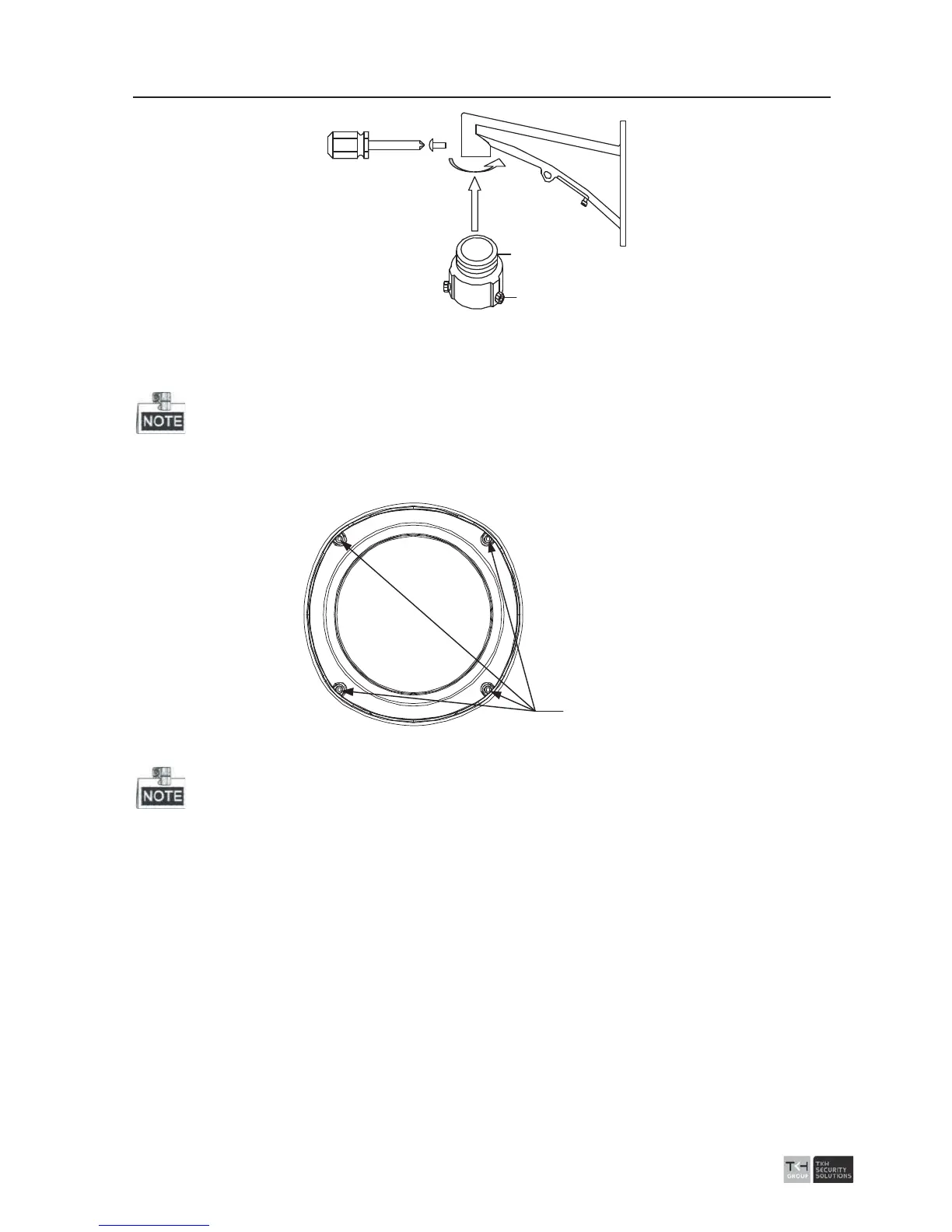
Pendant Adapter
Lock Screw
Figure 2-10 Pendent Adapter
2.1.2 Type II Speed Dome
The long-arm bracket is taken as the example for the following mounting steps.
Steps:
1. Loosen the 4 lock screws on the flange of the speed dome; refer to the Figure 2-11.
Lock Screws
Figure 2-11 Loosen the Lock Screws
Please do not remove the lock screws from the dome.
2. Pull the lower dome to separate it from the back box, and remove the protective
foam, sticker and lens cover from the dome drive.



 To Next Page