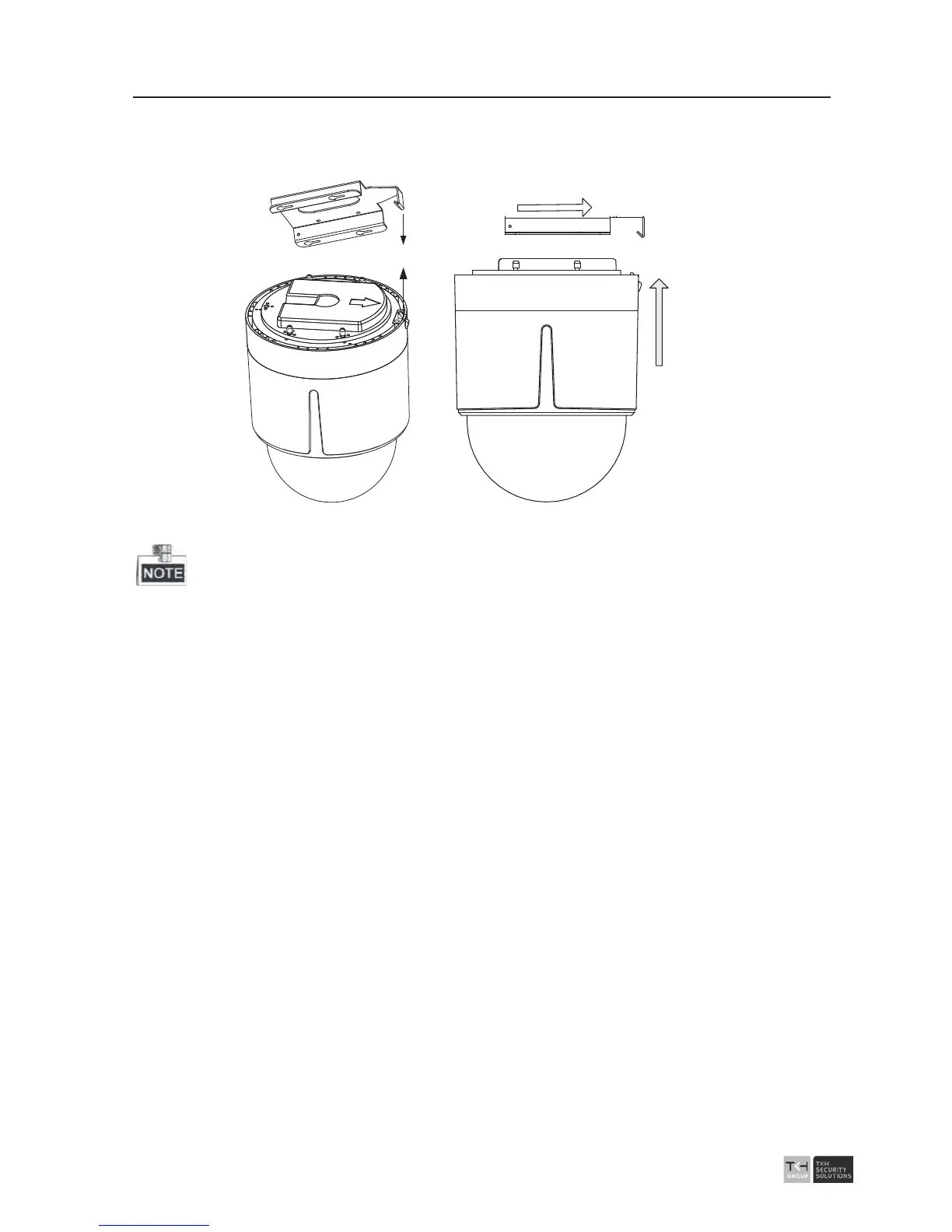
3). Push the speed dome upwards and then forwards in the direction of arrow. When
the speed dome is placed in position, the spring will automatically snap into the
lock clip firmly. Refer to the 0.
Line up
Push Forwards
Push Upwards
Figure
2-41 Attach the Back Box to the Mounting Base
z Please remove th
e protective film on the lower dome after the installation is finished.
z Do not touch the bubble of the lower dome directly by hand. The image blurs
otherwise.



 To Next Page