37
[Resetting failures by the control input]
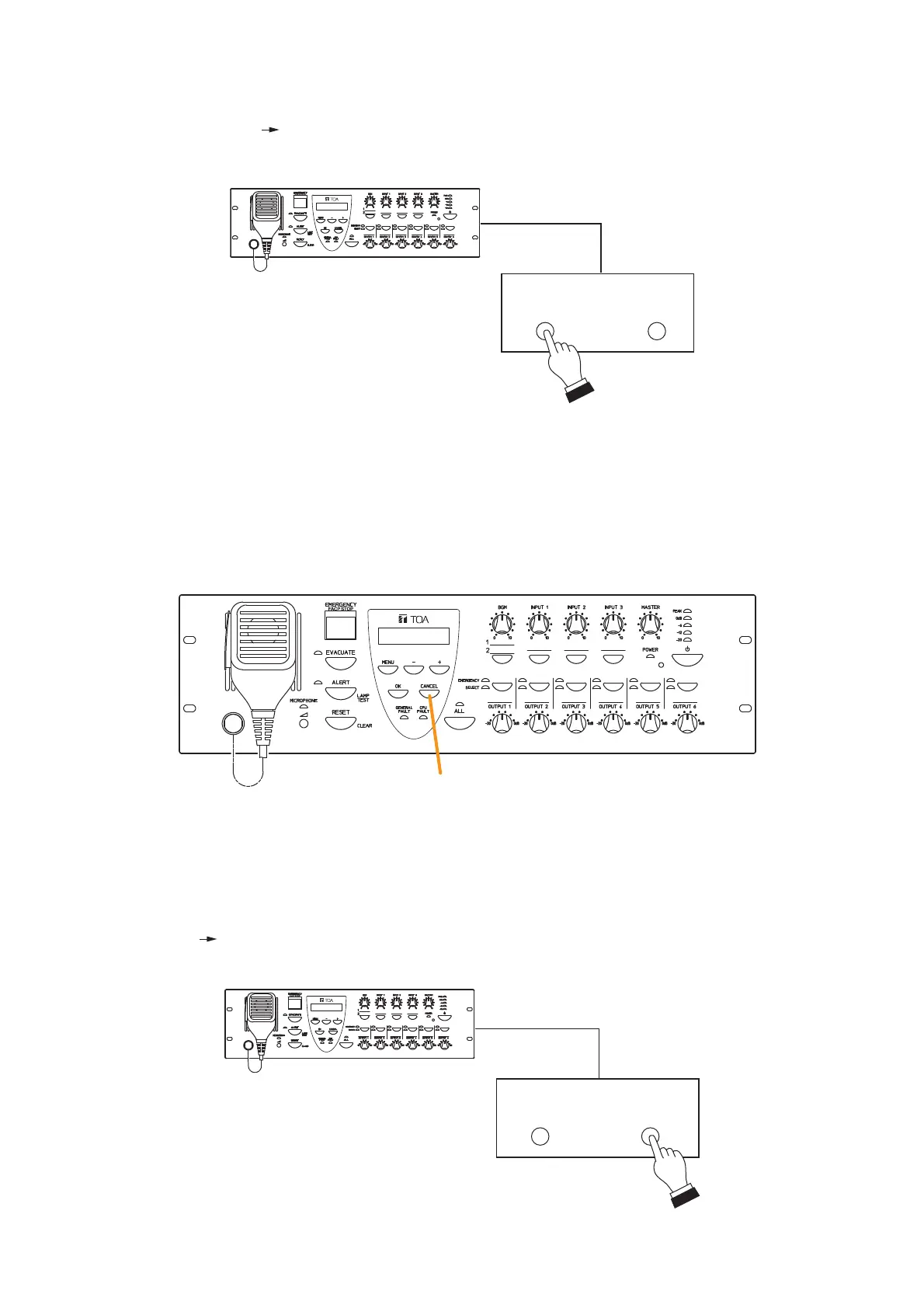
Failure reset can also be performed by using the control inputs of the VM-3240VA and VM-3240E. (Refer to
"Event Settings" "General Control Input Settings" in the separate software instruction manual.)
VM-3240VA/3240E
Control input
Failure
acknowledgement
Failure
reset
9.4.3. Failure reset operation
Perform failure reset at the VM-3240VA or by use of the control input.
Resetting failures causes all currently lit or flashing yellow Failure and Communications Failure indicators to
go out and returns the system to normal status. However, if the cause of the failure has not been remedied,
the system will again return to failure mode.
Cancel key
[Acknowledging failures by the control input]
Failure acknowledgment can also be performed by using the control inputs of the VM-3240VA and VM-3240E.
(Refer to "Event Settings" "General Control Input Settings" in the separate software instruction manual.)
VM-3240VA/3240E
Control input
Failure
acknowledgement
Failure
reset



 To Next Page