EasyManua.ls Logo

Toa VM-3240VA - BGM Settings; BGM Setting Hierarchical Chart

Toa VM-3240VA
105 pages
Print Icon
To Next Page IconTo Next Page
To Previous Page IconTo Previous Page
Loading...
68
SELECTB
G
M
B
G
M
1
SELECTB
G
M
B
G
M
2
B
G
M
TREBLE 00
B
G
M
BASS 00
B
G
M
TREBLE
01
B
G
M
BASS
01
BGM
BGM
BGM
BGM
+
or
+
or
+
or
BGM selection (page 69)
Treble settings (page 69)
Bass settings (page 69)
Normal status
Normal status
10.8. BGM Settings
Bass and treble of BGM can all be set during actual sound output.
Perform this setting after system installation and connections have been completed.
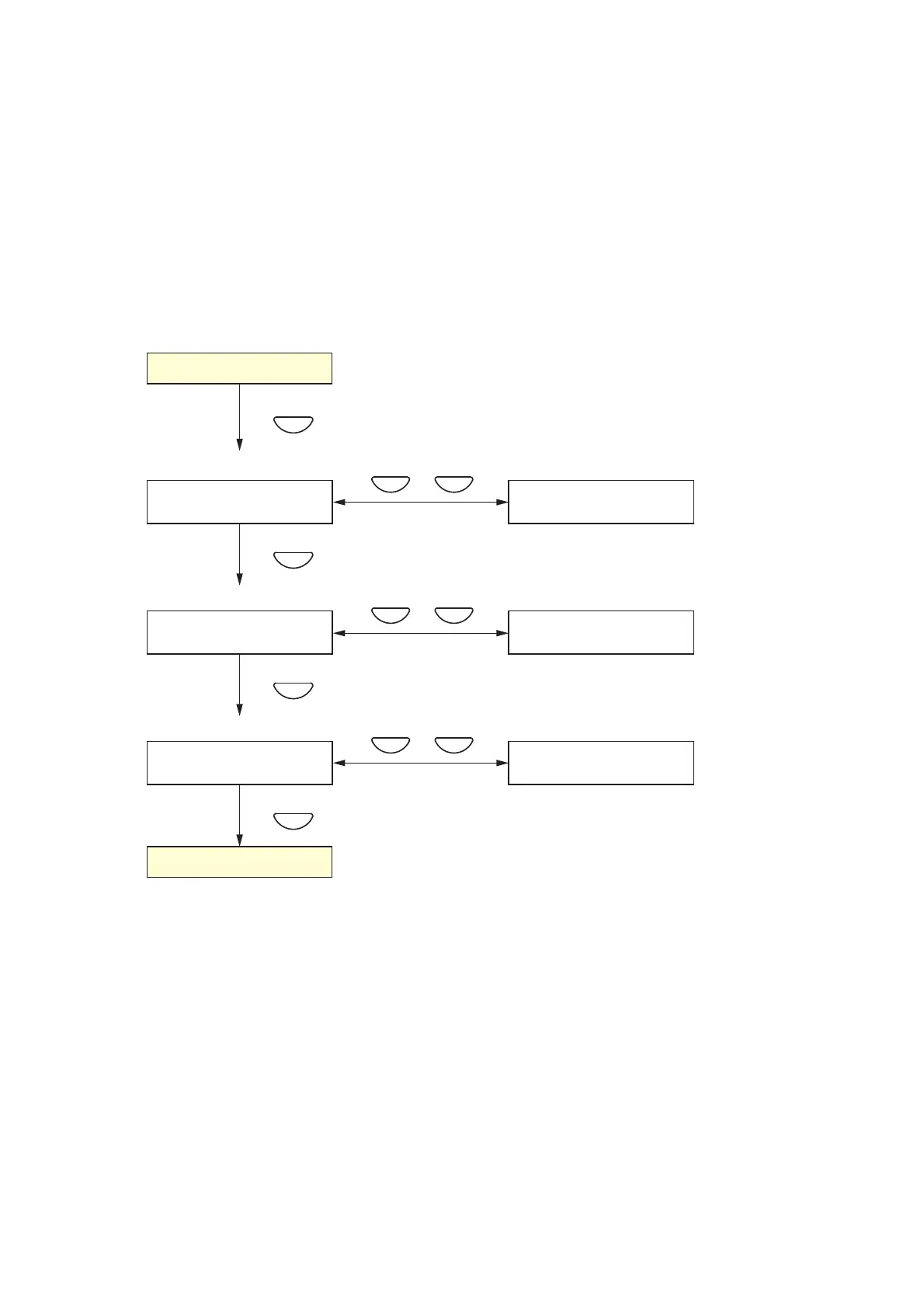
10.8.1. BGM setting hierarchical chart
The screens shown on the previous page are only examples and may differ from the actual displays.
The sections in red are the setting items or contents that vary with the operation of the [+] or [–] keys.


Table of Contents

Related product manuals