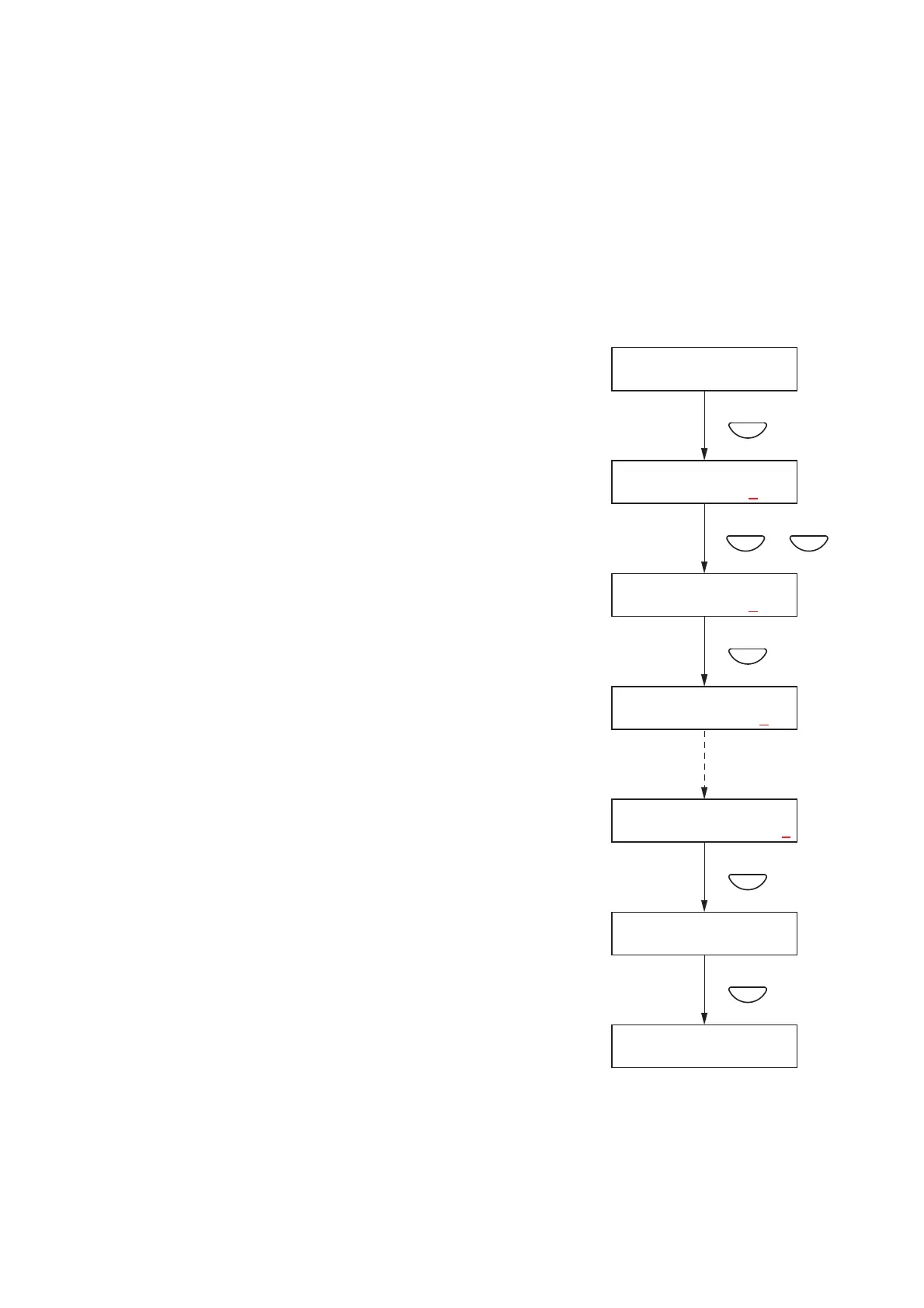
10.3.3. Configuration setting items
The screens shown here are only examples and may differ from the actual displays.
The sections in red are the setting items or contents that vary with the operation of the [+] or [–] key.
[Password settings]
Passwords must be set.
Use only a 4-digit (numerical) number (0001 – 9999) when setting.
No password (display: "0000") is set by default.
Step 1. Press the OK key on the password setting screen.
The screen for setting the password will be displayed.
If a password has already been set, the set password is
displayed.
Note
Pressing the Cancel key returns the display to the original
screen.
Step 2. Enter a password using the [+] and [–] keys.
The underline (_) shown at the leftmost digit indicates the
entry point.
The number increases with the [+] key and decreases with
the [–] key.
Note
Enter "0000" when not using a password.
Step 3. Press the OK key.
The underline moves to the next (right side) digit.
Note
Pressing the Cancel key returns the display to the previous
screen.
Step 4. Repeat Steps 2 and 3 to complete a 4-digit number.
Step 5. Press the OK key when the underline is at the fourth digit to
register the password.
Step 6. Press the Cancel key after setting is complete.
The display reverts to the setting screen.



 To Next Page