29
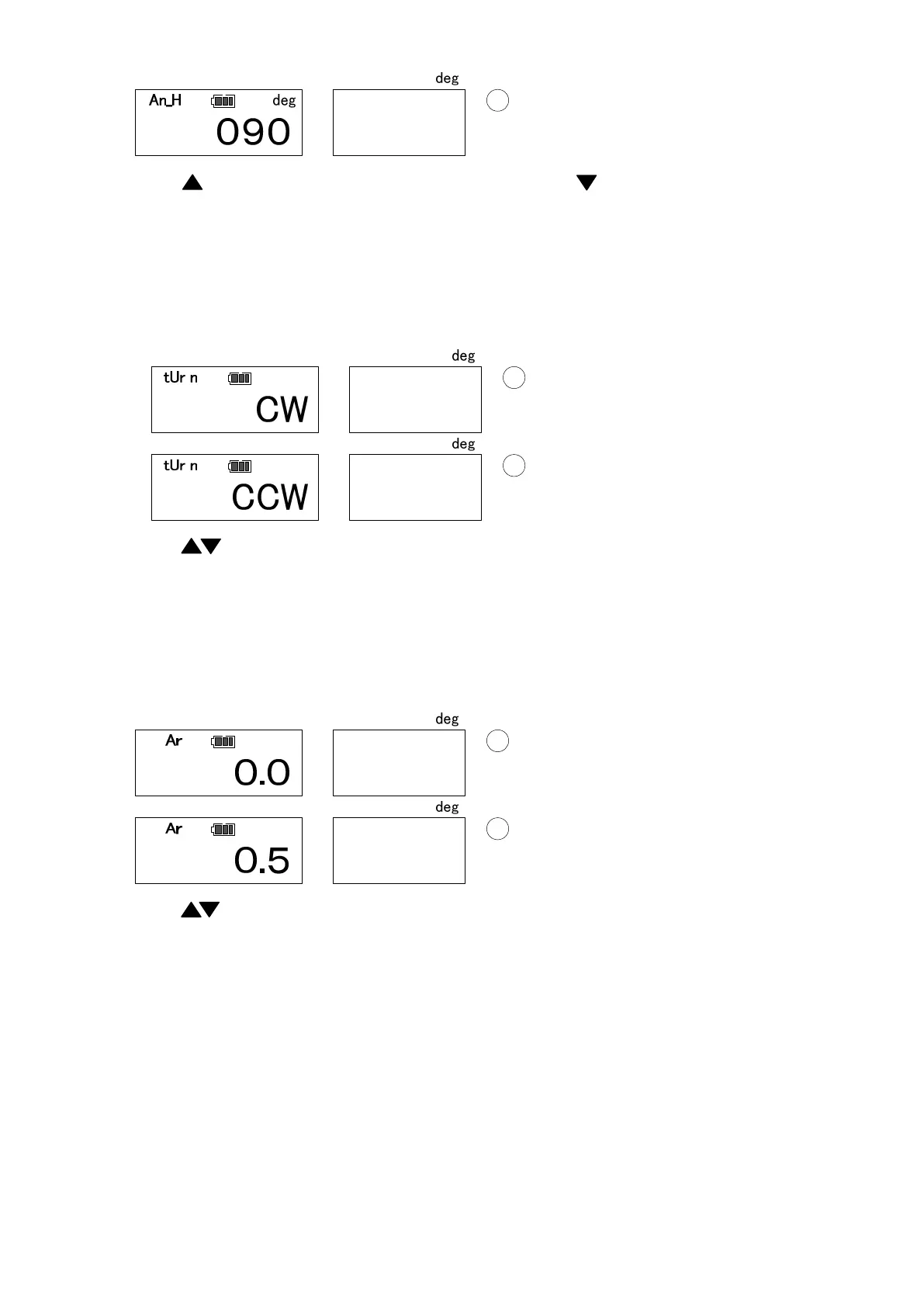
Use key to select the digit, and change values with key. Press MEM key to confirm and
proceed to the next (Press MD key to proceed without saving. Press C key to return to RUN
measuring mode).
● Tightening direction setting (Default: CW)
Set the tightening direction (clockwise/counterclockwise).
Use key to select and MEM key to confirm and proceed to the next.
(Press MD to proceed without saving. Press CD to return to RUN measuring mode).
● Auto memory/reset timer setting (Default: 0.0)
Set the auto memory/reset timer.
If you prefer not to use auto memory/reset timer, set the value to 0.0.
Use key to change values and MEM key to confirm and proceed to the next.
(Press MD key to proceed without saving. Press C key to return to RUN measuring mode.)


 To Next Page