2.3 Power on And Off
Power on: Press and hold the power button for 3 seconds until the buzzer "beeps".
Release the button, the device starts to power on, and the panel light flashes. The
device will not start until the buzzer emits a "beep" 3 times.
Shutdown: Press and hold the power button for 3 seconds until the buzzer
"beeps". Release the button and the device starts to shut down. Unit will power off
until all panel lights go out.
Forced shutdown: In case of unexpected failure, press and hold the power button
for 10 seconds, and the device will automatically shut down.
2.4 Insert A SIM Card
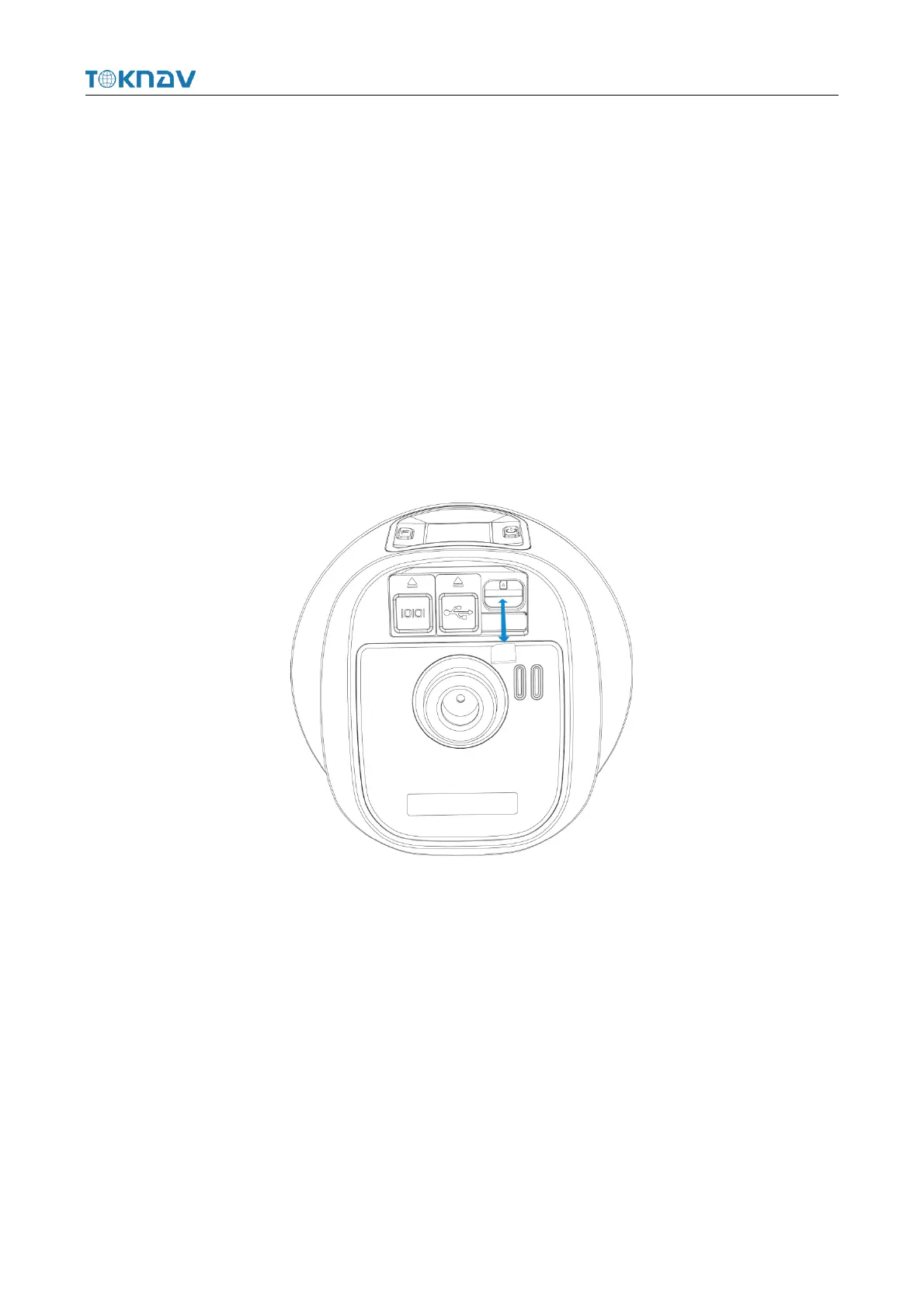
The device supports network working mode. Insert SIM card:
1. Open the rubber cover;
2. Insert the SIM card into the slot according to the instructions (with the chip
facing towards the bottom center and the notch aligned with the card slot);
3. Cover the rubber sleeve.
2.5 Charge the Battery
The device is equipped with a Type-C charger that supports up to 18W PD fast
charging.



 To Next Page