TokNav Information Technology CO., LTD.
Ⅱ. T20Pro At a Glance
The body of the T20Pro is designed with magnesium alloy material, which is
durable and has better heat dissipation effect, and weighs only 900g. It supports IP68
dustproof and waterproof, and can work continuously for 20 hours when fully charged.
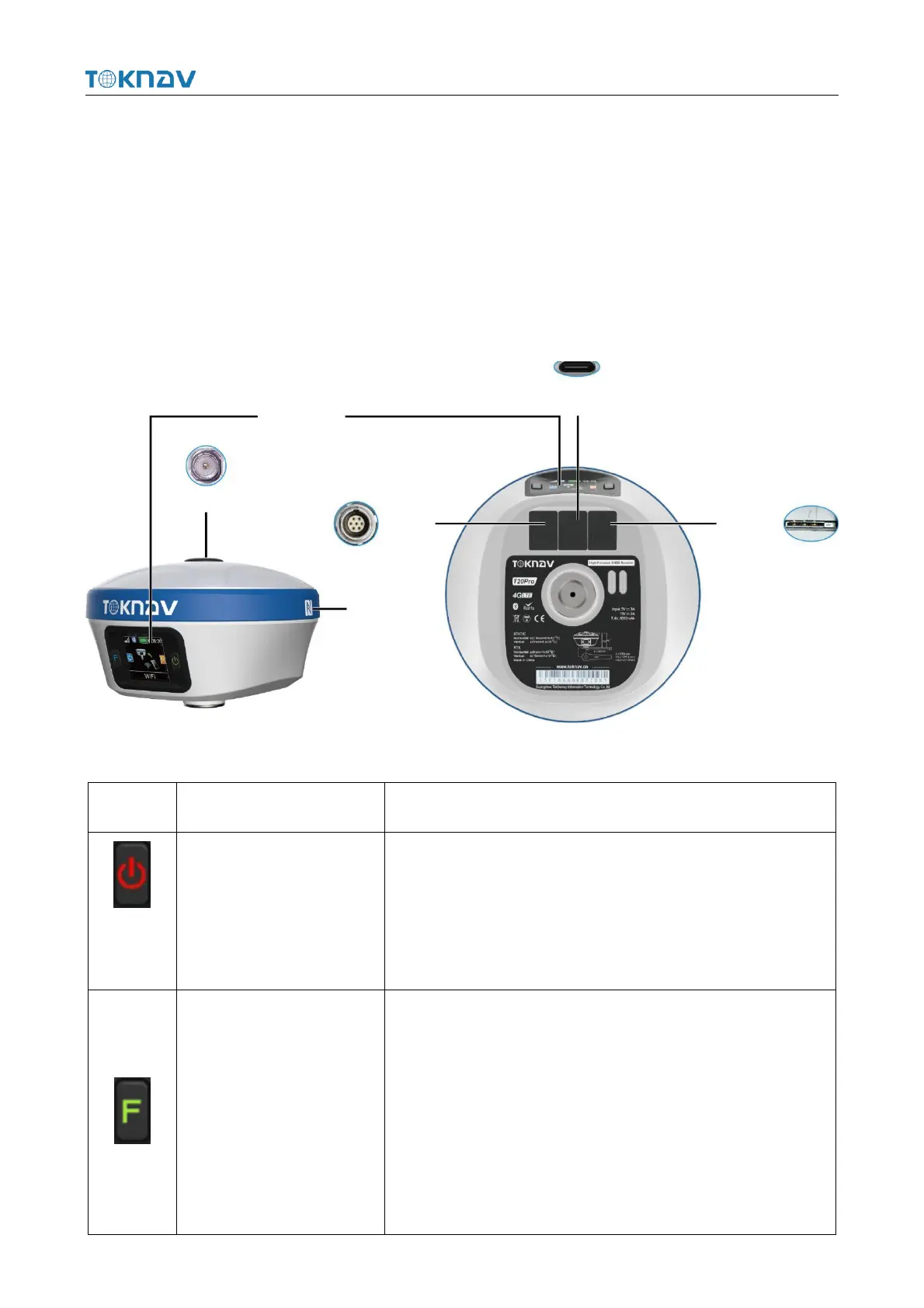
2.1 Appearance
The main body of T20Pro is as follows:
1.Battery level broadcast
2.On/Off Key
3.Configure confirmation
Short press to broadcast power;
Long press to turn on/off;
Short press to confirm the configuration item in configuration
mode.
After booting:
Short press to broadcast working status
Long press to enter configuration mode
In configuration mode:
Short press to switch configuration items
Long press to cancel the configuration



 To Next Page