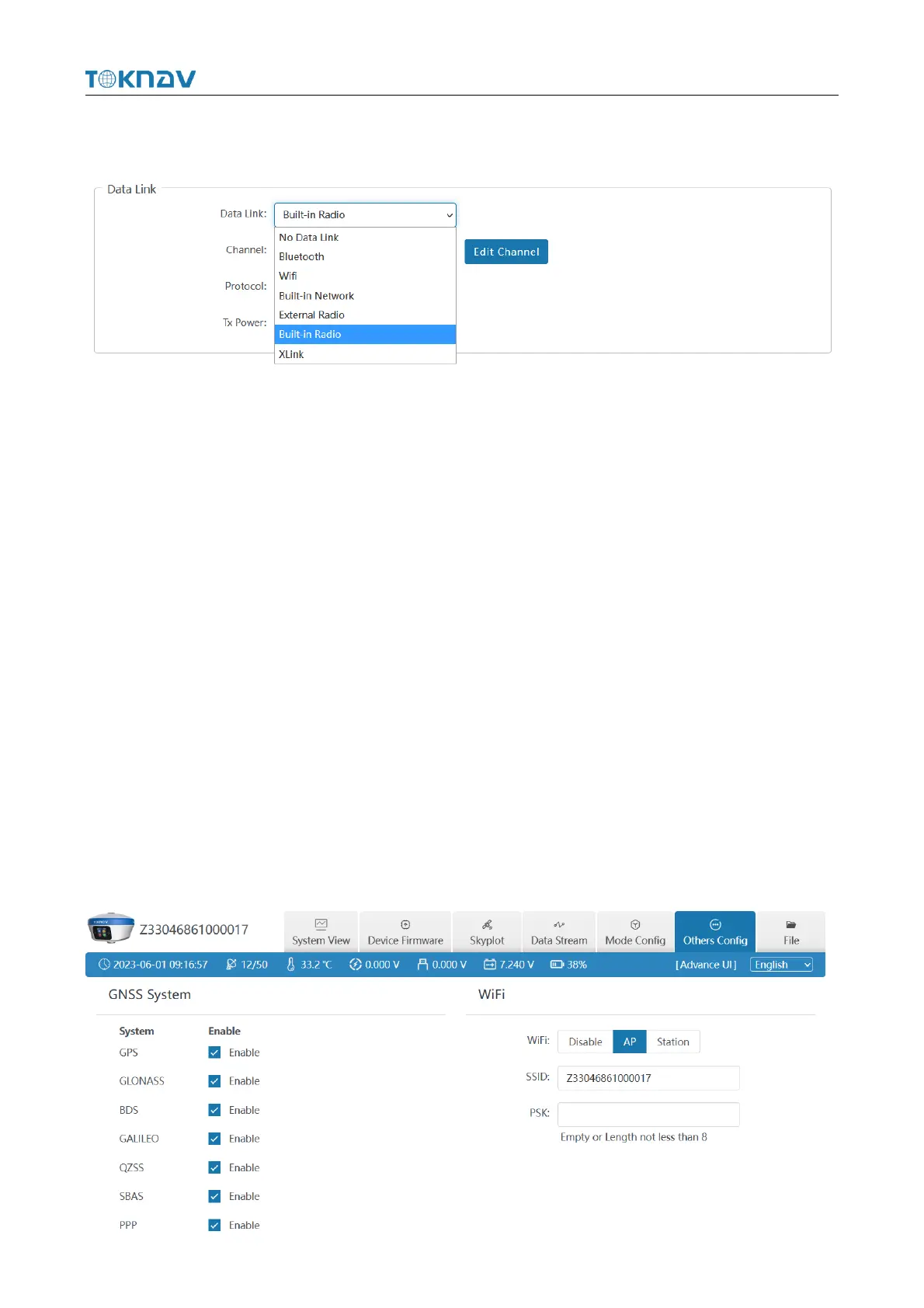
② Data link: You can choose No Data link/ Bluetooth/ Wifi/ Built-in
Network/ Built-in Radio/ External Radio/ XLink.
1. Bluetooth: the device obtains the differential data of tSurvey software
accessed by the manual network through Bluetooth connection to the manual;
2. Built-in Network: the device receives or sends data through the built-in
network. To select this data link, first insert the SIM card into the device;
3. Built-in Radio: the device receives data through the built-in radio. To select
this data link, first connect the radio antenna to the device.
3.6 Others Config
① GNSS System: The small box behind a single point can turn on or off the
corresponding satellite system;
② WIFI: You can choose three types of Disable/AP/Station, and you can set
the WIFI name and password by yourself;
Note: when the device WIFI is used as the Station, you can access the network
by entering the name and password of the external hotspot.



 To Next Page