It takes 4 hours to fully charge the battery:
1. Red light: The battery is charging.
2. Green indicator light: The battery is fully charged.
To charge the battery, open the type-C cover, connect one end of the data cable
to the type-C interface, and the other end to the charger.
Note: For the safety of your device, please use the standard adapter in the
package or a 3C-certified brand adapter to charge the host.
2.6 Install the Radio Antenna
The antenna is required when the datalink is set to internal radio.
To attach radio antenna, open the cover of UHF radio and install the radio
antenna.
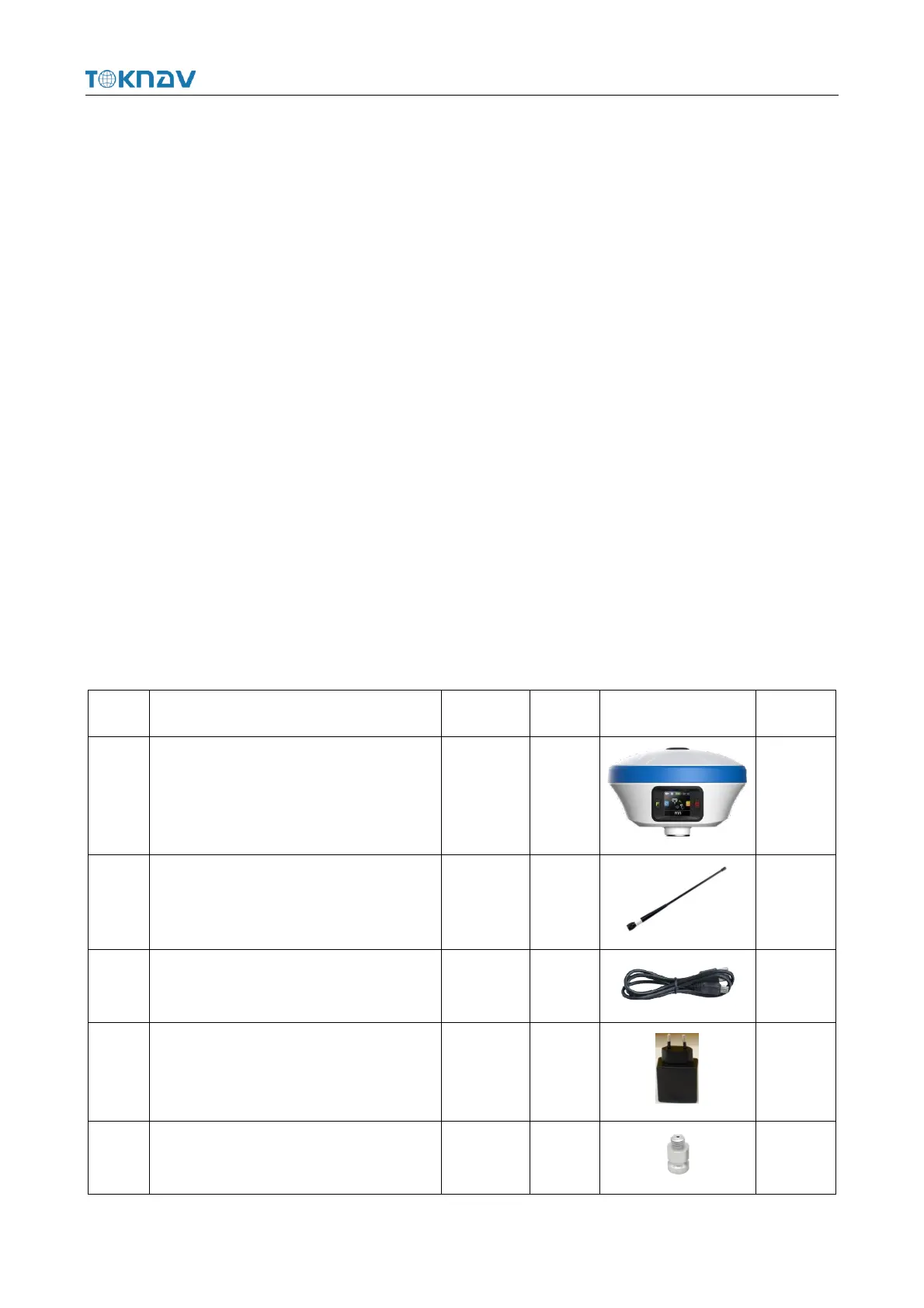
2.7 Packing Checklist
After the user receives and unpacks the box, please press the list in the form to
check whether all accessories and equipment are present.



 To Next Page